



Player Particles for Minecraft 1.21.8
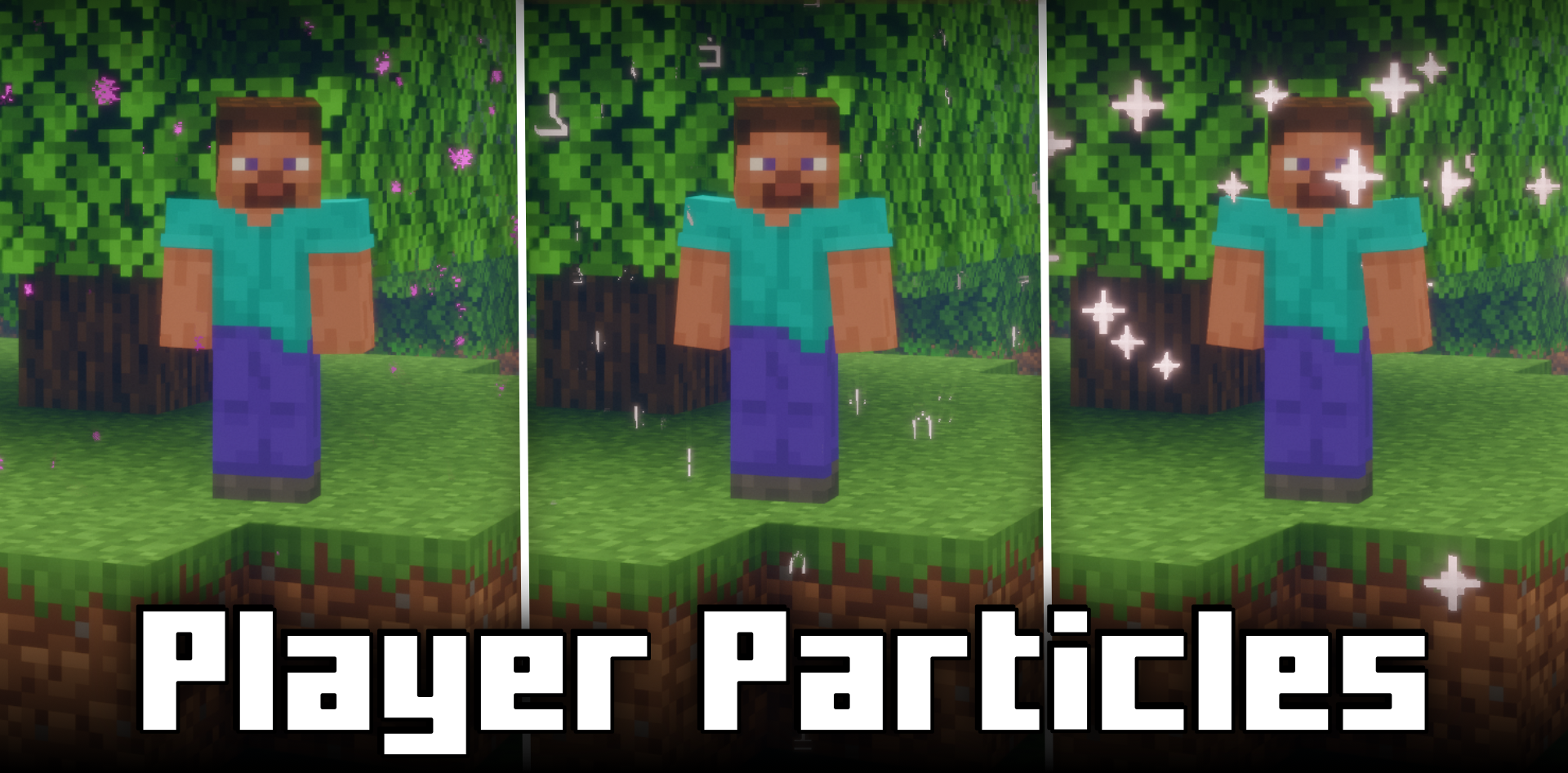
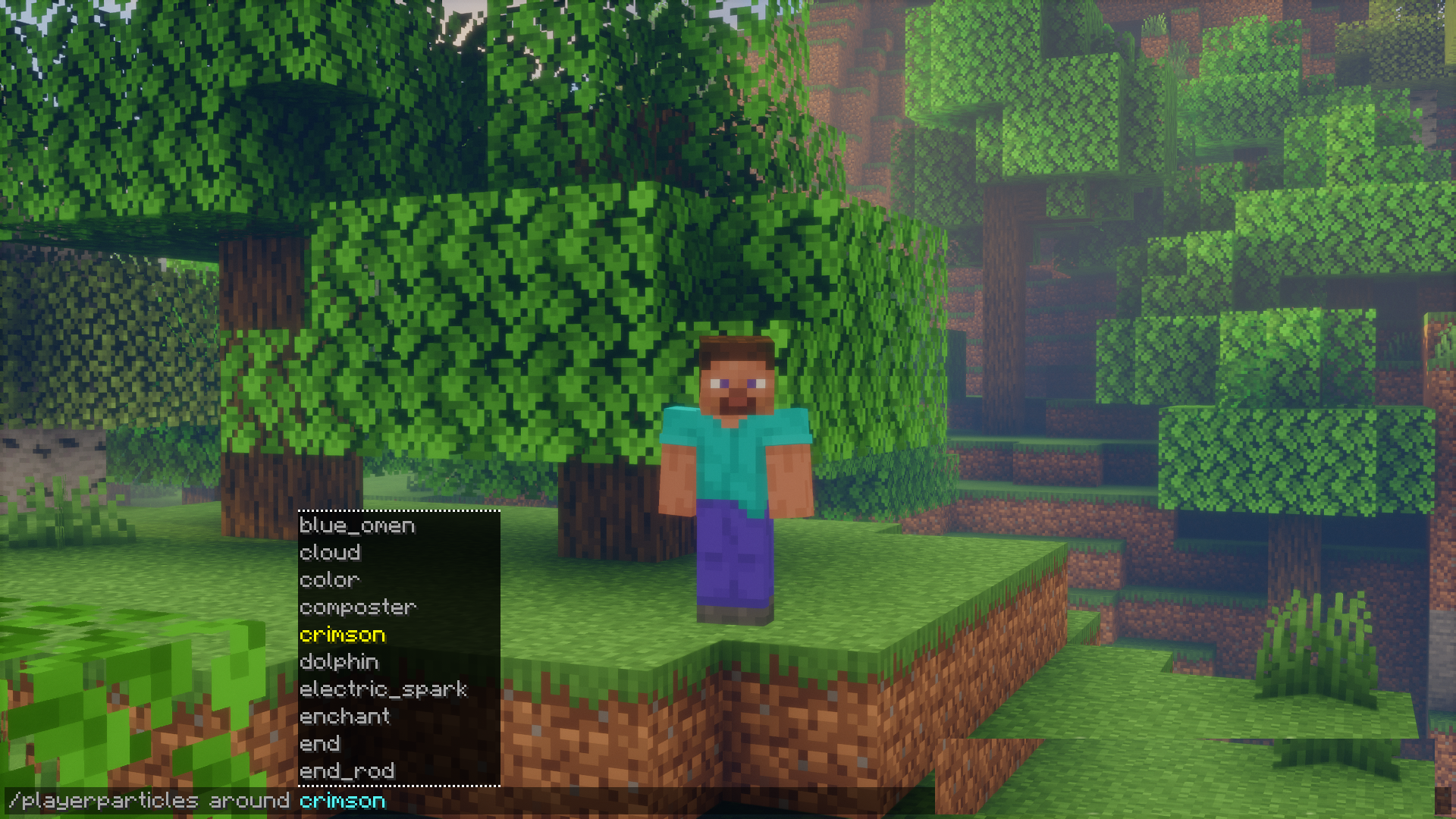
When you want to stand out among other players, simple skins are no longer enough. Player Particles turns your character into a “walking animation,” letting you choose almost any particles — from the mesmerizing glow of an enchantment table to campfire smoke. The player can configure the effect’s position — above the head, around, or under the feet. The controls are simple and intuitive: a few commands enable, disable, or reset particle slots.
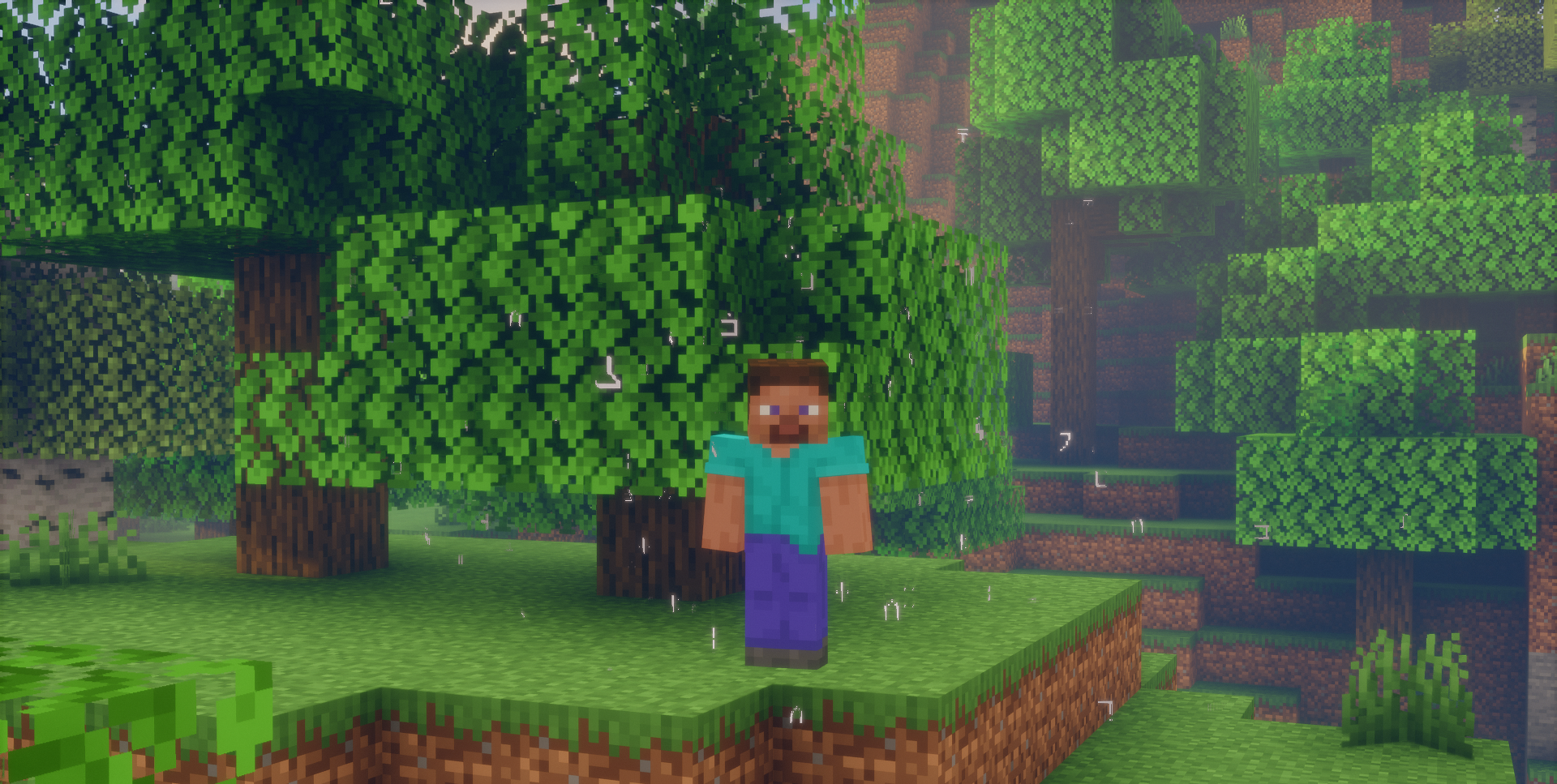
Moreover, you can turn off other players’ particles if they’re distracting. As a result, each player gains a tool of self-expression, turning the surrounding space into a living visual signature.
How to install the modification:
First step: download and install Fabric и Fabric API.
Second step: download the mod file.
Third step: copy Player Particles mod package to the .minecraft/mods folder (if it does not exist, install Forge again or create it yourself).
Comments (0)