



Bliss for Minecraft 1.21.10

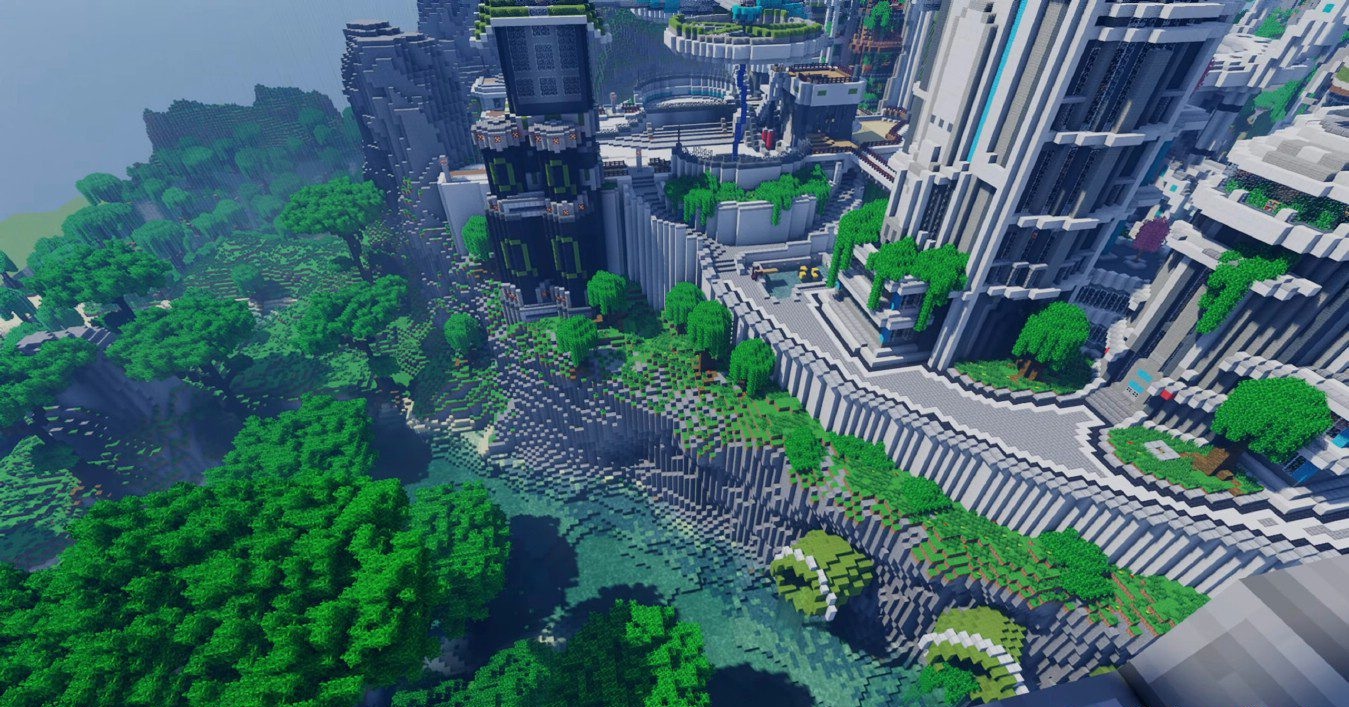
What’s impressive is how Bliss Shaders sets the atmosphere from the very first minutes of gameplay: the world practically breathes thanks to the dynamic sky that changes every day. The lighting is soft, and the fog is among the best of all shaders based on Chocapic13. It doesn’t just hide the render distance — it emphasizes the features of each biome: swamps become darker, jungles richer, and plains brighter.
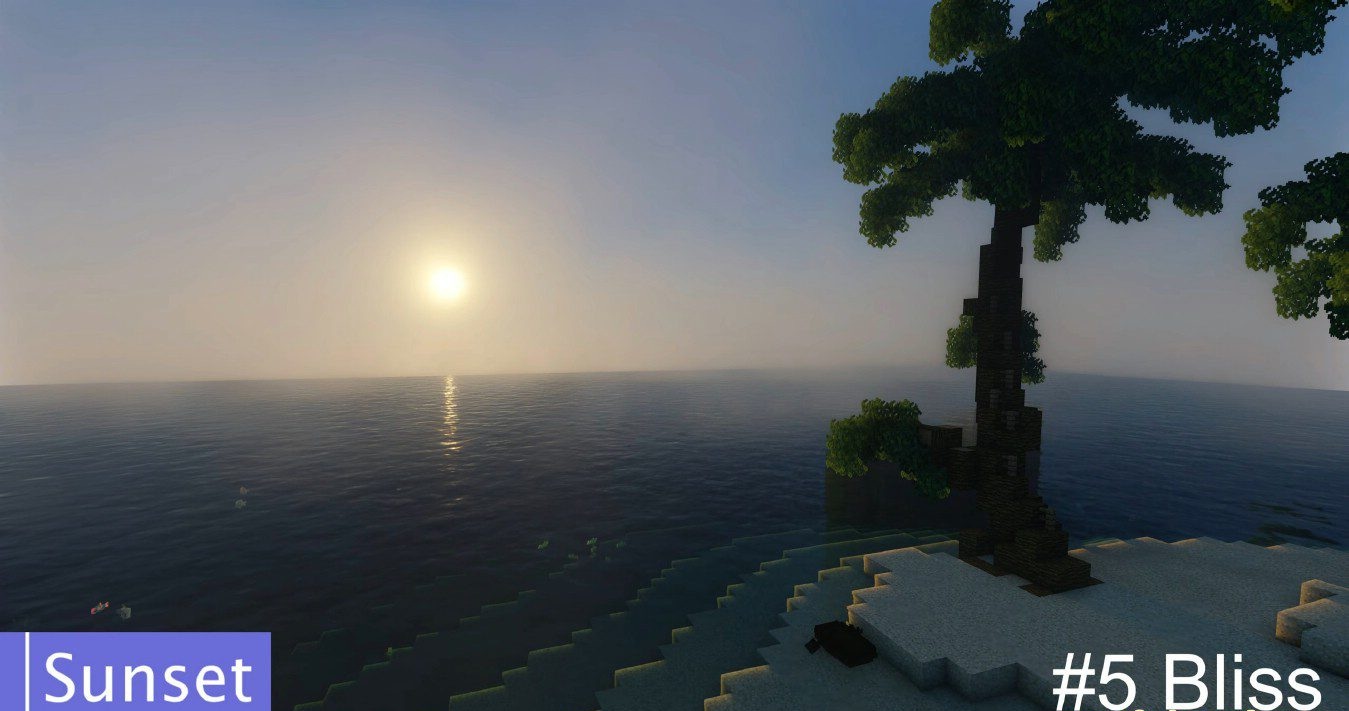
POM and PBR work especially well here, particularly when combined with high-detail textures. Realistic cloud shadows give a true sense of weather. This add-on is perfect for those who create cinematic scenes or simply want a deeper, more atmospheric Minecraft without losing its original style.
How to install a shader:
First step: download the shader package from the link below.
Second step: Unpack the downloaded archive and copy the Bliss folder to c:\Users\User\AppData\Roaming\.minecraft\shaderpacks\(if this folder does not exist, create it yourself) (For Windows)
Third step: In the game, go to Settings, then to Graphics Settings. Select the "shaders" section and activate the shader pack of your choice.
Comments (7)