



Complementary Shaders for Minecraft 1.21.10
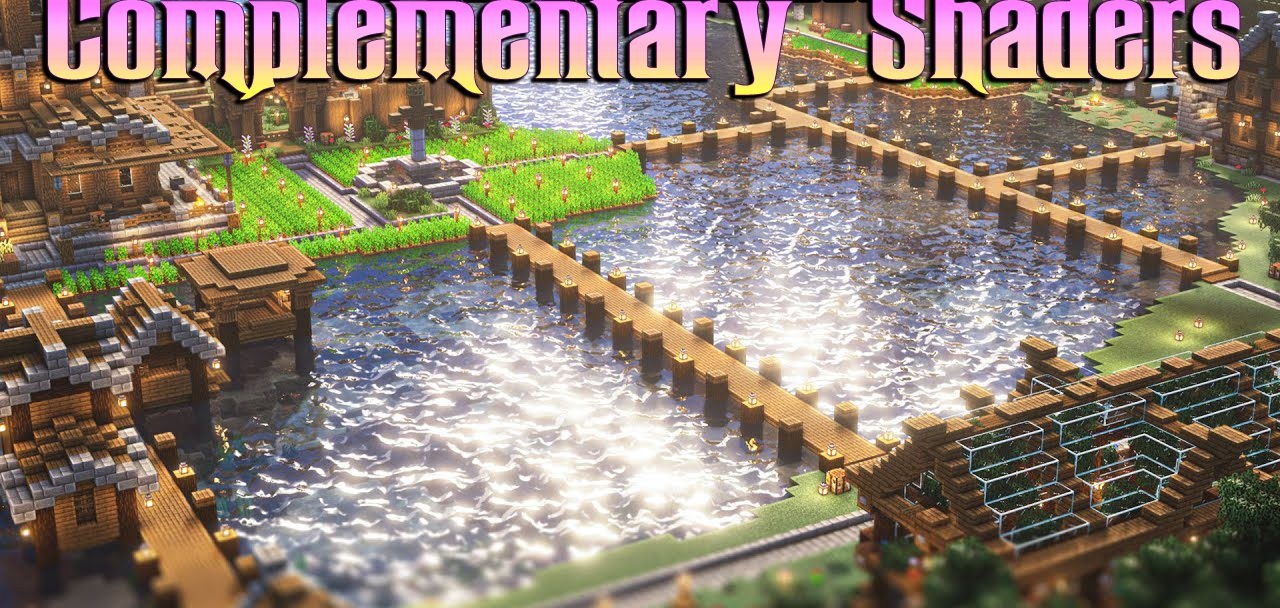
In a game world, there is always room for subtle improvements, and this is exactly the role Complementary Shaders play. They do not try to radically change the game; instead, every touch is applied delicately, with respect for the original style. Lighting becomes more voluminous, shadows softer, and night fog thickens to the point where it feels almost tangible.
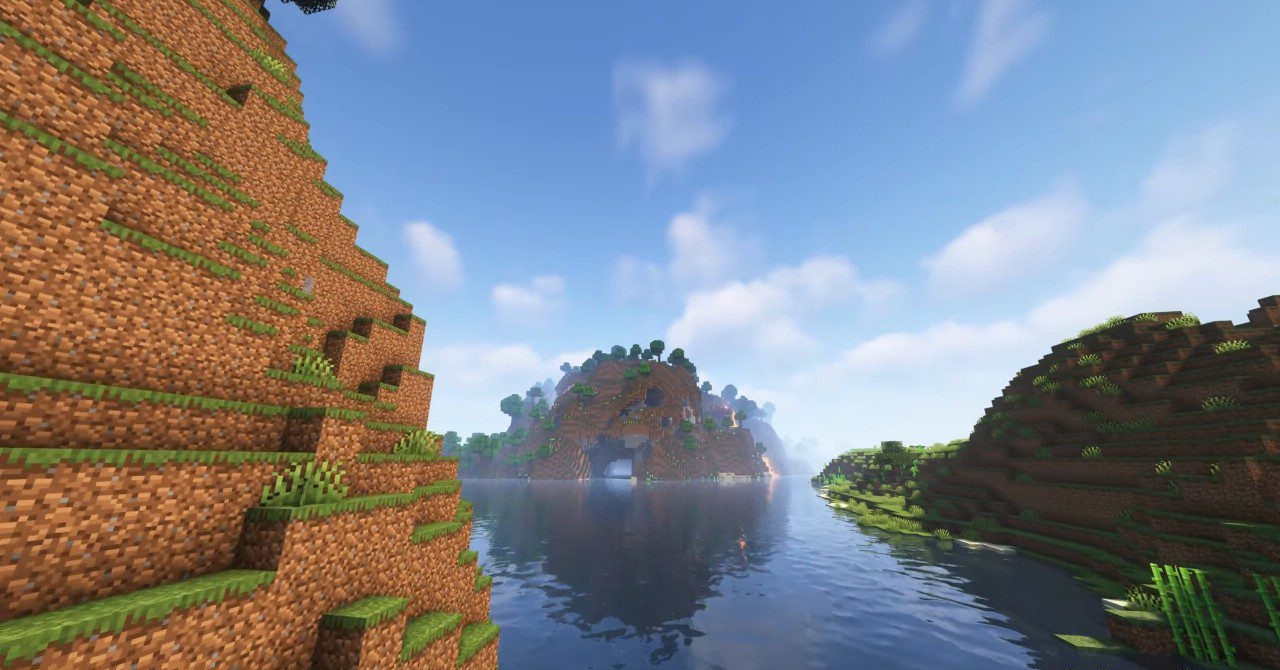
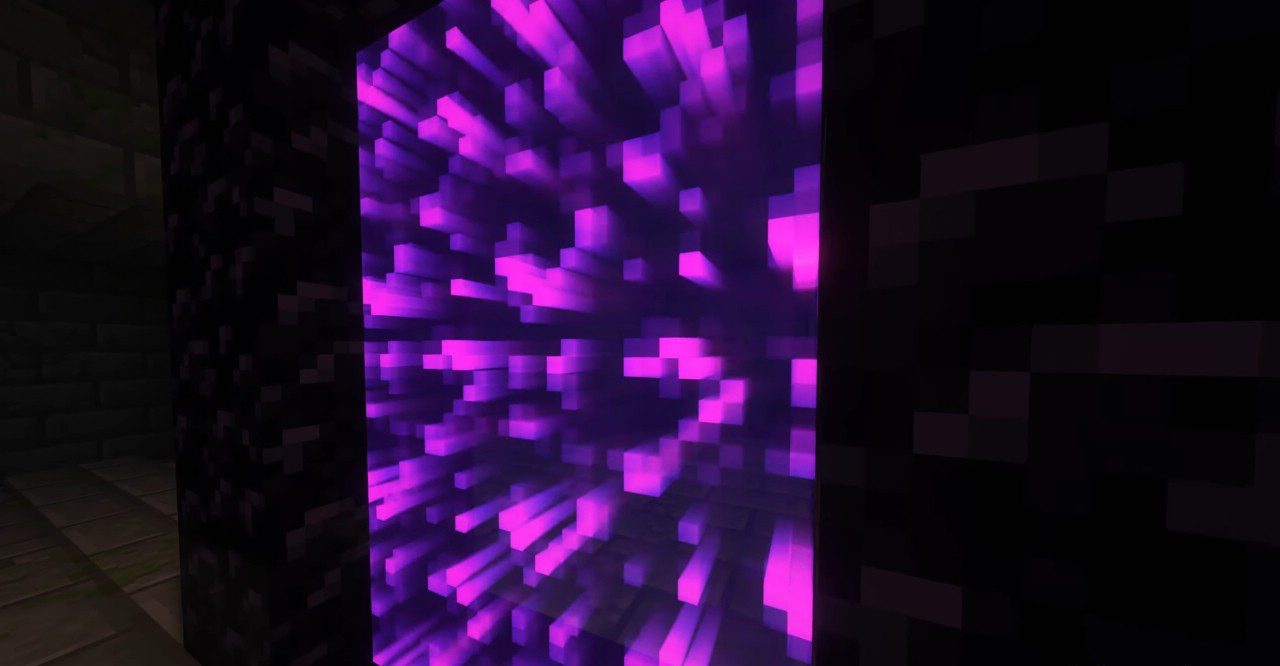
Moonlight reflections look alive—warm or cold depending on the biome. Glowing blocks in the darkness emphasize the contours of caves, creating a sense of natural depth. Altogether, this gives rise to a calm yet expressive atmosphere in which even familiar places seem full of new details.
How to install a shader:
First step: download the shader package from the link below.
Second step: Unpack the downloaded archive and copy the Complementary Shaders folder to c:\Users\User\AppData\Roaming\.minecraft\shaderpacks\(if this folder does not exist, create it yourself) (For Windows)
Third step: In the game, go to Settings, then to Graphics Settings. Select the "shaders" section and activate the shader pack of your choice.
Comments (0)