



Complementary Unbound Shaders for Minecraft 1.21.10
The visual identity of the game changes noticeably when Complementary Unbound Shaders are enabled. This pack feels like a cohesive, well-thought-out world where every effect is connected to another. Clouds are now fully volumetric: they move in layers, create depth, and convey the feeling of a real sky. The Nether gains a living structure—billowing smoke and an “infernal storm” effect add a sense of danger.
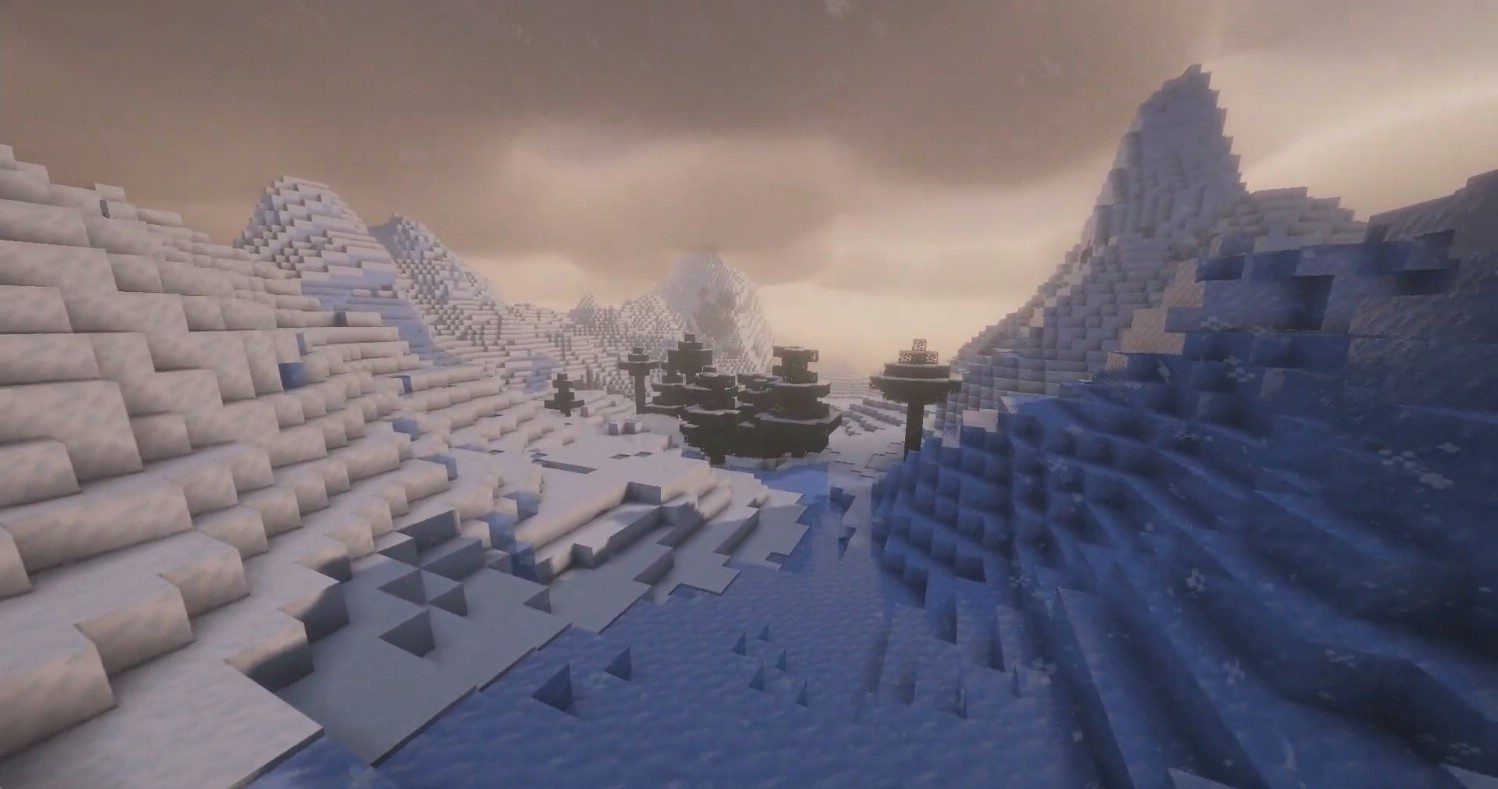
Weather phenomena are also transformed: rain gains a wave-like texture, snow becomes denser and more realistic, and fog adapts to lighting and biome. Thanks to improved color processing, frames remain balanced even during abrupt weather changes.
How to install a shader:
First step: download the shader package from the link below.
Second step: Unpack the downloaded archive and copy the Complementary Unbound Shaders folder to c:\Users\User\AppData\Roaming\.minecraft\shaderpacks\(if this folder does not exist, create it yourself) (For Windows)
Third step: In the game, go to Settings, then to Graphics Settings. Select the "shaders" section and activate the shader pack of your choice.
Comments (4)