



Continuum Shaders for Minecraft 1.21.10
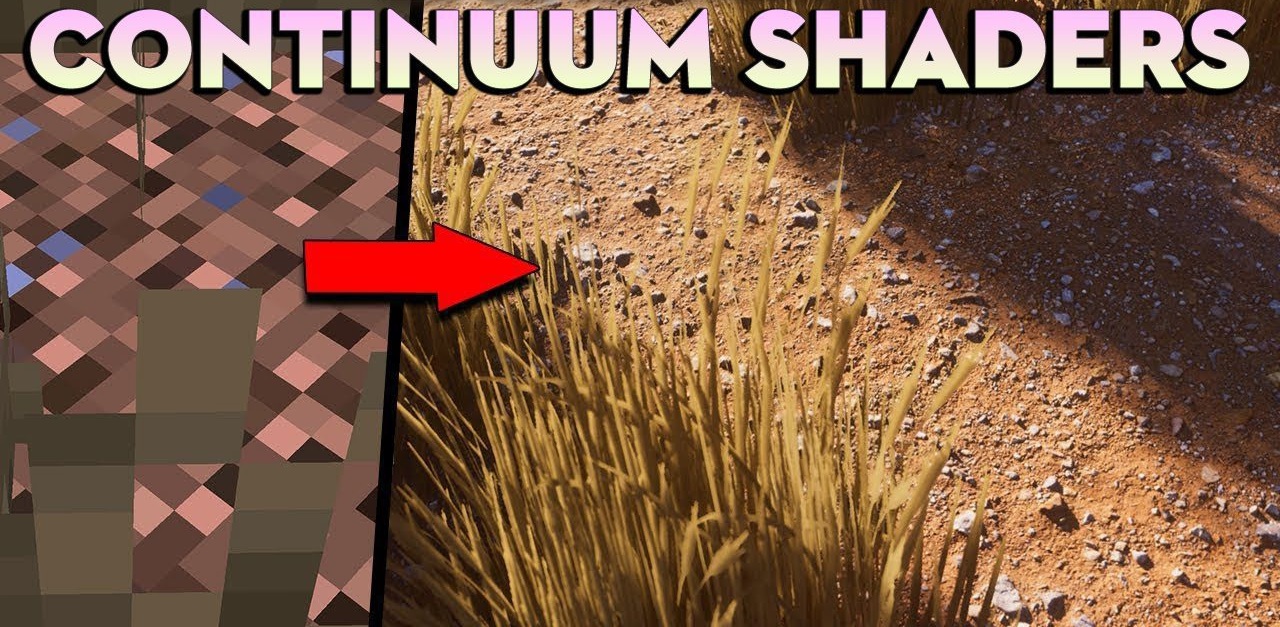
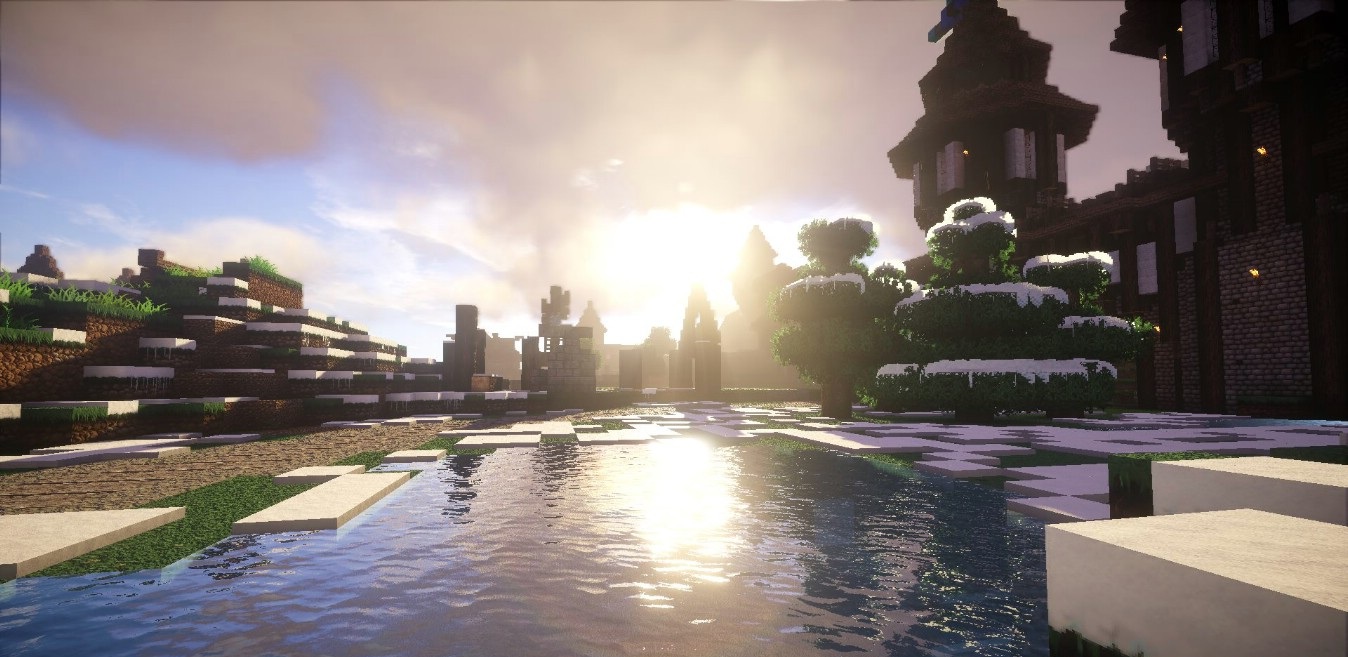
Is it possible to imagine Minecraft looking like a scene from a real movie? Continuum Shaders prove that it is. This pack is designed for powerful machines and unfolds an ultra-realistic world panorama before the player. Sunlight dazzles, clouds drift with three-dimensional depth, and shadows react to distance and terrain structure with the precision of a professional render.
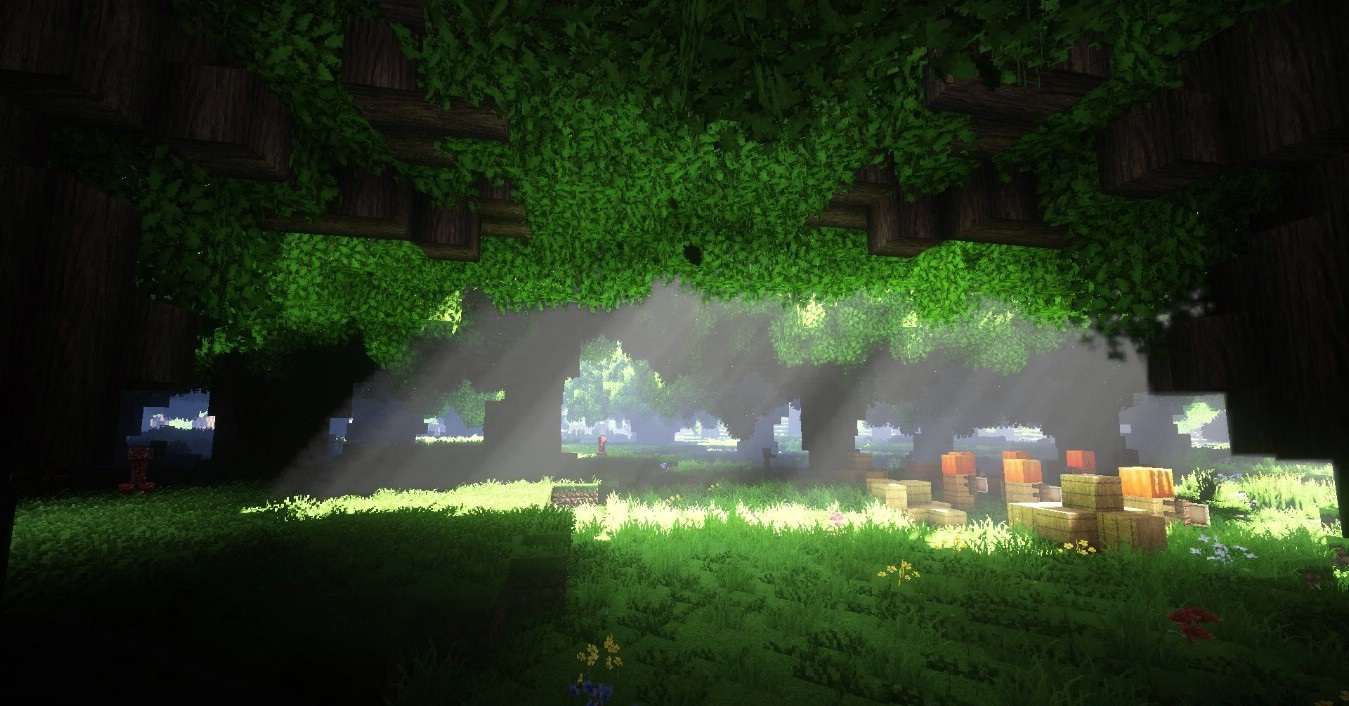
Water surfaces look photorealistic—reflections are deep and calm, making it feel as though lakes truly divide the world in two. Enabled PBR materials, volumetric lighting, SSR, and POM create a complex, cinematic visual language. These scenes force you to see the familiar cubic world in an entirely new way.
How to install a shader:
First step: download the shader package from the link below.
Second step: Unpack the downloaded archive and copy the Continuum Shaders folder to c:\Users\User\AppData\Roaming\.minecraft\shaderpacks\(if this folder does not exist, create it yourself) (For Windows)
Third step: In the game, go to Settings, then to Graphics Settings. Select the "shaders" section and activate the shader pack of your choice.
Comments (11)