



Lagless Shaders for Minecraft 1.21.10
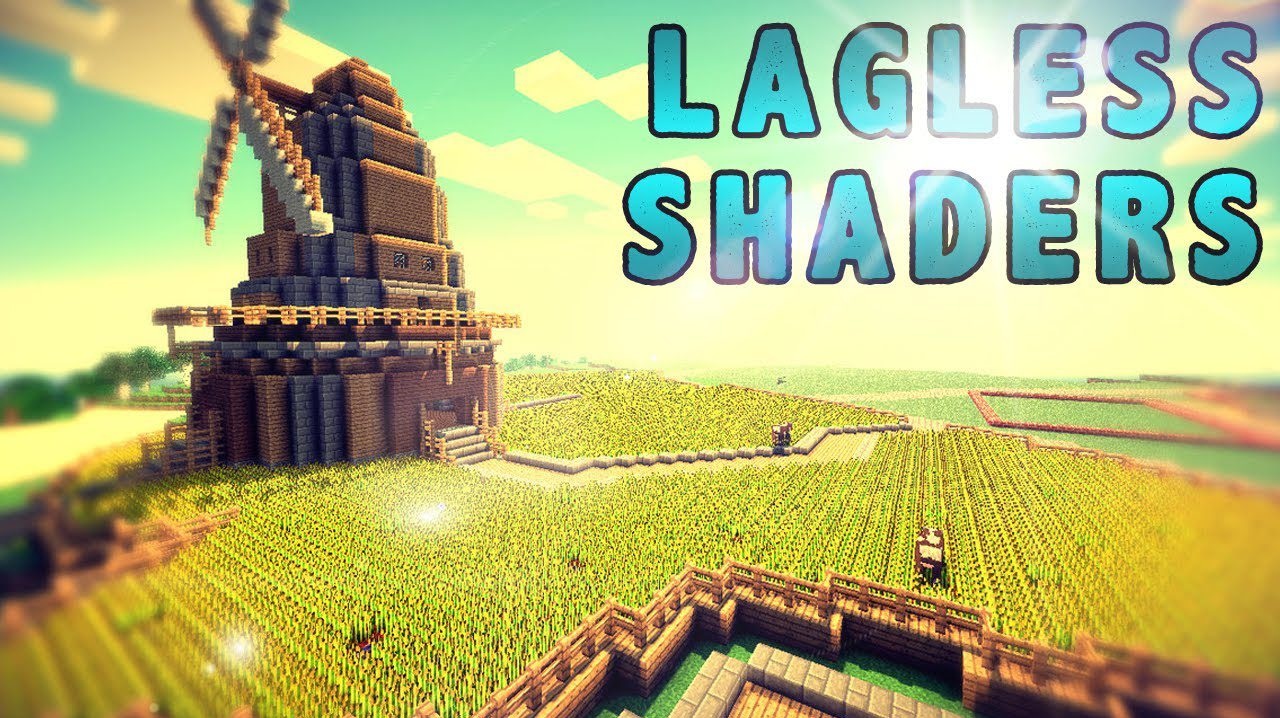
Is it possible to improve the game while completely getting rid of lag? Lagless Shaders confidently answer: yes. This pack was created specifically for those tired of freezes when loading heavy shaders. It is optimized to deliver stable frame rates on almost any computer without reducing image quality.
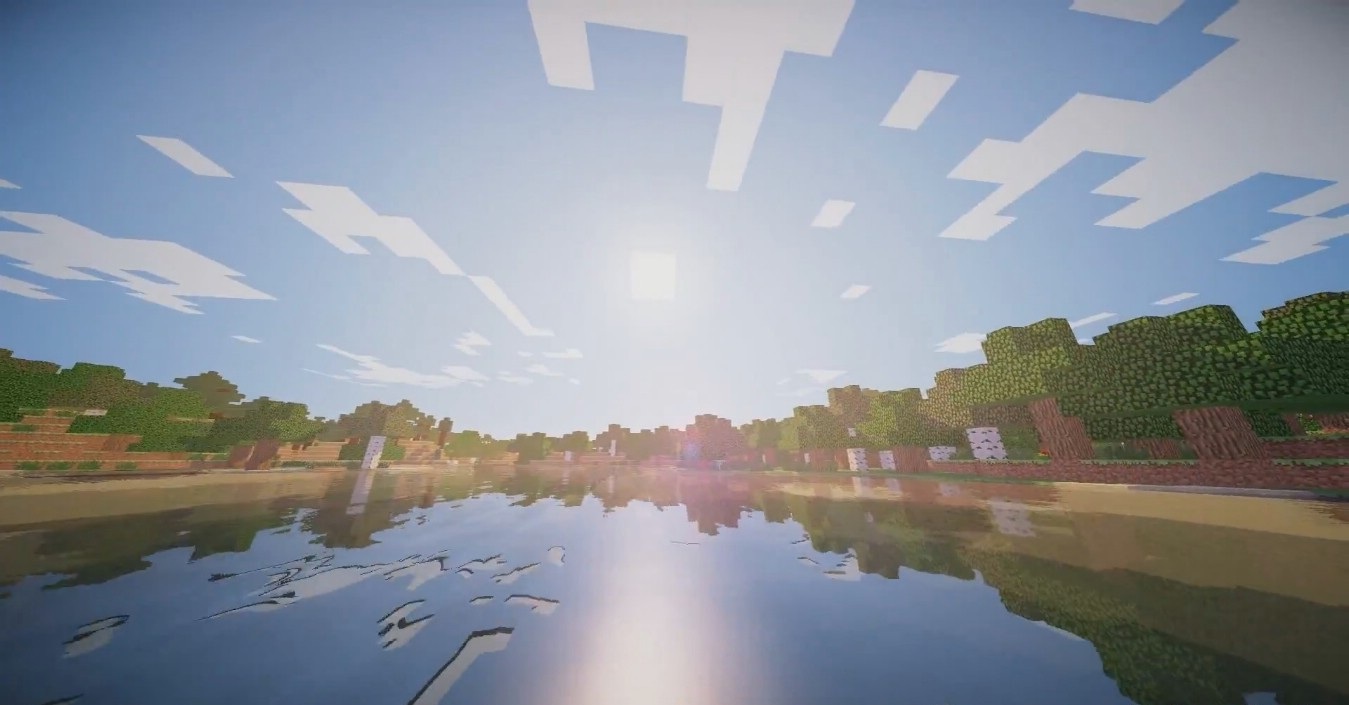
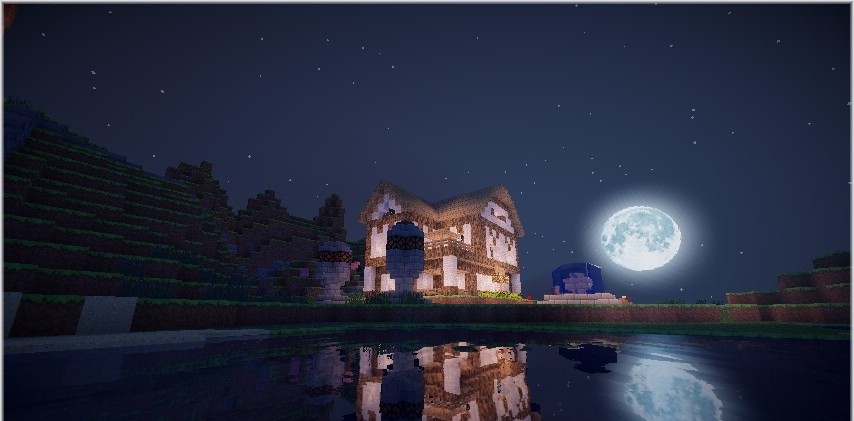
Lighting becomes neater, colors more even, and the overall image cleaner, while performance remains high. Among lightweight packs, this one is considered one of the most popular, as it combines visual appeal with absolute stability.
How to install a shader:
First step: download the shader package from the link below.
Second step: Unpack the downloaded archive and copy the Lagless Shaders folder to c:\Users\User\AppData\Roaming\.minecraft\shaderpacks\(if this folder does not exist, create it yourself) (For Windows)
Third step: In the game, go to Settings, then to Graphics Settings. Select the "shaders" section and activate the shader pack of your choice.
Comments (0)