



Lagless Shaders for Minecraft 1.21.11
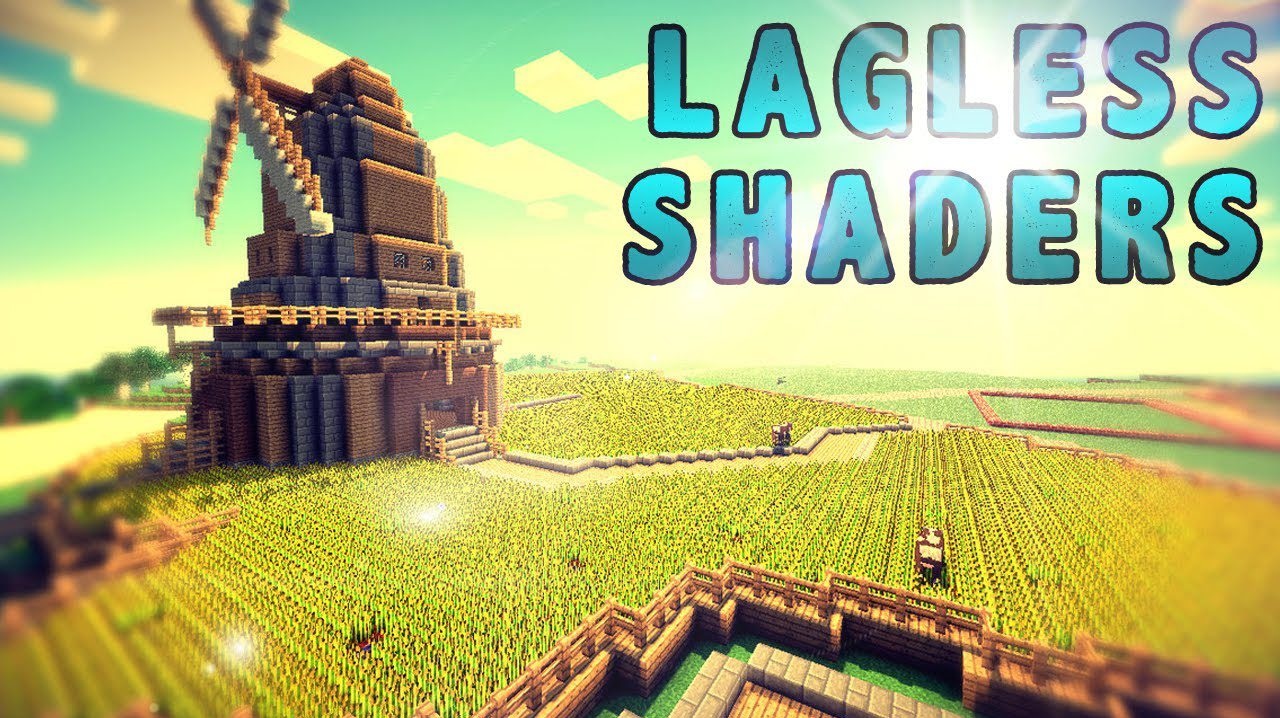
In situations where shaders are desired not for beauty but for stability, Lagless Shaders takes the stage. Its main goal is to make shader loading and performance as light on the system as possible. It minimizes freezes, reduces startup time, and helps avoid sharp FPS drops. This is an excellent option for those who previously could not afford to use shaders at all due to a weak computer.
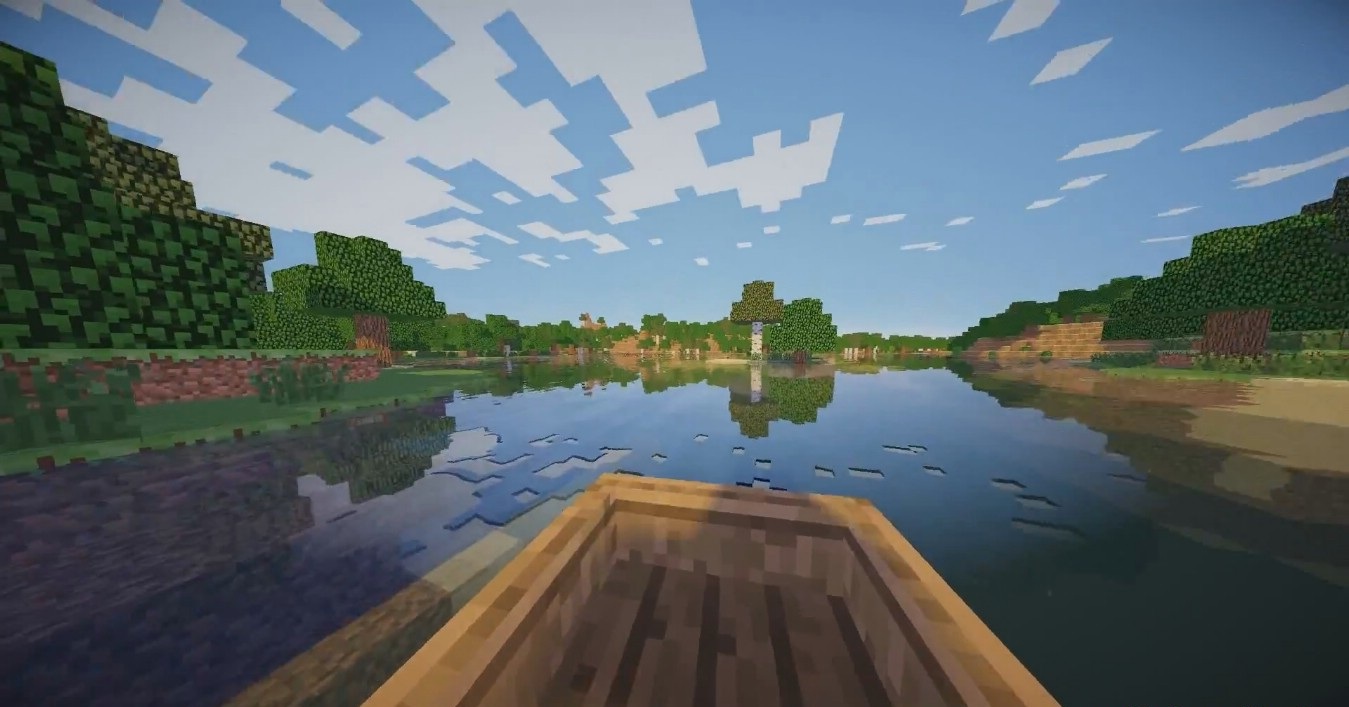
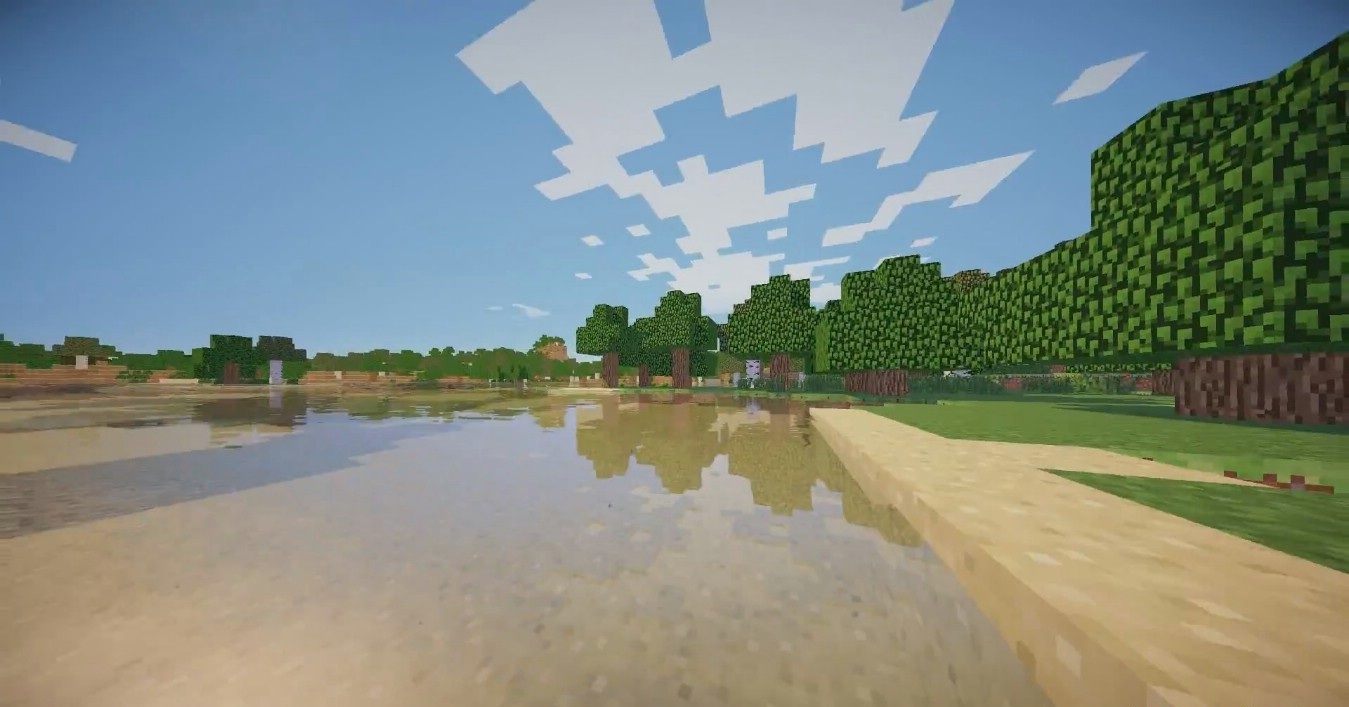
At the same time, basic visual improvements are still present: lighting becomes slightly softer, shadows subtly emphasize object shapes, and the overall image looks a bit more pleasant than vanilla. This shader is focused on comfort and stability above all, without unnecessary load.
How to install a shader:
First step: download the shader package from the link below.
Second step: Unpack the downloaded archive and copy the Lagless Shaders folder to c:\Users\User\AppData\Roaming\.minecraft\shaderpacks\(if this folder does not exist, create it yourself) (For Windows)
Third step: In the game, go to Settings, then to Graphics Settings. Select the "shaders" section and activate the shader pack of your choice.
Comments (0)