



Build Guide for Minecraft 1.21.10
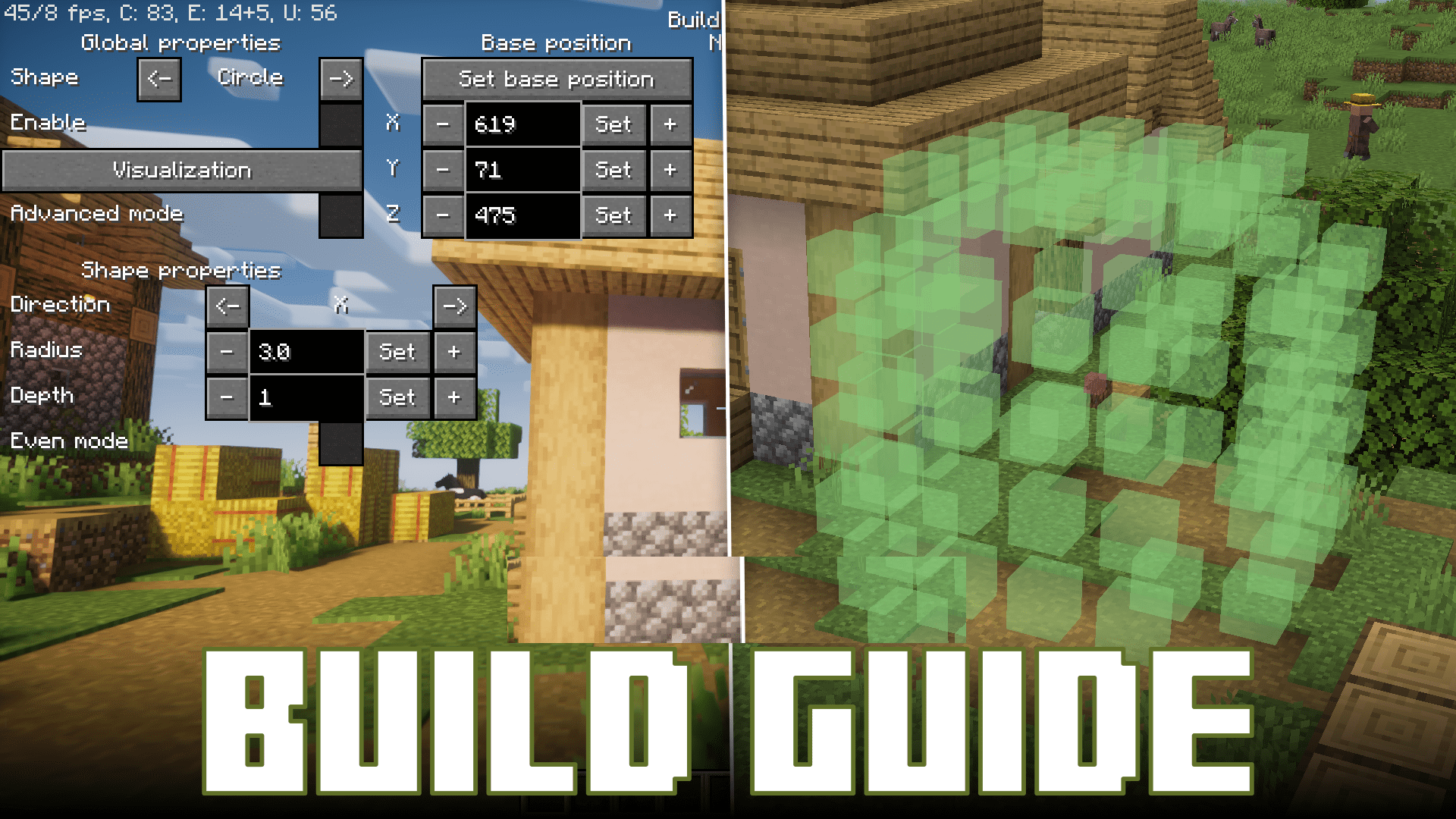
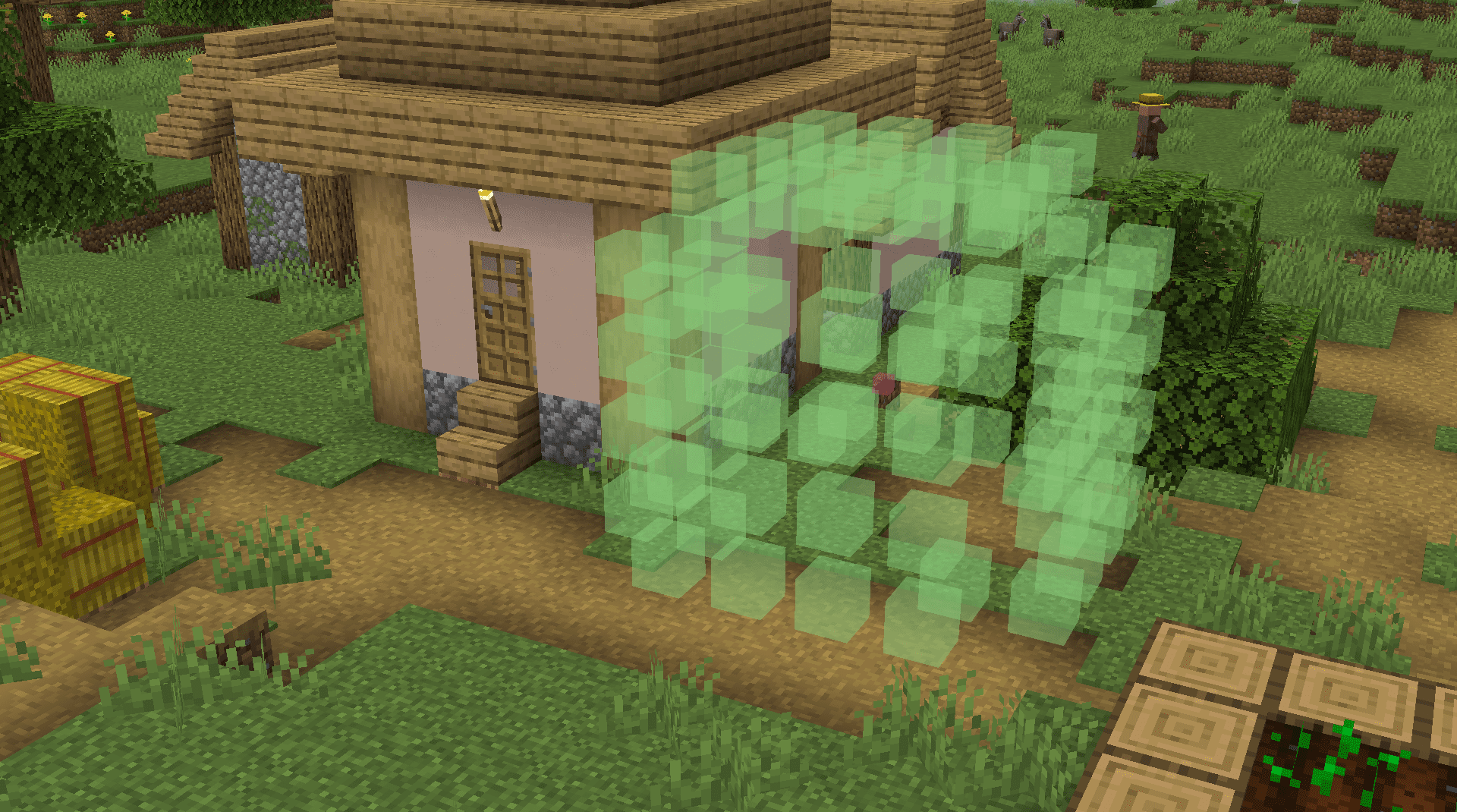
When working with complex shapes — circles, spheres, domes, or large symmetrical structures — Build Guide turns the building process into something clear and understandable. Holographic layouts make it possible to see the future construction before the first block is placed. The interface allows you to configure every figure in detail: change the radius, direction, colors, anchor point, and even visual depth, letting you view the blueprint through other blocks.
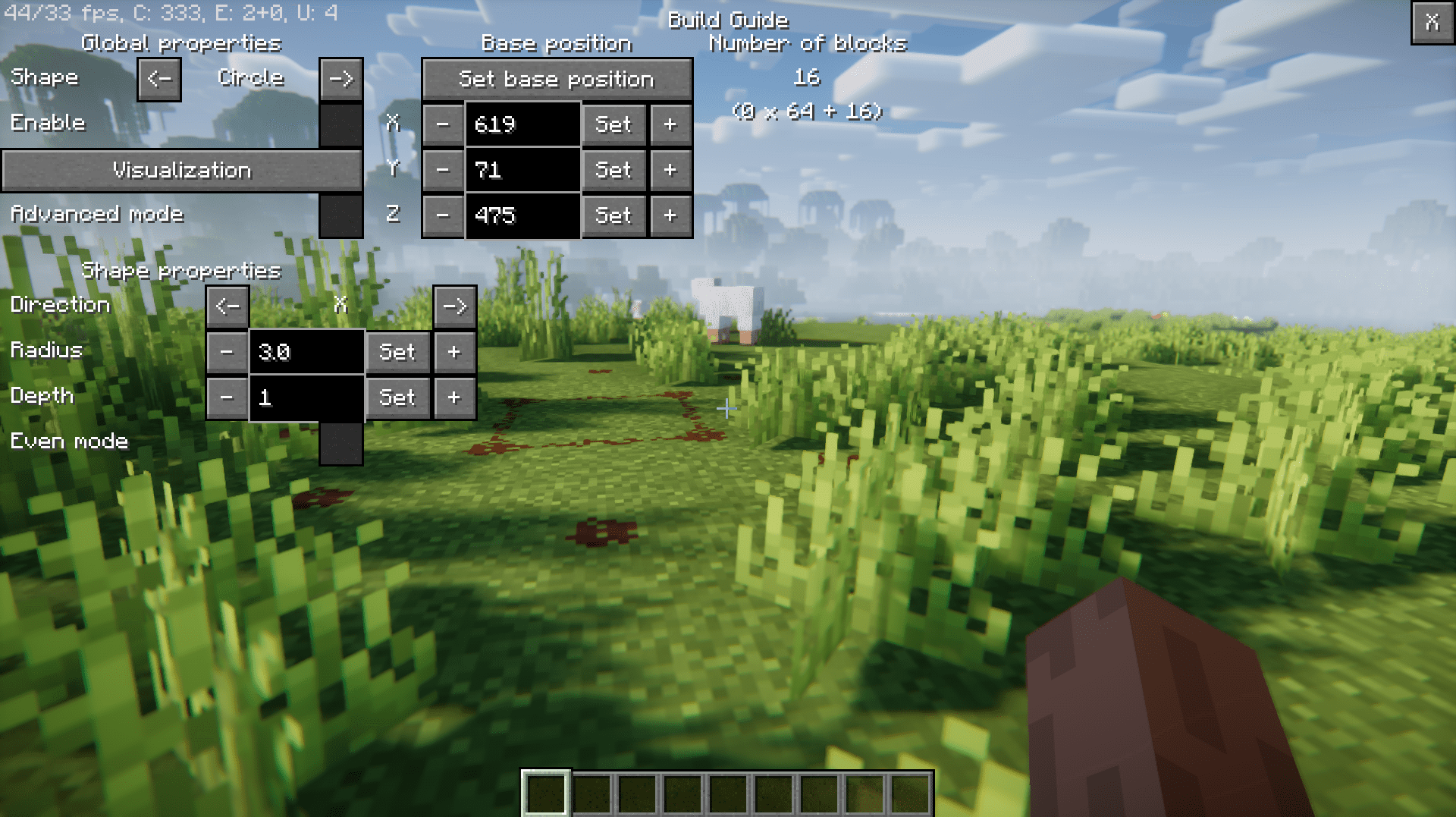
The ability to work with multiple figures at once opens the way to complex multi-level projects. The mod saves hours that would normally be spent fixing mistakes or checking symmetry.
How to install the modification:
First step: download and install Fabric и Fabric API.
Second step: download the mod file.
Third step: copy Build Guide mod package to the .minecraft/mods folder (if it does not exist, install Forge again or create it yourself).
Comments (0)