



TME Shaders for Minecraft 1.21.10
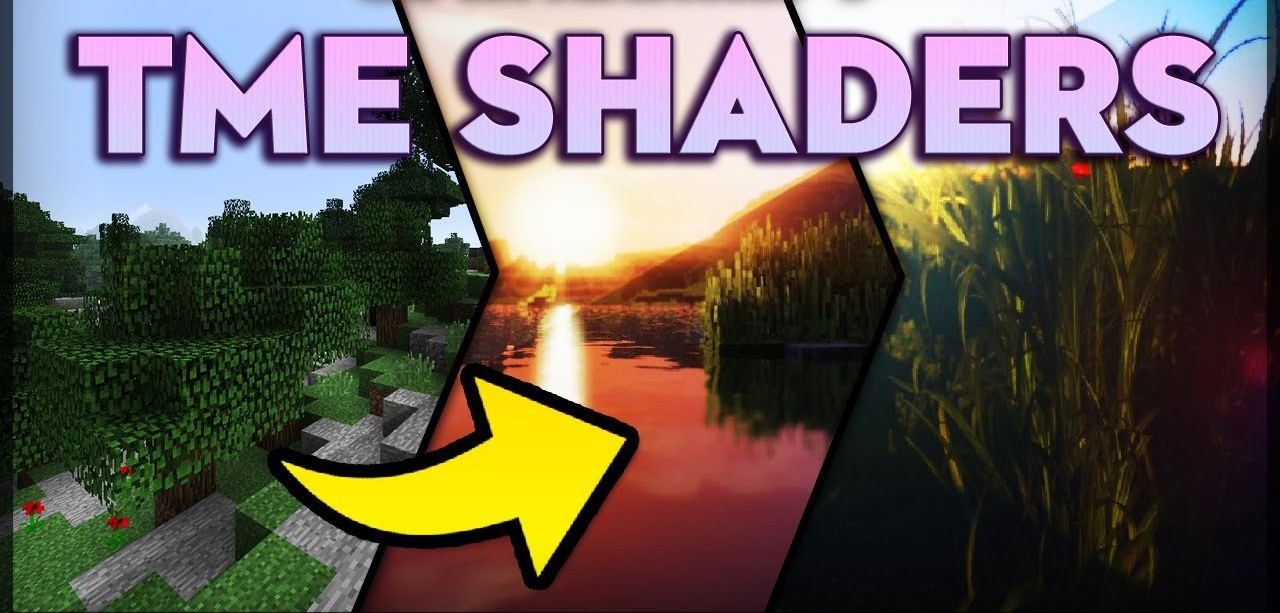
What happens if a shader is created with the goal of “delivering too many effects”? TME Shaders appear—a pack filled with visual intensity. Its clouds are wavy and realistic, as if hand-painted; shadows bend and adapt to the shape of objects; reflections on water look rich and deep. Vegetation sways in the wind, and dynamic lighting creates soft transitions, making it possible to capture stunning screenshots.
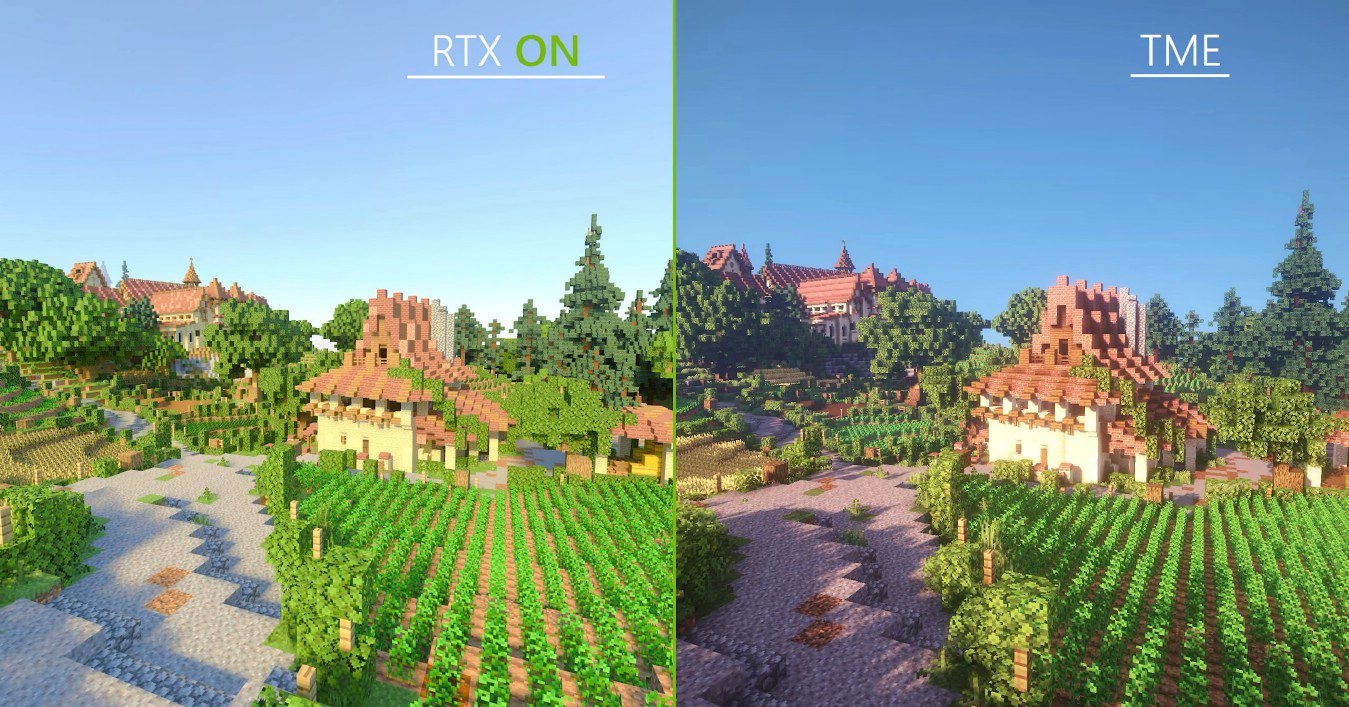
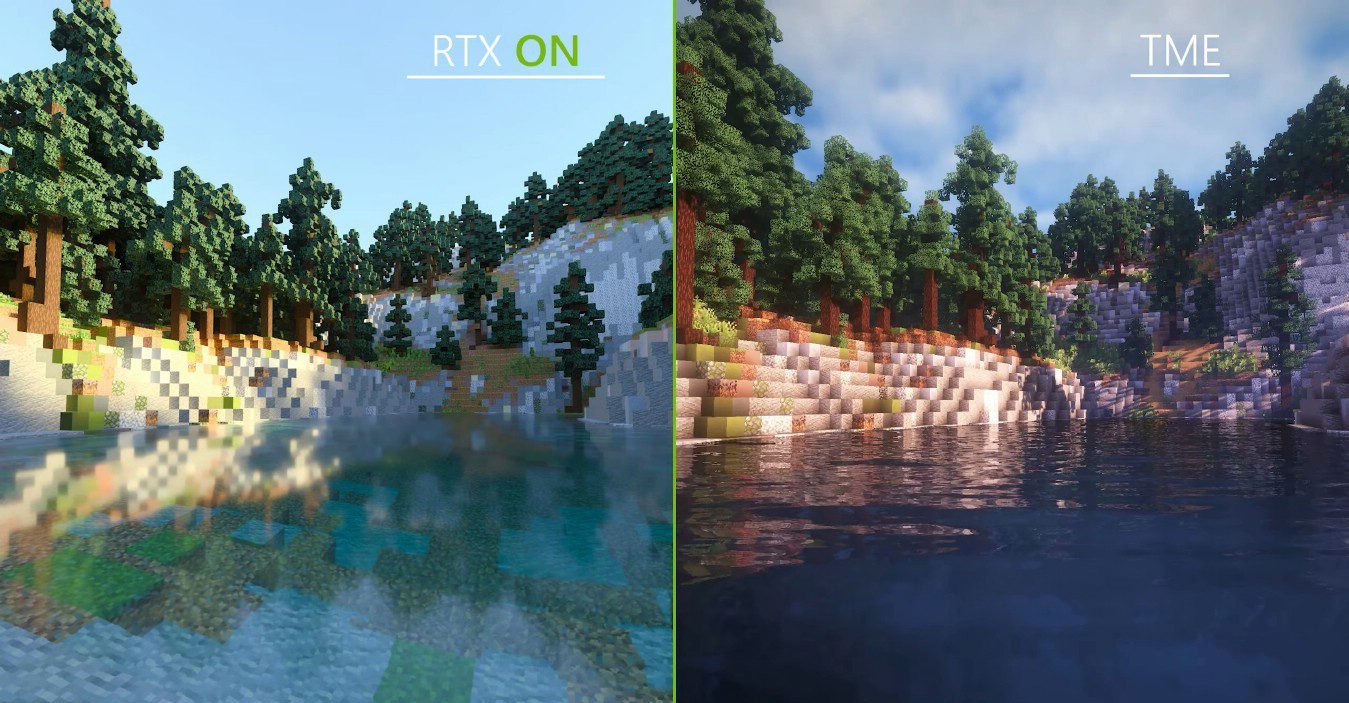
TME turns every landscape into an artistic composition, enriching Minecraft with a multitude of effects rarely seen in the standard version—this is exactly what makes each scene as expressive as possible.
How to install a shader:
First step: download the shader package from the link below.
Second step: Unpack the downloaded archive and copy the TME Shaders folder to c:\Users\User\AppData\Roaming\.minecraft\shaderpacks\(if this folder does not exist, create it yourself) (For Windows)
Third step: In the game, go to Settings, then to Graphics Settings. Select the "shaders" section and activate the shader pack of your choice.
Comments (3)