



CS2 GUI for Minecraft 26.1.2

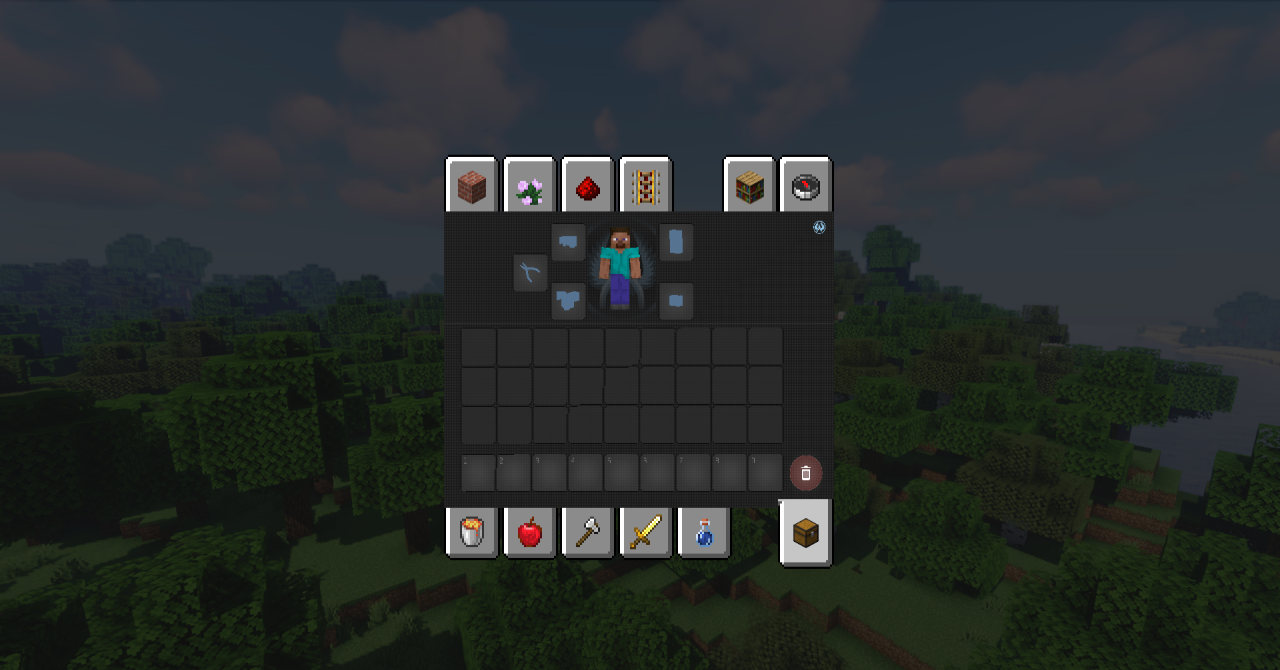
Those who want to refresh not the blocks themselves, but the game interface specifically, should pay attention to CS2 GUI. This pack completely reworks the visual appearance of the HUD, menus, inventory, and other screens, giving them a more modern, clean, and technological look. The entire design is kept in a single style, so the interface does not look like a set of scattered elements; on the contrary, it creates the feeling of a complete and well-thought-out design.
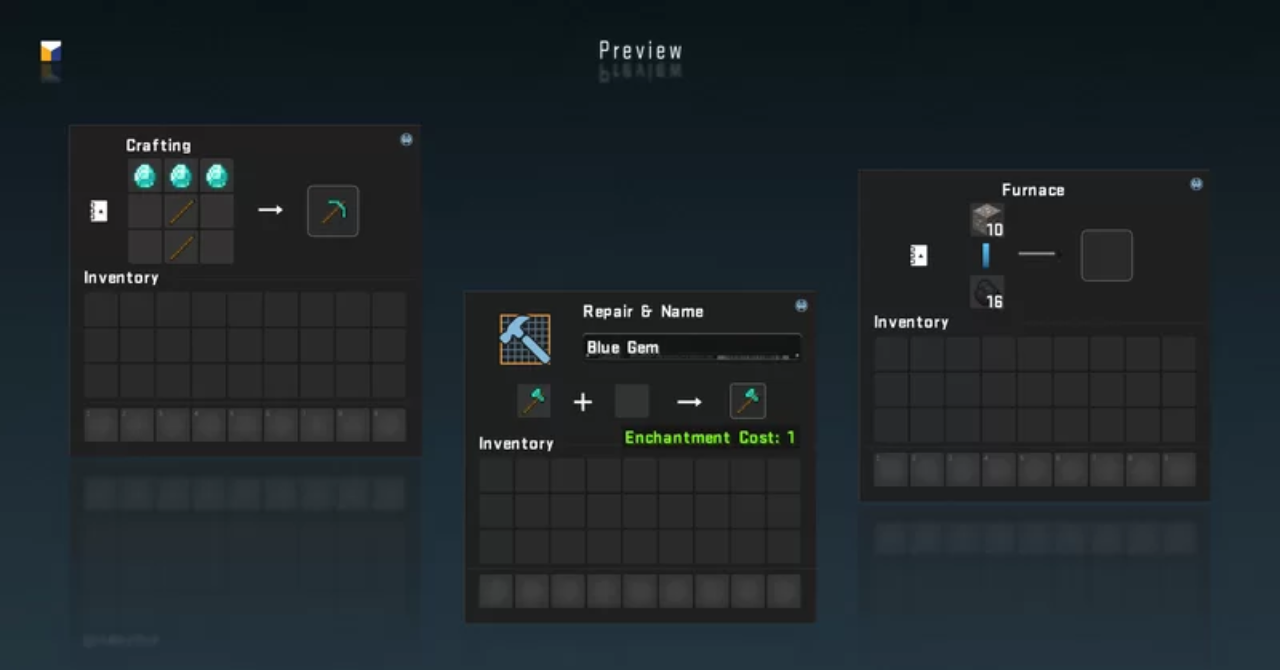
The pack does not overload the screen with unnecessary details: it preserves ease of use, but makes the appearance noticeably fresher and neater. As a result, Minecraft begins to feel different from the very first minutes, because the very way of interacting with the game changes.
How to install the texture pack:
First step: download and install CS2 GUI
Second step: copy the texture pack to the C:\Users\USER_NAME\AppData\Roaming\.minecraft\resourcepacks
Third step: in game settings choose needed resource pack.
Comments (0)