



Castle | Minecraft Map
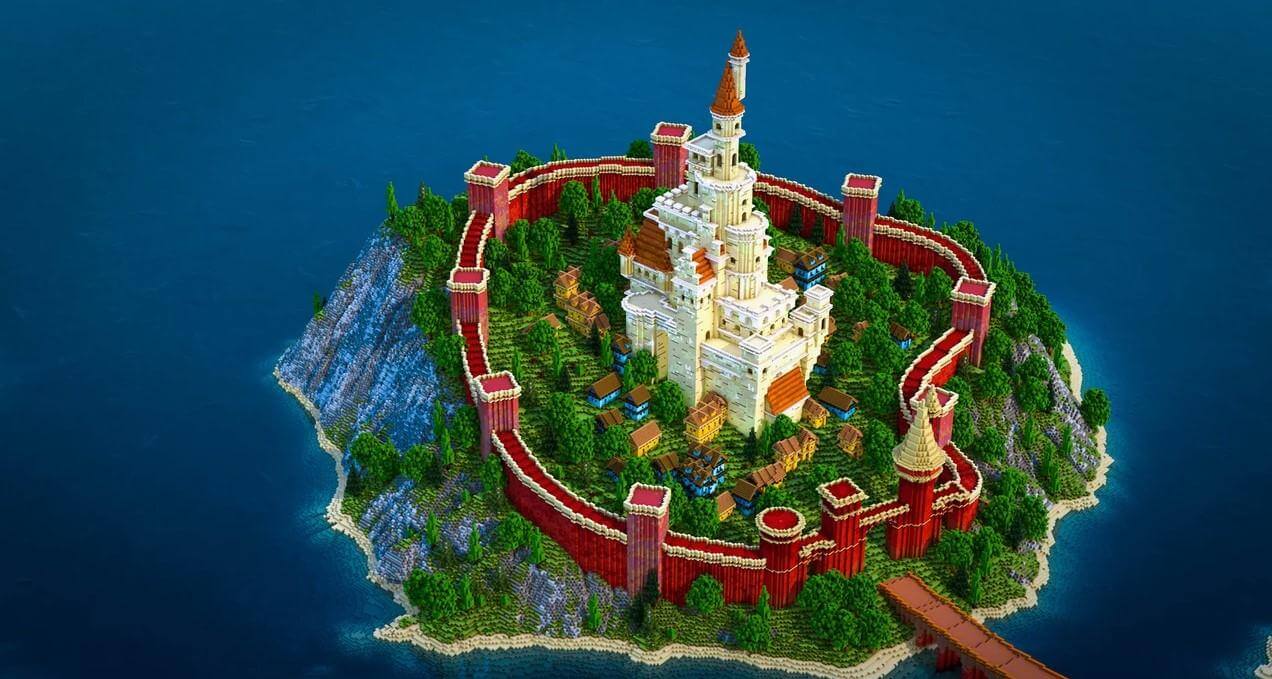
If you fancy going on a journey to discover the unexplored beauty of nature, be sure to download this stunning map called ‘Castle’ for version 1.12.2, and you’ll enjoy unforgettable moments in the wonderful world of Minecraft.
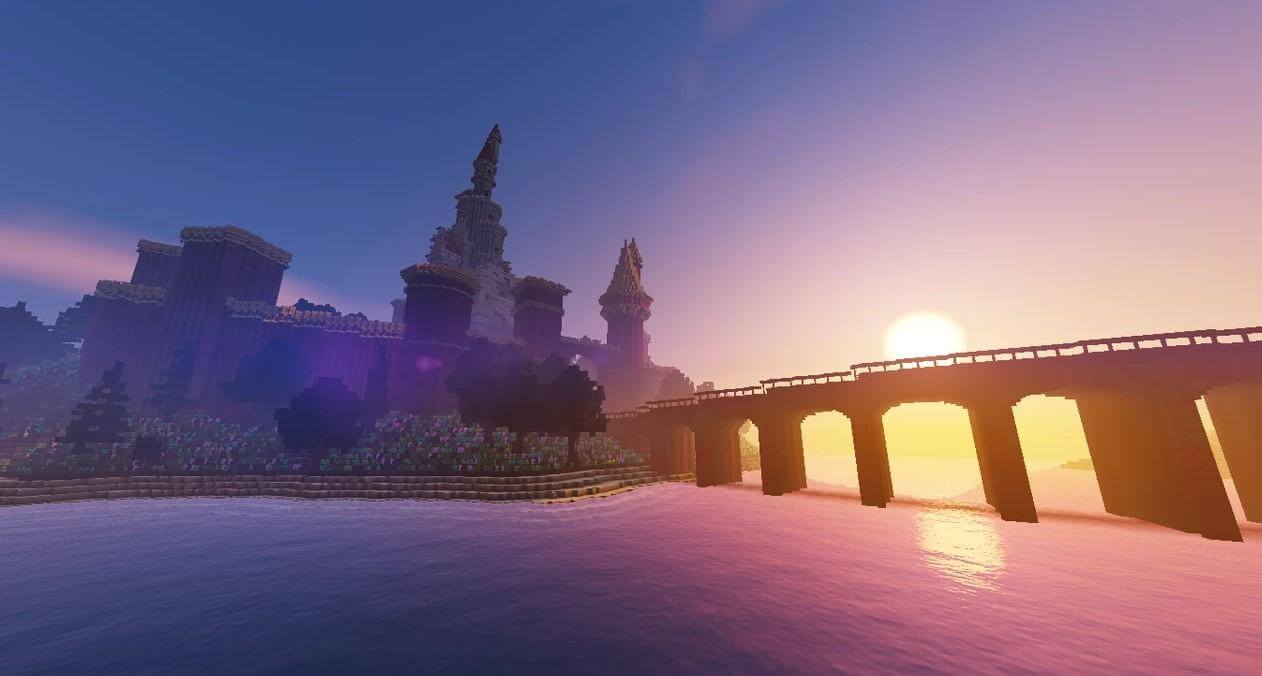
All the action takes place in a beautiful coastal area that’s worthy of a painting. You’ll be heading to a majestic island that, at first glance, seems impregnable. A white castle stands proudly on the island, surrounded by contrasting red walls. It looks truly spectacular.
How to install the map:
Step 1: Download the map archive.
Step 2: Extract the archive to create a folder.
Step 3: Copy the folder containing the Castle map to the .minecraft/saves directory (if this folder does not exist, create it yourself).
Step 4: In the menu, under the ‘Single Player’ tab, find this map.
Comments (0)