



Expand | Minecraft Map

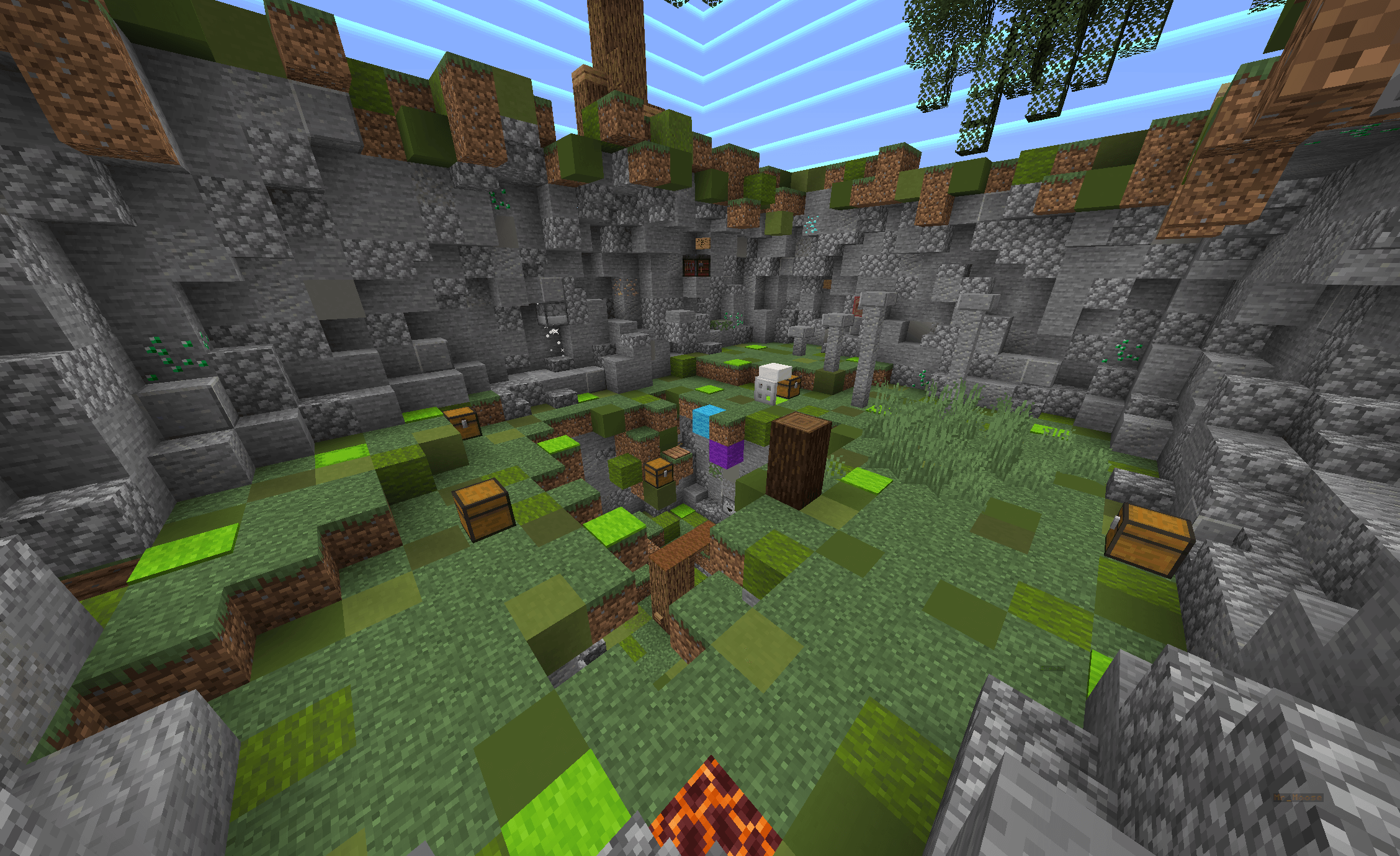
The original Expand map for version 1.16.1 will test every player’s knowledge of the game, as well as their logic and decision-making speed in various in-game situations.
As soon as you’ve completed a task, you’ll be able to progress to the next stages of the map, expanding the playable area available to you. You can start completing the tasks immediately after downloading the map. Try to achieve your very best result as you work your way through the map. Enjoy your time in the Minecraft game world!
How to install the map:
Step 1: Download the map archive.
Step 2: Extract the archive to create a folder.
Step 3: Copy the folder containing the Expand map to the .minecraft/saves directory (if this folder does not exist, create it yourself).
Step 4: Find this map under “Singleplayer” in the menu.
Comments (0)