



Jump In The World | Minecraft Map
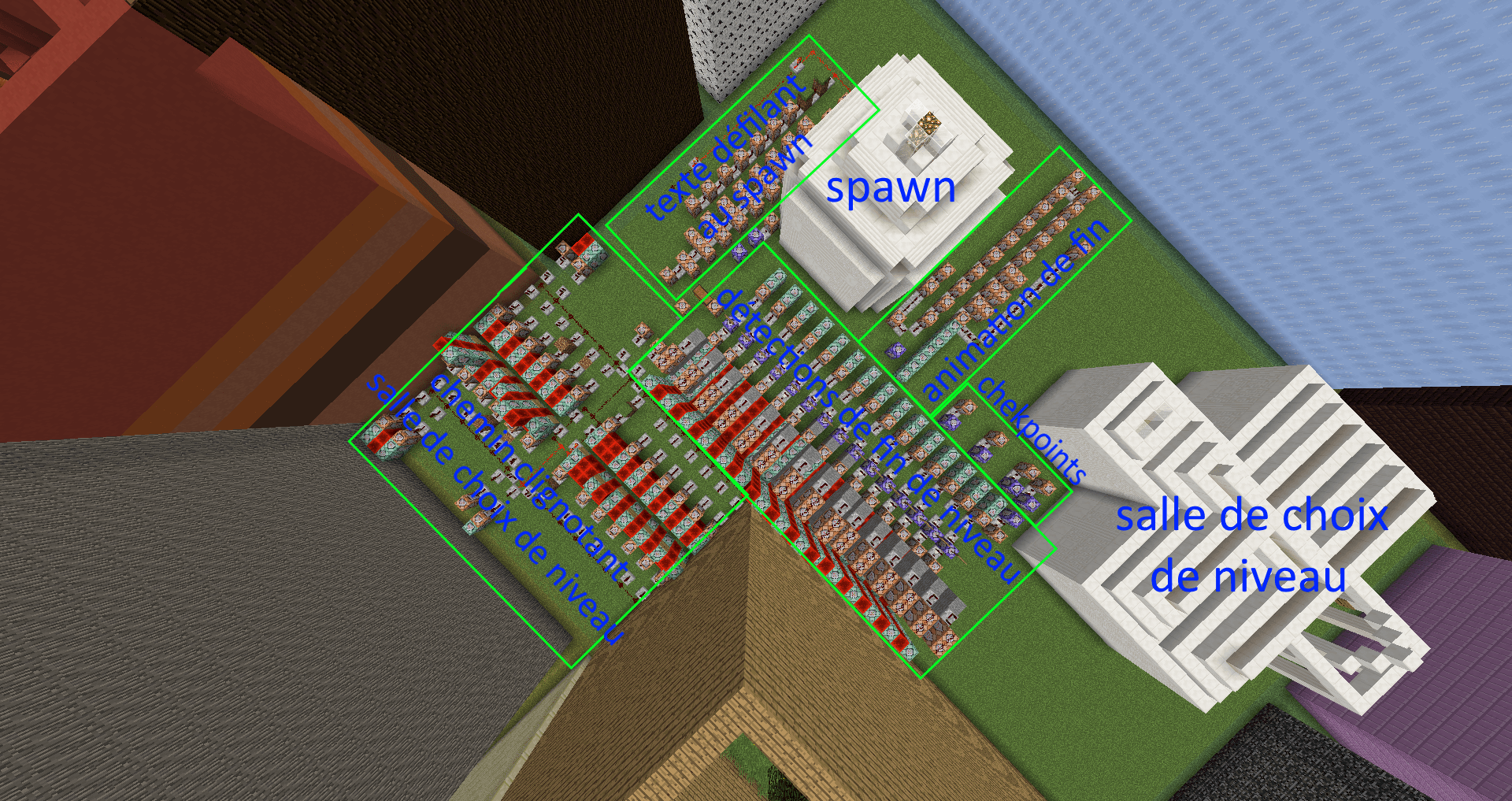
 The basic jumping map is a game made up of 15 levels. It consists of a spawn point, a level selection room and 15 levels (each housed in a box of the same size). The starting point is on an iron pressure plate.
Checkpoints are available on levels 11, 13 and 15, and the finish is on a gold pressure plate. Sets of parts may be missing on levels 8 and 9 (/clone will not work, but the level is still accessible). According to the rules, you should play in Adventure mode (/gamemode 2) on Peaceful difficulty, with a render distance of at least 5 chunks.
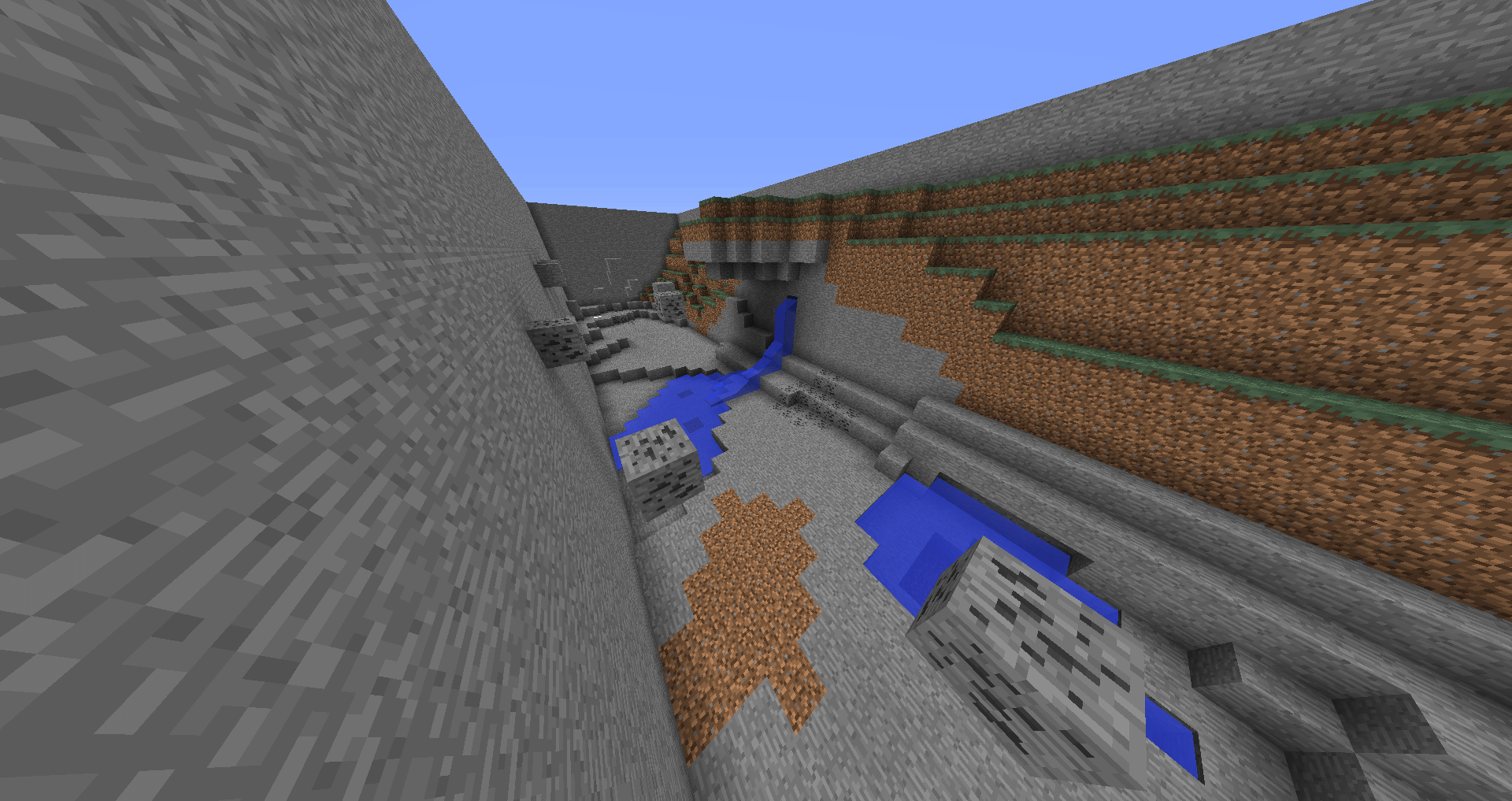
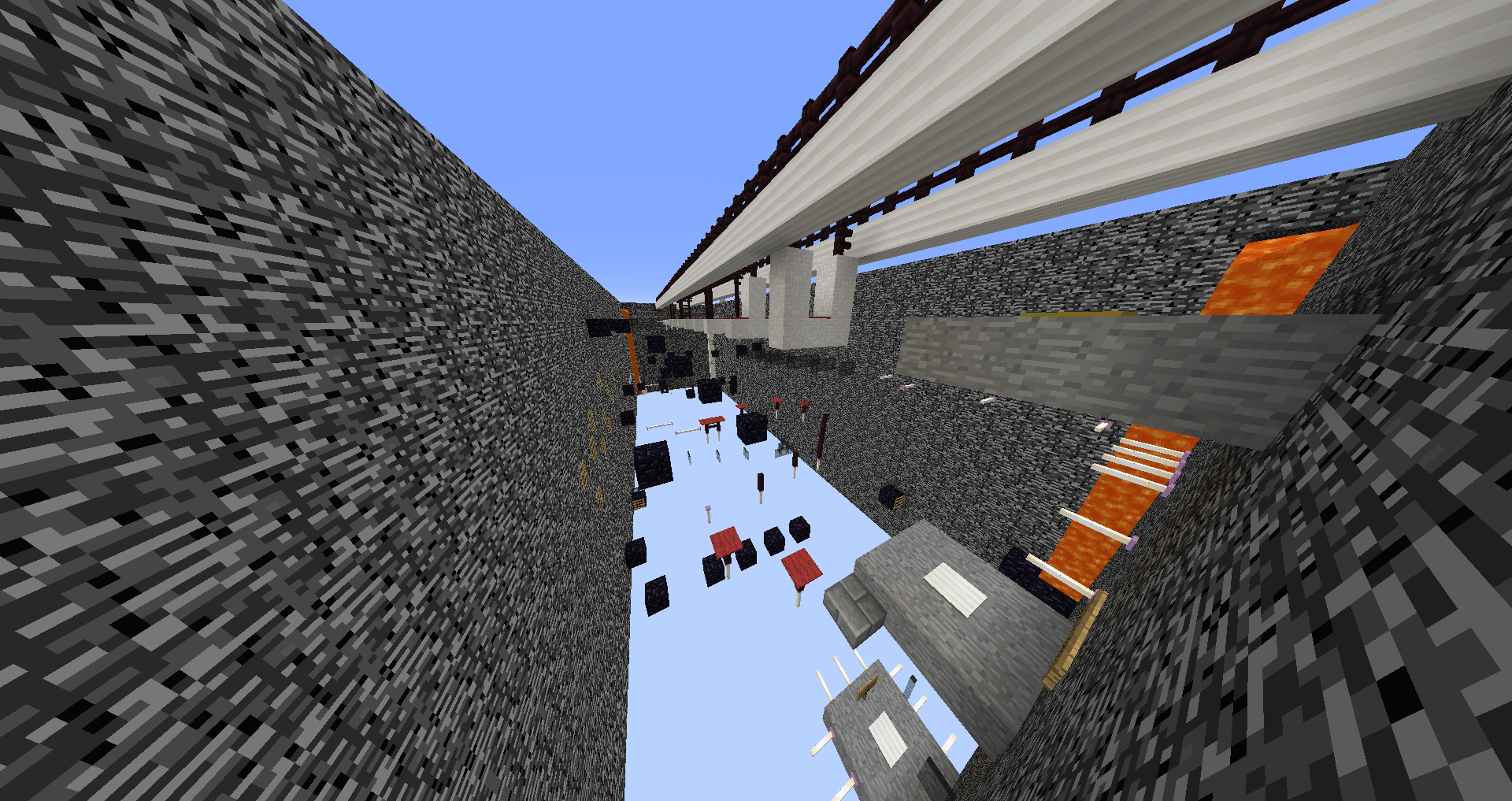 The levels on this map for Minecraft 1.12 are categorised as follows: plains, desert, extreme hills, jungle, swampland, taiga, savanna, mesa, mega taiga, birch forest, mushroom island, ice plains spikes, the Nether, the End, Void (Emptiness).
How to install the map:
Step 1: Download the archive containing the map.
Step 2: Extract the archive to create a folder.
Step 3: Copy the Jump In The World map folder to .minecraft/saves (if this folder does not exist, create it yourself).
Step 4: Find this map under the "Singleplayer" tab in the menu.
Comments (2)