



Lab Z | Minecraft Map

If you fancy doing something out of the ordinary in the game, download the exciting Lab Z map for version 1.12.2, and you’ll spend a few hours of your free time exploring and completing it.
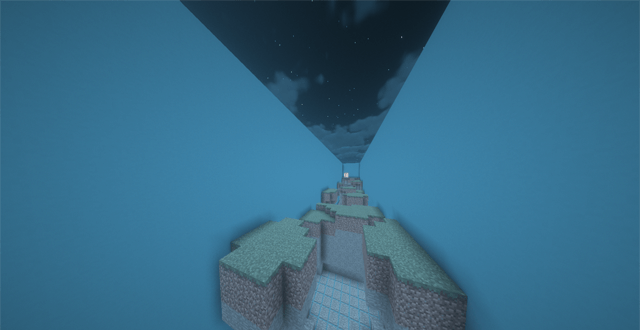
According to the storyline, you have somehow ended up in an unusual laboratory where various tests and experiments are carried out on the human body and brain. As soon as you arrive there, your memory is completely erased, and you can’t remember a thing. You’ll need to complete challenges from various genres: parkour, finding a button, and navigating a confusing maze. Your task is to complete all the challenges and find out what’s happening to you and why.
How to install the map:
Step 1: Download the archive containing the map.
Step 2: Extract the archive to create a folder.
Step 3: Copy the folder containing the Lab Z map to the .minecraft/saves directory (if this folder does not exist, create it yourself).
Step 4: Find this map under the "Singleplayer" tab in the menu.
Comments (0)