



The Lost Treasure | Minecraft Map
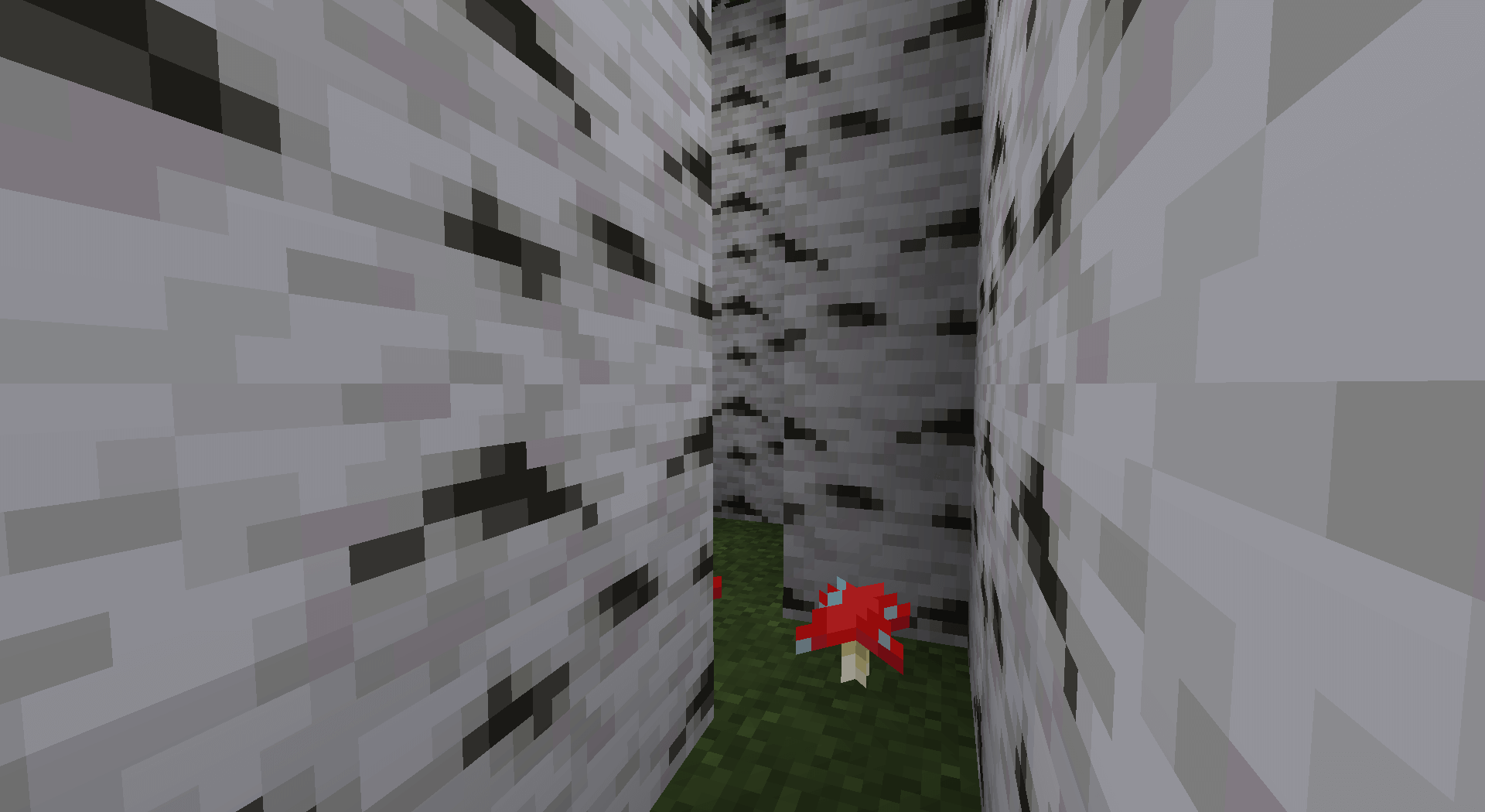
An interesting map with an engaging storyline and quests, entitled ‘The Lost Treasure’, has been released for version 1.14.4 and is sure to leave a lasting impression in the world of Minecraft.
In the story, you were on the beach and accidentally discovered a treasure map. At moments like this, you’re prepared to do anything to get your hands on the treasure. In this case, you must complete all the challenges prepared by the map’s creator. You move around the map, constantly checking whether you’re following the various in-game signposts correctly and whether your route matches the map you’ve found.
How to install the map:
Step 1: Download the map archive.
Step 2: Extract the archive to create a folder.
Step 3: Copy the ‘The Lost Treasure’ map folder to the .minecraft/saves directory (if this folder does not exist, create it yourself).
Step 4: Find this map under ‘Singleplayer’ in the menu.
Comments (0)