



Windows 10 Edition UI Addon for Minecraft Pocket Edition 0.15
 Many Minecraft players often pay close attention to the game’s appearance, particularly the interface windows. What exactly does this refer to?
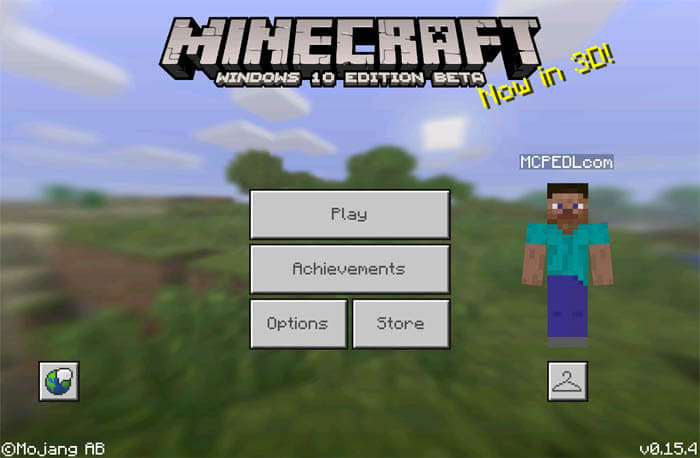
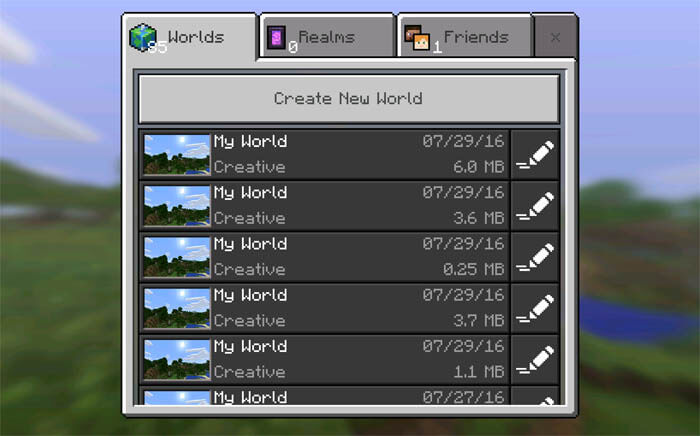
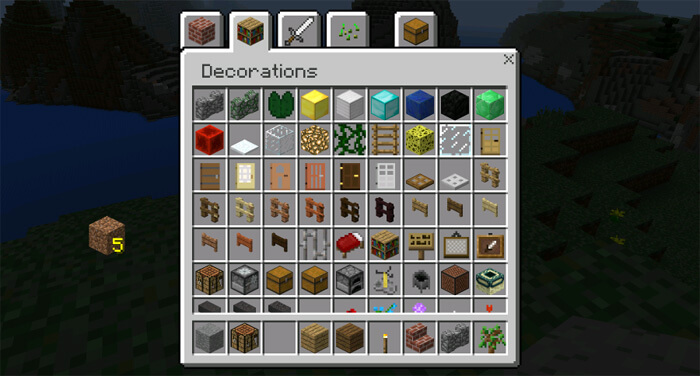
It’s quite simple: we’re talking about the game’s interface windows, which include the crafting screen, menus, inventory and many others. To meet this need, you simply need to use a mod called Windows 10 Edition UI Addon, which replaces all the familiar windows with versions from Windows 10. They’ll now look brighter, more vibrant and more pleasing to the eye than the windows in the standard version of Minecraft. Enjoy!
How to install the mod (Android):
Step 1: Download and install a launcher that supports mods.
Step 2: Download the mod package (extract it if it is in an archive).
Step 3: Copy the Windows 10 Edition UI Addon mod package to the root of your phone’s file storage.
Step 4: Activate the mod in the launcher.
Comments (1)