



Edit Sign for Minecraft Pocket Edition 0.16
 When travelling through vast worlds, you sometimes want to manage your movements in some way and mark particularly important locations. This is especially true in the Minecraft universe, where an adventure can go on for a long time.
Many will immediately point out that the game already allows you to place signs, but it’s worth remembering that it’s practically impossible to change their names or adjust them.
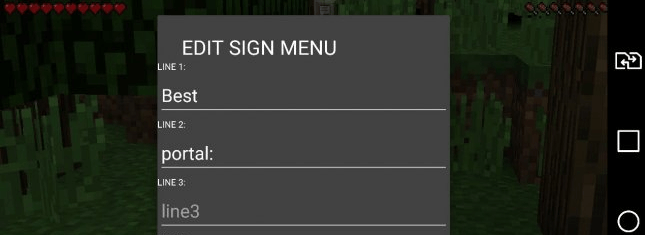
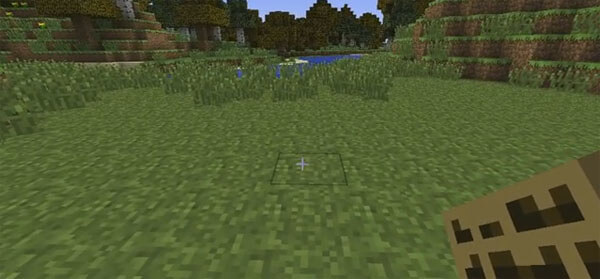 However, if you decide to use the Edit Sign mod for Minecraft 0.16, you’ll be able to make changes to signposts and mark particularly important locations and directions. We recommend this mod for those who enjoy long explorations. Good luck!
How to install the mod (Android):
Step 1: Download and install a launcher that supports mods.
Step 2: Download the mod package (extract it if the file is in an archive).
Step 3: Copy the Edit Sign mod package to the root of your phone’s file storage.
Step 4: Activate the mod in the launcher.
Comments (0)