



Naruto Strike for Minecraft Pocket Edition 1.18
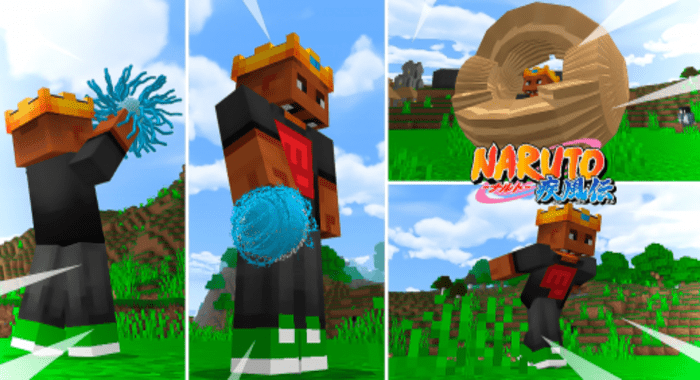 If you’ve long wanted to get your hands on some incredibly powerful moves, we recommend taking a look at the Naruto Strike add-on for Minecraft. This time, you can look forward to entirely new features closely linked to the world of Naruto.
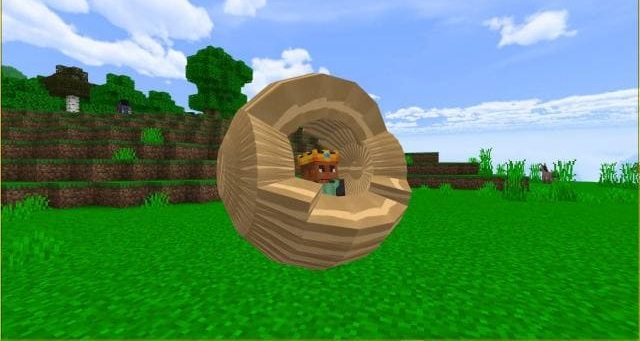
Your hero will now be able to make active use of new moves and is sure to impress you with their power. You’ll need to learn new special moves step by step and try to use them effectively in battle. This approach is sure to lay the foundation for new discoveries and battles that will help you achieve excellent results. All that remains is to wish you good luck and lots of fun!
Installing Naruto Strike:
Step 1: Run the downloaded file to import the add-on/texture into MCPE.
Step 2: Open Minecraft Pocket Edition and go to the world settings.
Step 3: Apply the imported resource packs and add-ons to the world.
Step 4: Select the imported resource packs/add-on in each section, then restart the mobile client.
Comments (0)