



RLCraft for Minecraft Pocket Edition 1.18
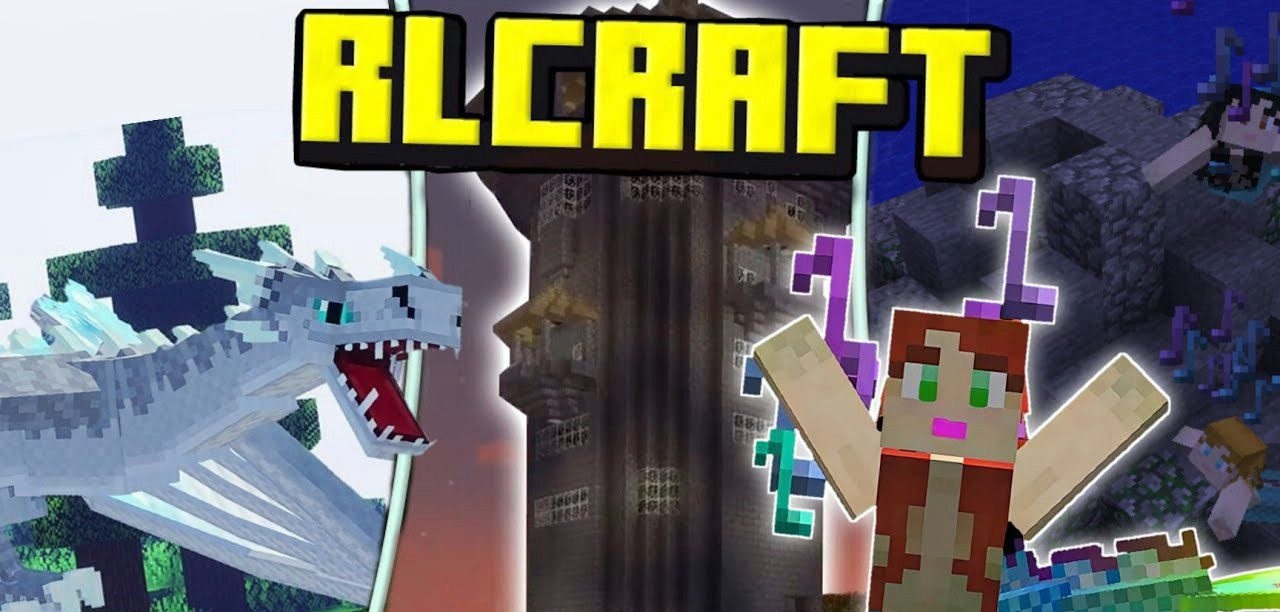 RLCraft for Minecraft is a special add-on that introduces a range of different gameplay features. This time, you’ll need to show your skills and try to get the most enjoyment out of the game.
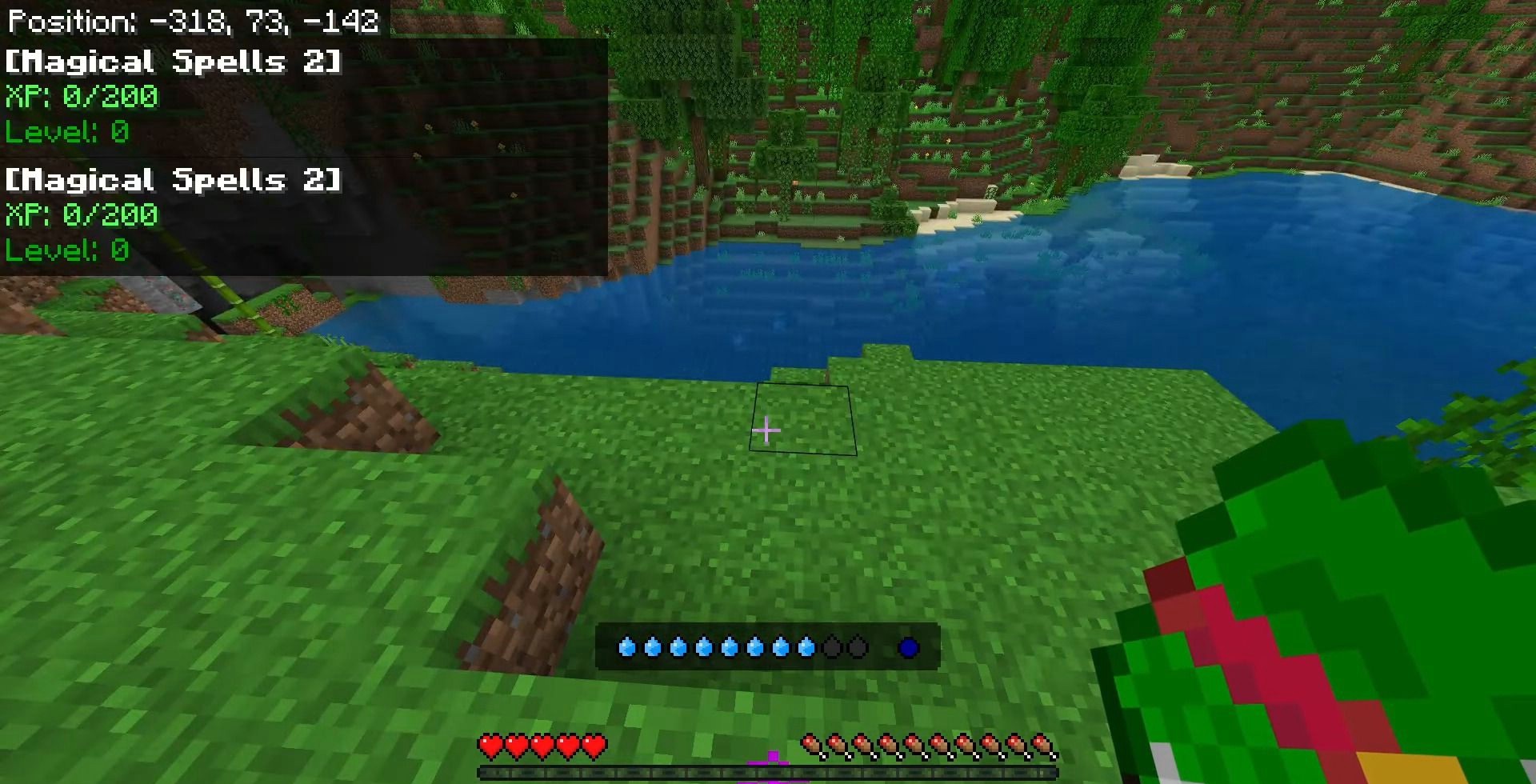
After all, surviving in this new world will be far more challenging than before, so it’s worth preparing thoroughly before taking action. Among the new features, you can look forward to a variety of improvements, including the addition of new creatures capable of dealing massive damage and a wealth of other content. On the one hand, survival will be more challenging, but on the other, you’ll gain access to new and effective content. So all that remains is for us to wish you the best of luck and every success in your new survival adventure!
Installing RLCraft:
Step 1: Run the downloaded file to import the add-on/texture into MCPE.
Step 2: Open Minecraft Pocket Edition and go to the world settings.
Step 3: Apply the imported resource packs and add-ons to the world.
Step 4: Select the imported resource packs/add-ons in each section, then restart the mobile client.
Comments (0)