



Epic Knights Plus for Minecraft Pocket Edition 26.x
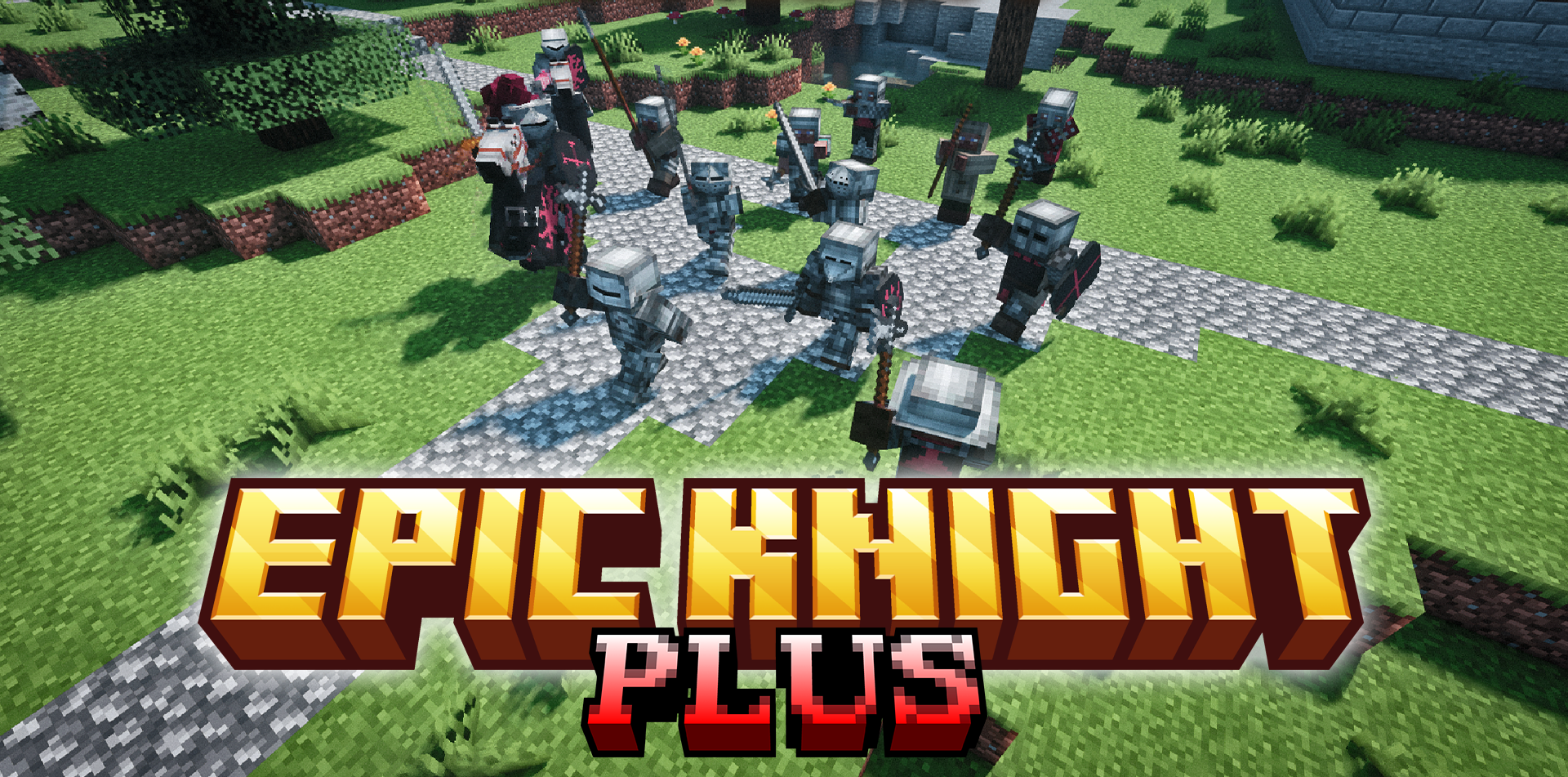
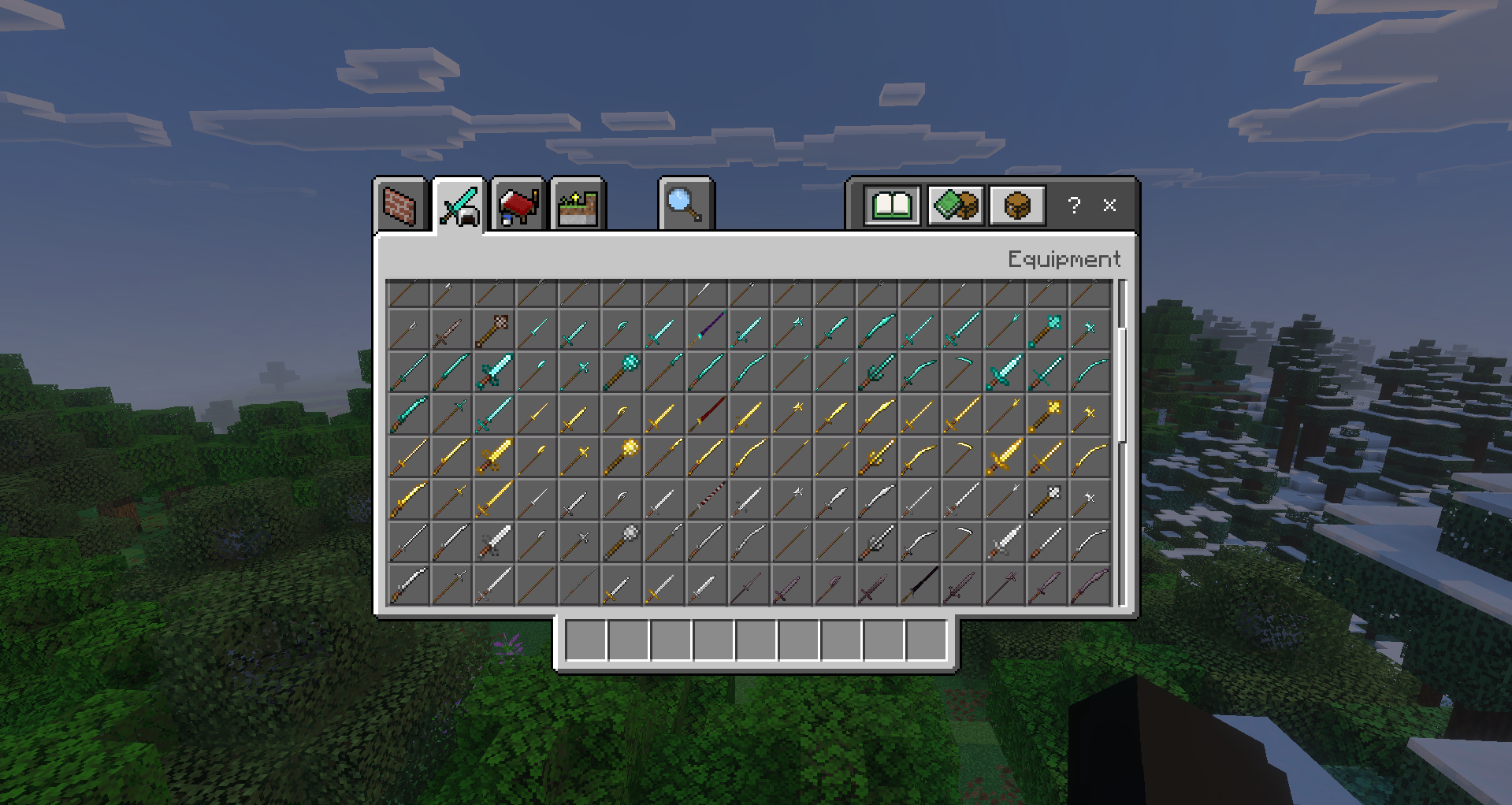
Epic Knights Plus brings a large set of medieval equipment to Minecraft Bedrock. The add-on includes 48 new types of weapons, historical armor elements, and decorative details that help create a knightly, mercenary, or castle-style look. You can find chainmail hoods, heavy chestplates, gilded chainmail, an English sallet, and a dark plackart plate.
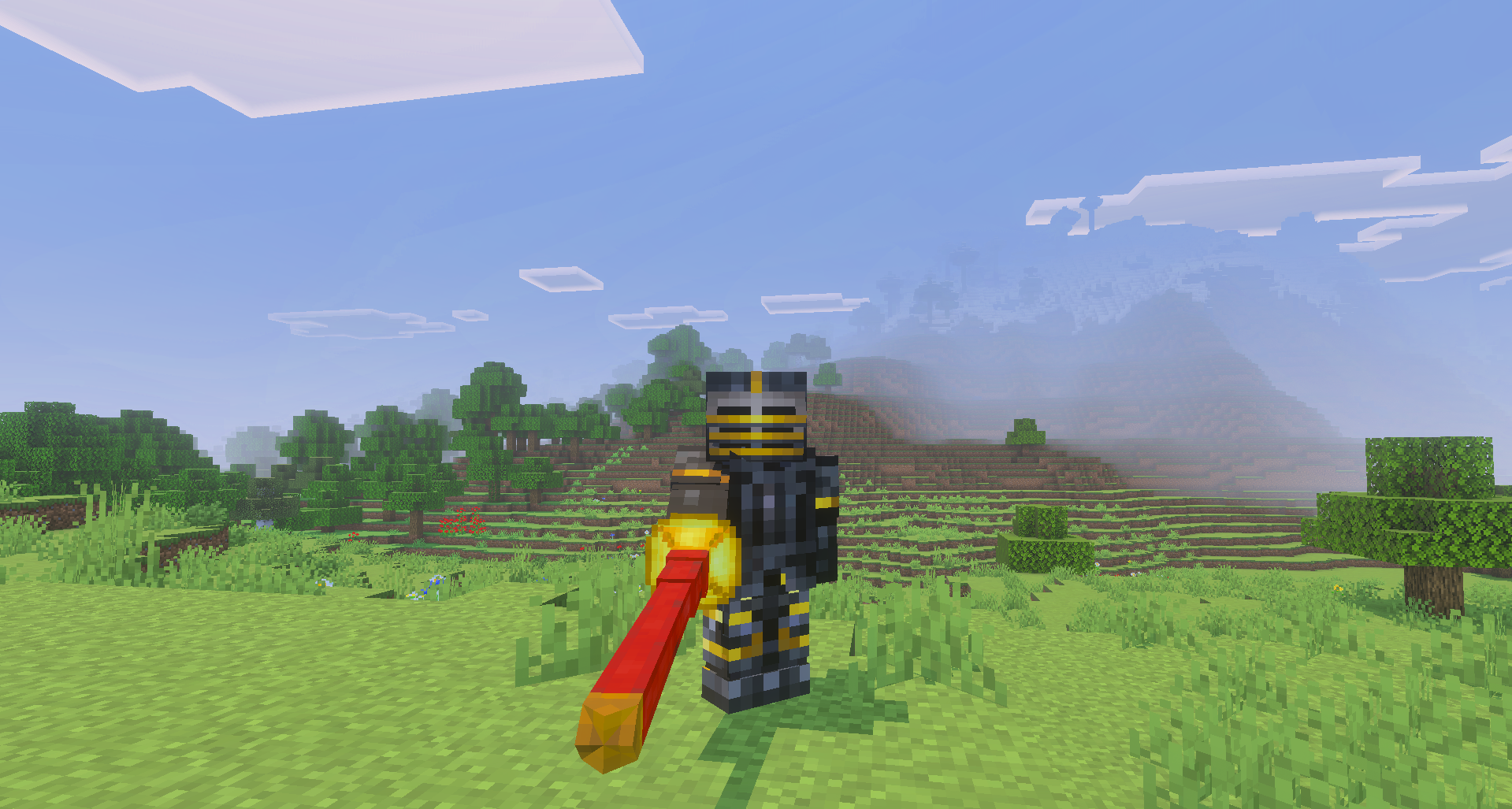
Armor and decorations can be dyed through a cauldron, so sets are easier to adjust for factions, clans, or the style of a build. Problems with texture overlap on small helmets and headwear have also been fixed separately.
Installing Epic Knights Plus:
The first step is to run the downloaded file and import the addon/texture into MCPE.
Second step: open Minecraft Pocket Edition and go to the settings of the world.
Third step: install the imported resource sets and add-ons for the world.
Step four: select the imported resource packages/add-on in each section and restart the mobile client.
Comments (0)