



Halo Infinite Wars for Minecraft Pocket Edition 26.x
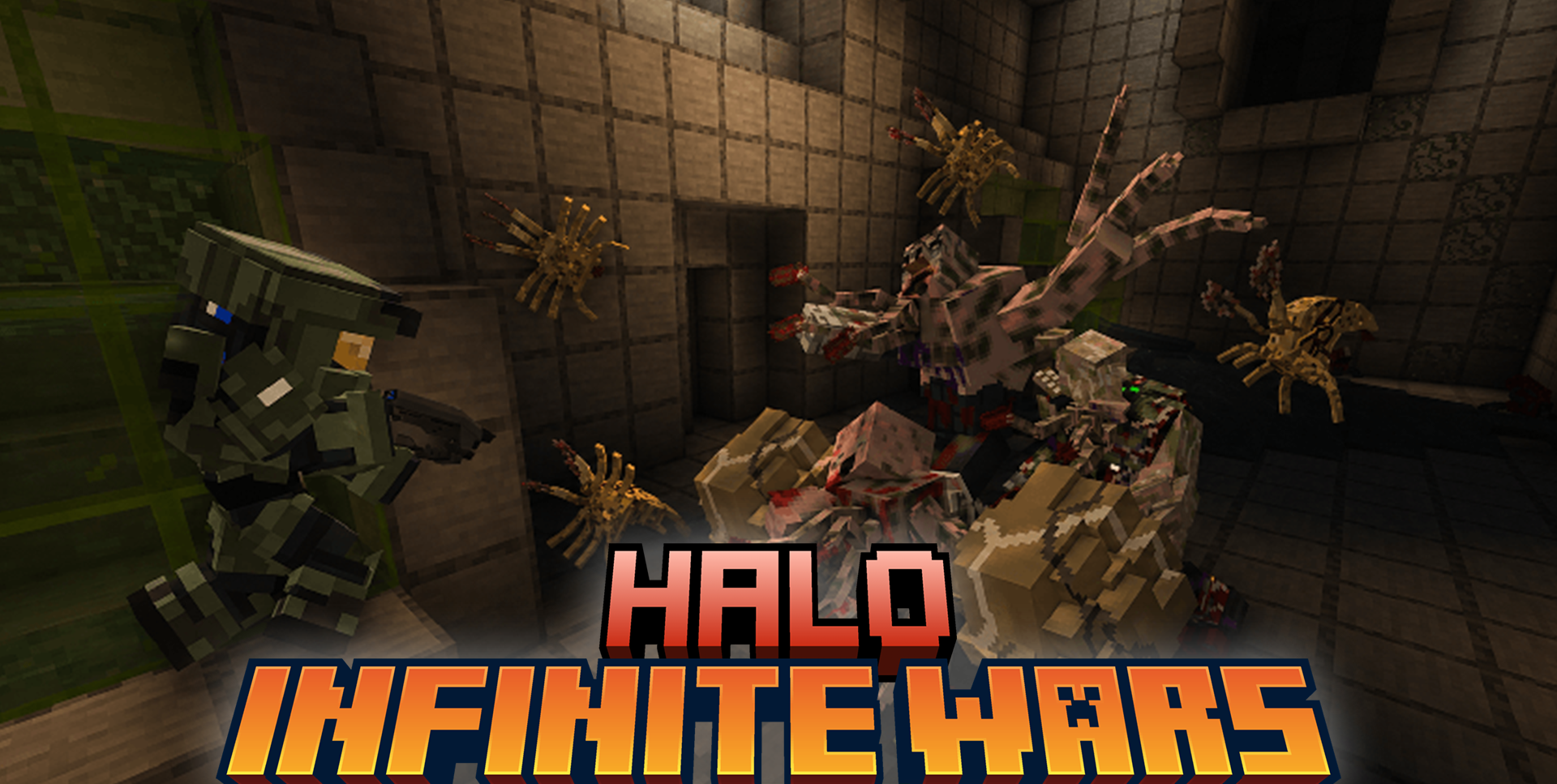
Halo Infinite Wars adds weapons, vehicles, armor, and enemies from the Halo universe. The player can encounter Elites, Grunts, and Brutes, use plasma weapons, energy swords, and Spartan armor. The add-on includes ground vehicles and alien ships that you can fly, which strongly changes the usual pace of survival.
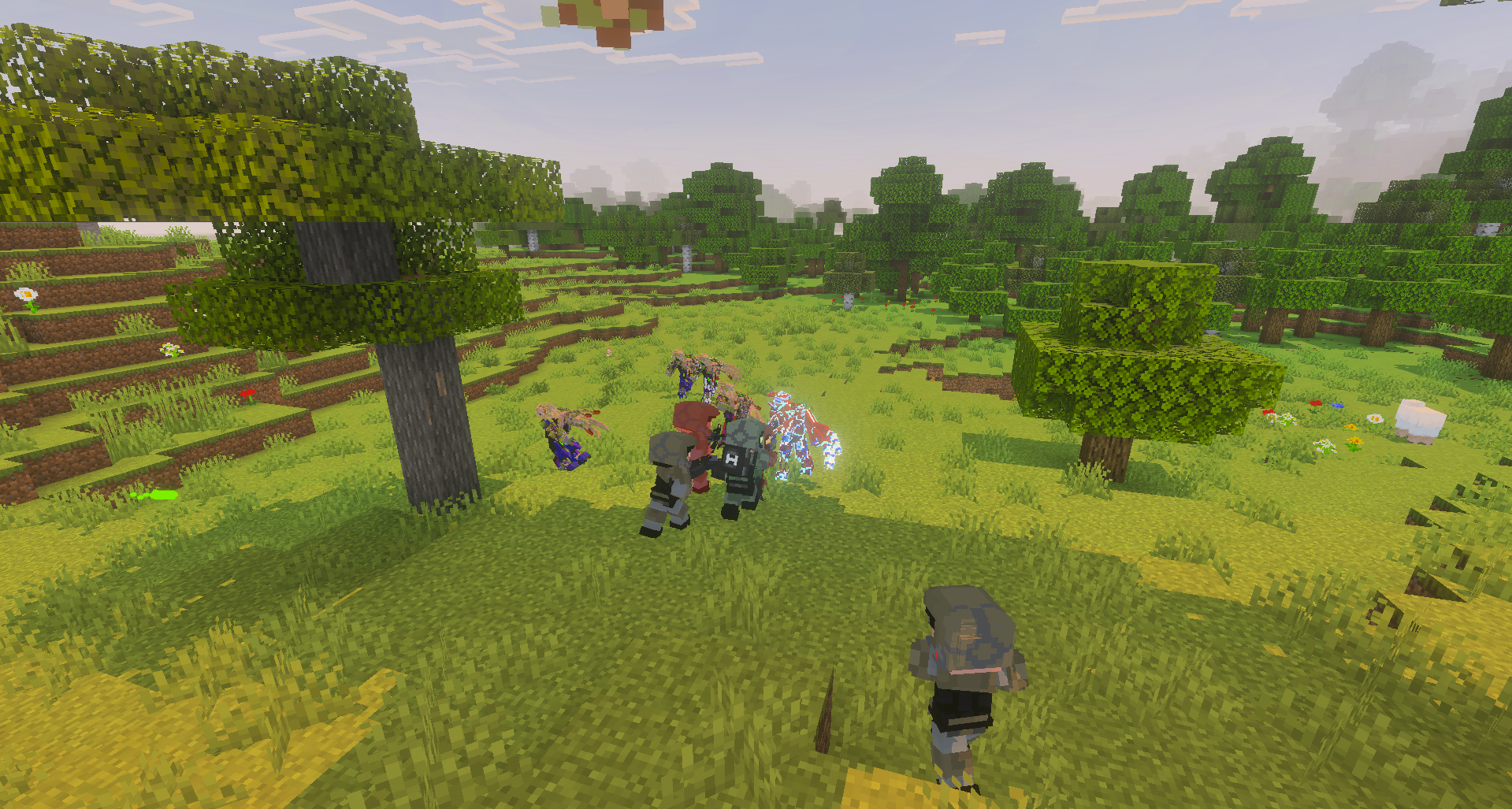
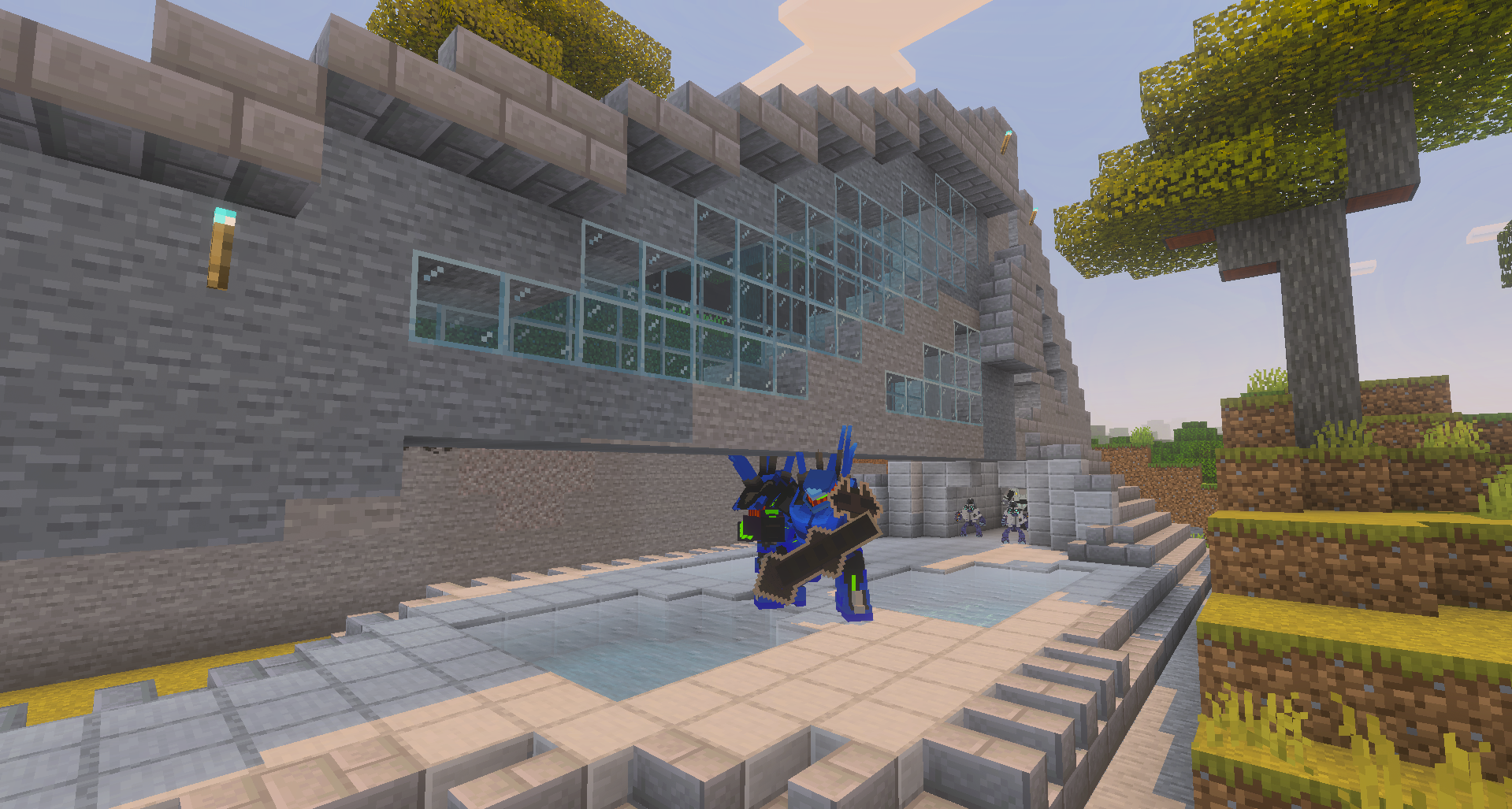
New structures appear with loot pods and useful maps, so the content is not limited only to items in the inventory. Battles become more long-range and technological: instead of the familiar combination of a sword, bow, and shield, the player gets energy weapons, transport, and enemies with a different visual style.
Installing Halo Infinite Wars:
The first step is to run the downloaded file and import the addon/texture into MCPE.
Second step: open Minecraft Pocket Edition and go to the settings of the world.
Third step: install the imported resource sets and add-ons for the world.
Step four: select the imported resource packages/add-on in each section and restart the mobile client.
Comments (0)