



Nature’s Touch for Minecraft Pocket Edition 26.x
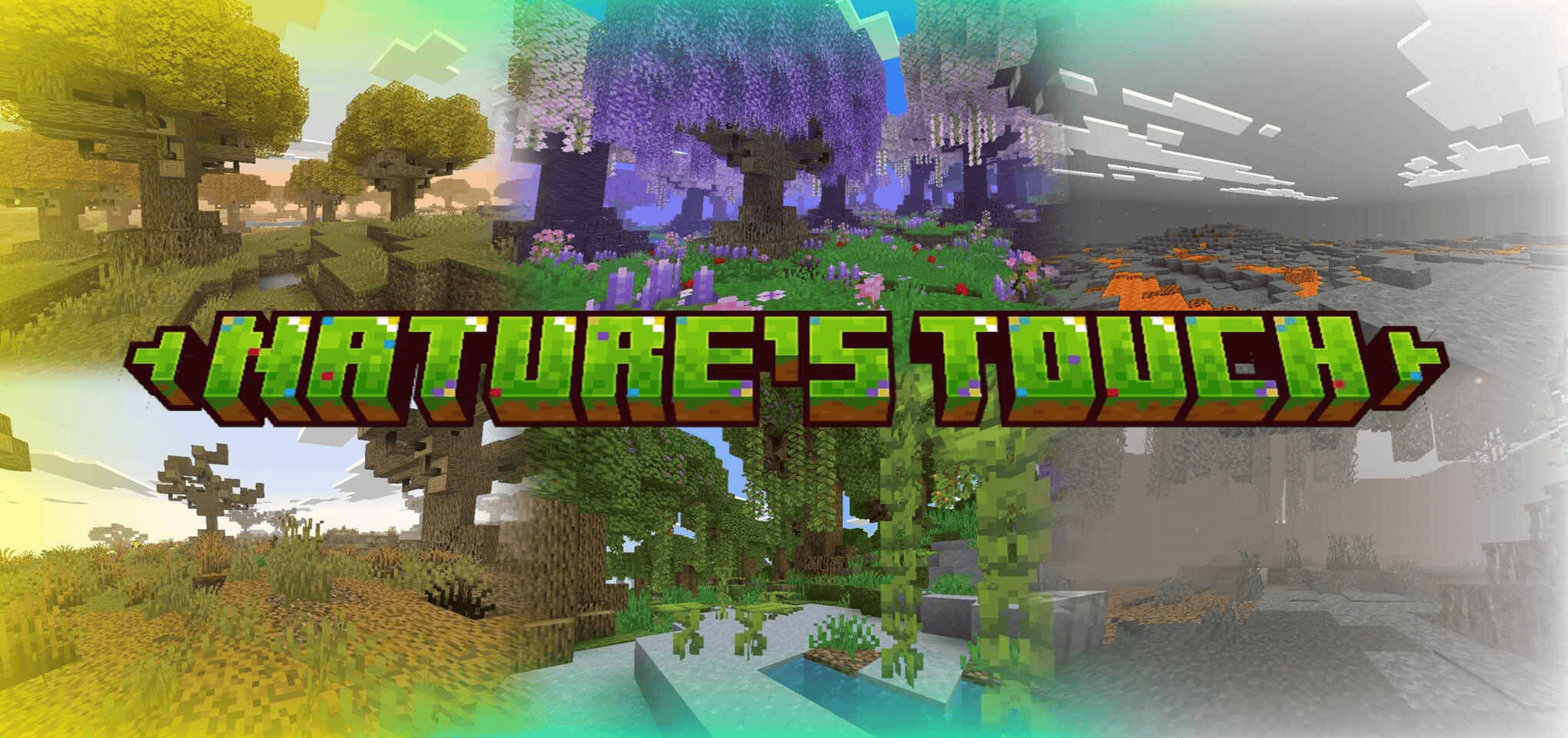
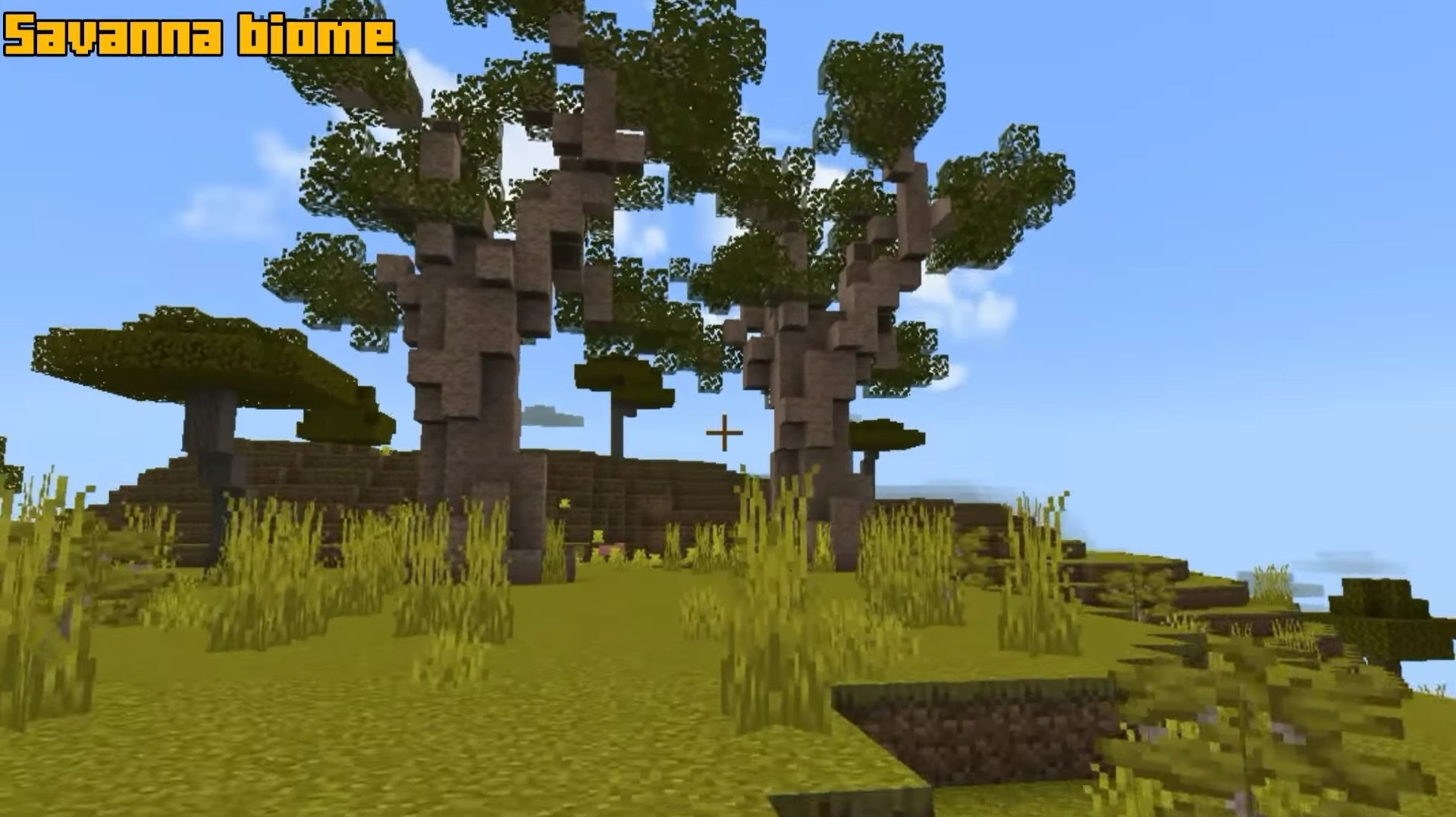
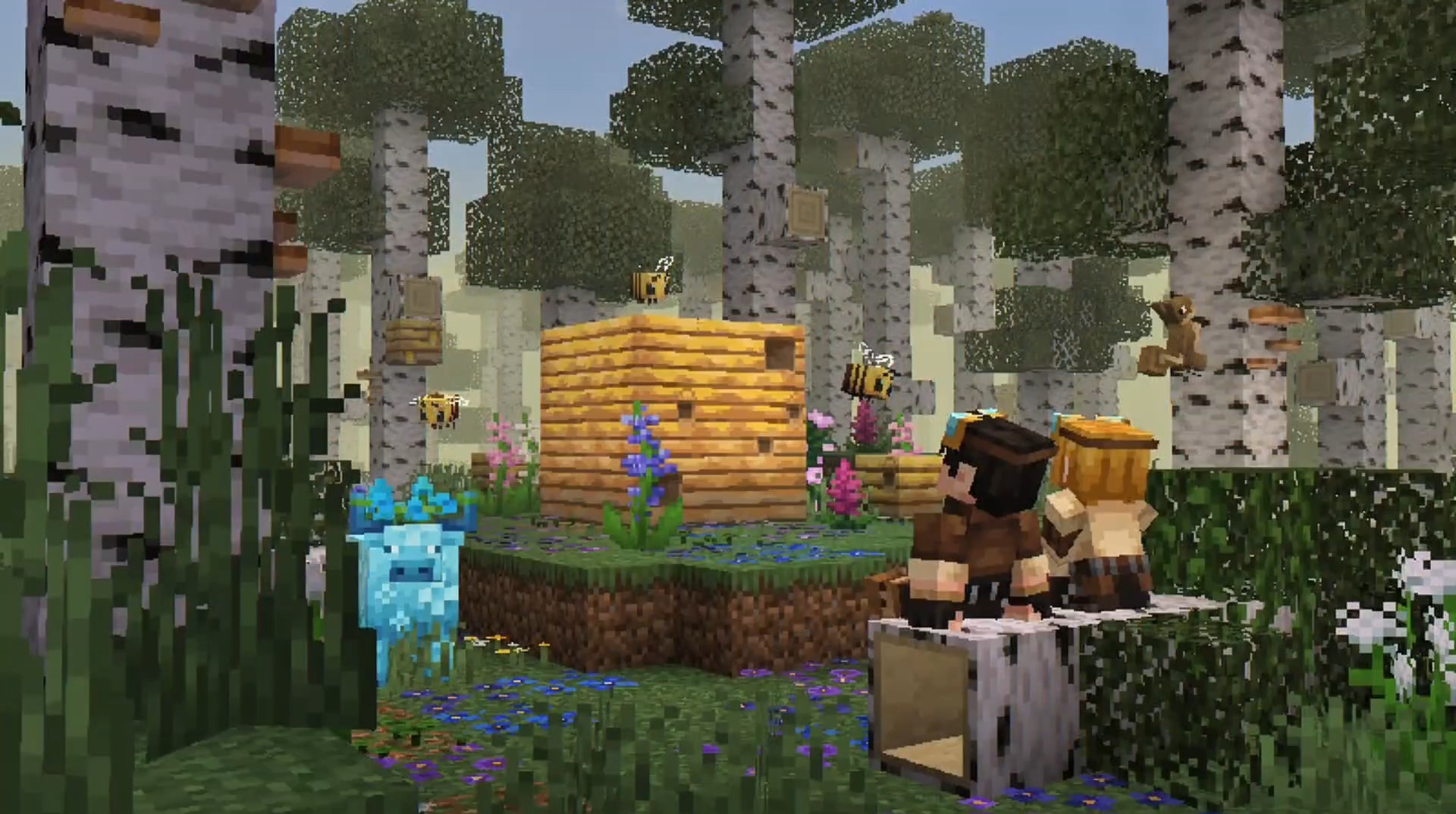
Nature in Nature’s Touch changes on several levels at once. This is not only a resource pack, but an addition with behavior that adds 20 new biomes, reworks old locations, and fills the world with plants, blocks, grass, clover, branches, decorative leaves, and fallen leaves on trees.
The Pale Garden gets further development through polished resin and new related blocks. In survival, scythes, picks, and items covered with resin appear, so the content affects not only the appearance but also tools. Biomes become denser, and natural materials give more options for paths, gardens, forest bases, and decorative zones.
Installing Nature’s Touch:
The first step is to run the downloaded file and import the addon/texture into MCPE.
Second step: open Minecraft Pocket Edition and go to the settings of the world.
Third step: install the imported resource sets and add-ons for the world.
Step four: select the imported resource packages/add-on in each section and restart the mobile client.
Comments (0)