



Take A Seat for Minecraft Pocket Edition 26.x
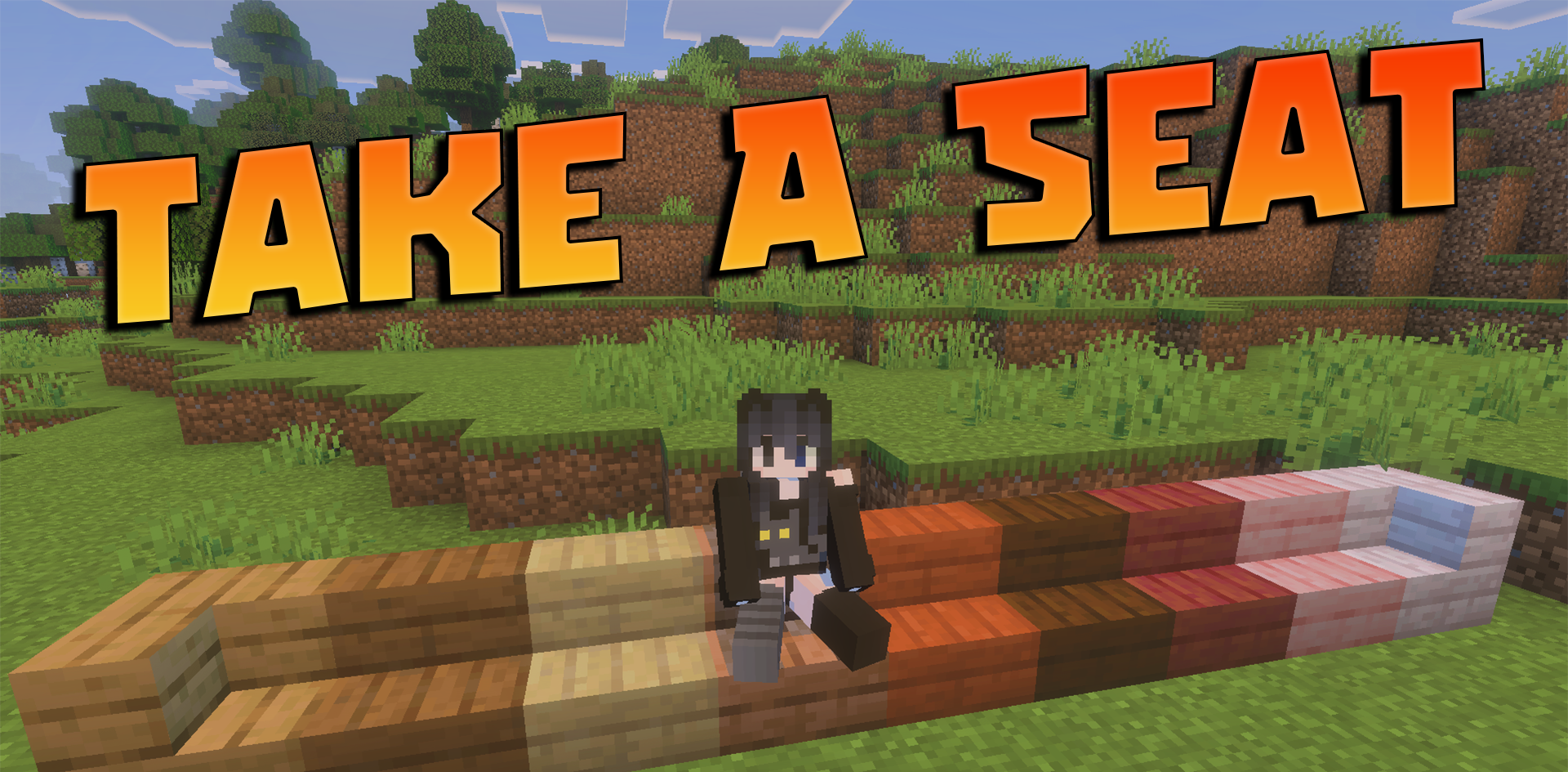
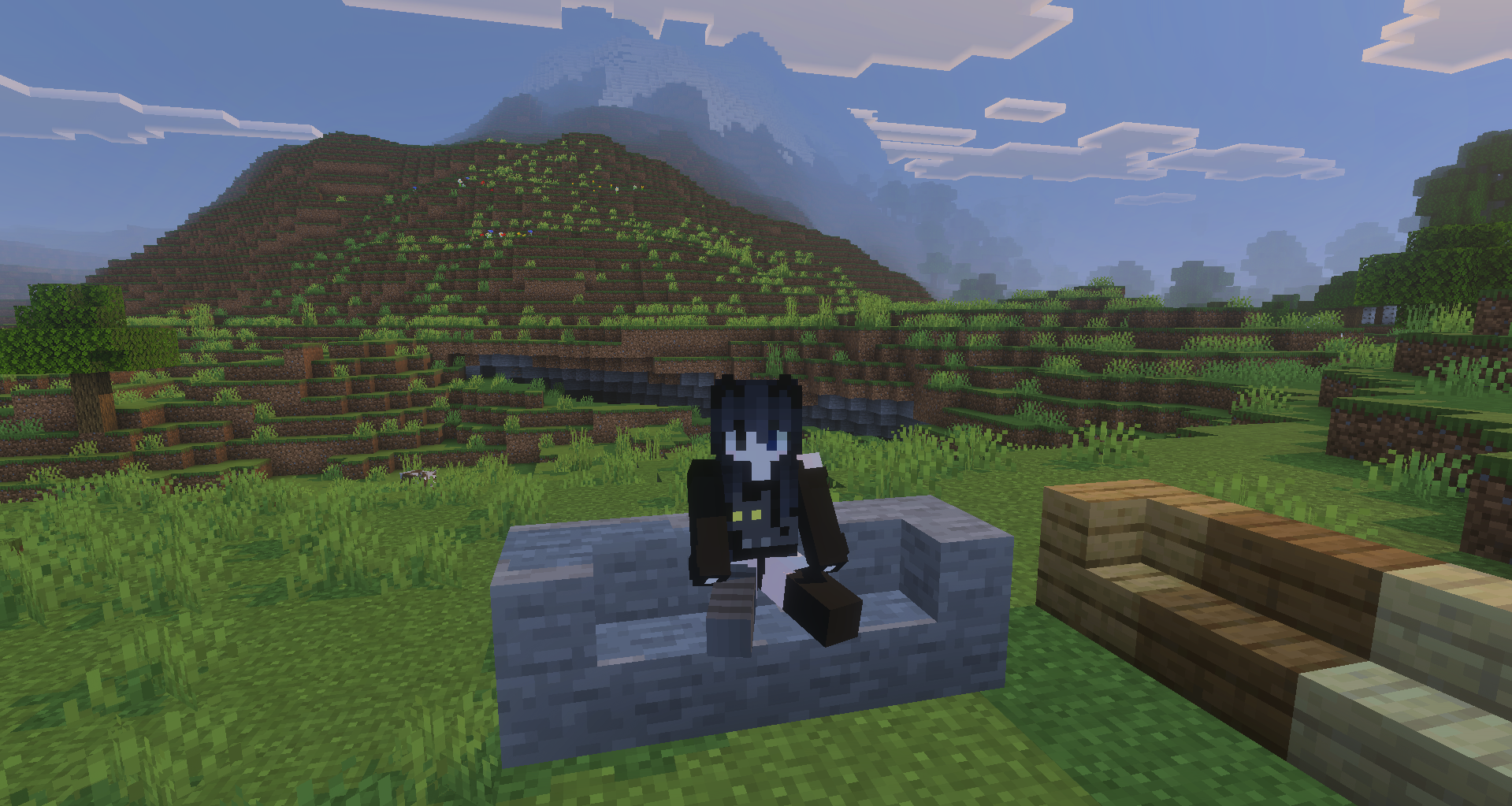
Minecraft PE lacks a normal ability to calmly sit on a block, and Take A Seat covers this small detail. The add-on allows you to sit on stairs, slabs, and logs with a simple press on the block, if the action does not conflict with normal interaction.
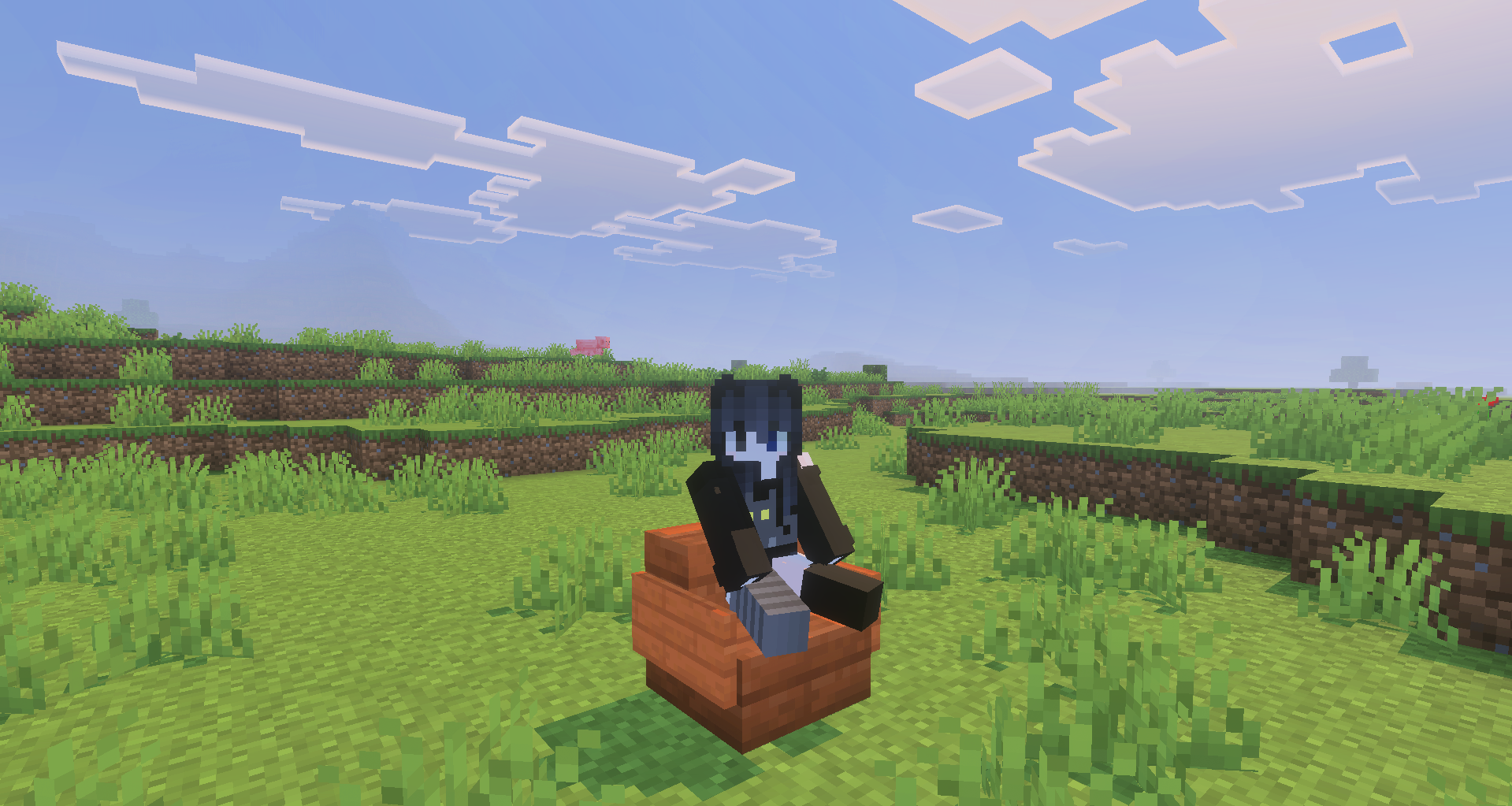
This is convenient for houses, campfires, cafes, taverns, docks, gardens, and any builds where you want to use furniture without separate decorative entities. It works on stable scripts: the add-on does not require experimental features, so it is easier to add it to existing worlds and packs. The addition does not directly change survival, but it makes builds feel more alive in single-player and on servers with friends.
Installing Take A Seat:
The first step is to run the downloaded file and import the addon/texture into MCPE.
Second step: open Minecraft Pocket Edition and go to the settings of the world.
Third step: install the imported resource sets and add-ons for the world.
Step four: select the imported resource packages/add-on in each section and restart the mobile client.
Comments (0)