



Dynamic Lights for Minecraft Pocket Edition 1.13
 Who would have thought that improvements to Minecraft would mainly focus on the use of light and the environment? Why is this the case? It’s quite simple, really: lighting and its animation play an important role in this adventure and certainly won’t disappoint you.
That’s why we suggest you waste no time and start taking full advantage of opportunities like these to improve the game.
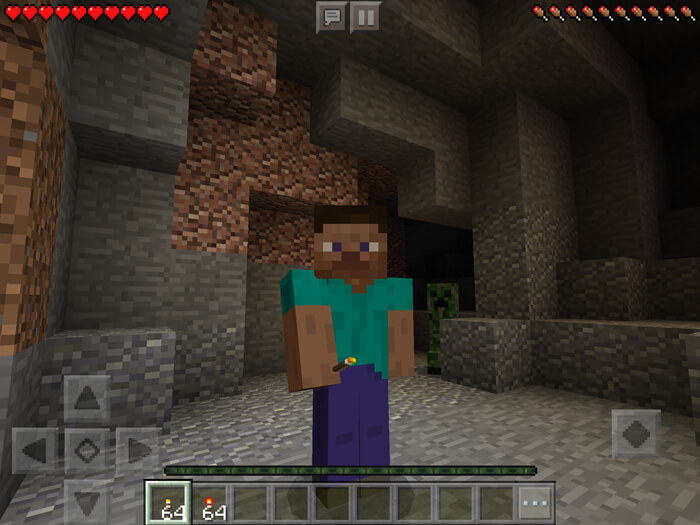 The first step should be to use the Dynamic Lights shader for Minecraft 1.13. It is unique in that it encourages you to make full use of all its new features and enjoy an environment that lets you savour every moment of the game. Good luck!
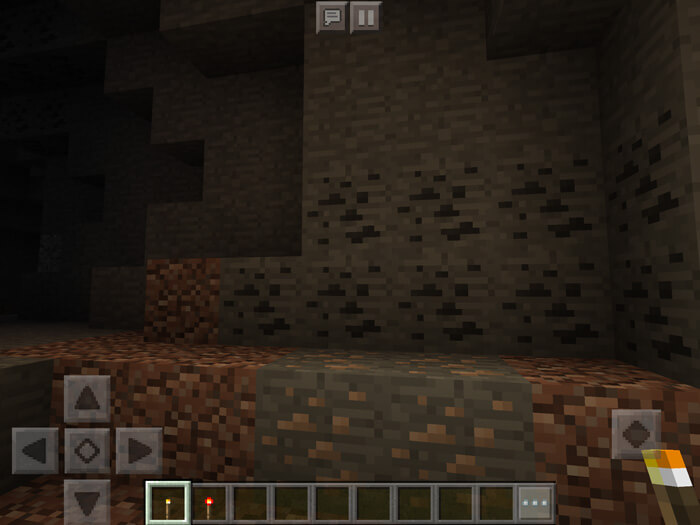
How to install shaders (Android):
Step 1: Download the texture pack using the link below.
Step 2: Unzip the downloaded archive. Inside, you’ll find the Dynamic Lights texture pack folder for shaders. Copy it to games\com.mojang\resource_packs or use the launcher.
Comments (1)