



SS10 for Minecraft Pocket Edition 1.9
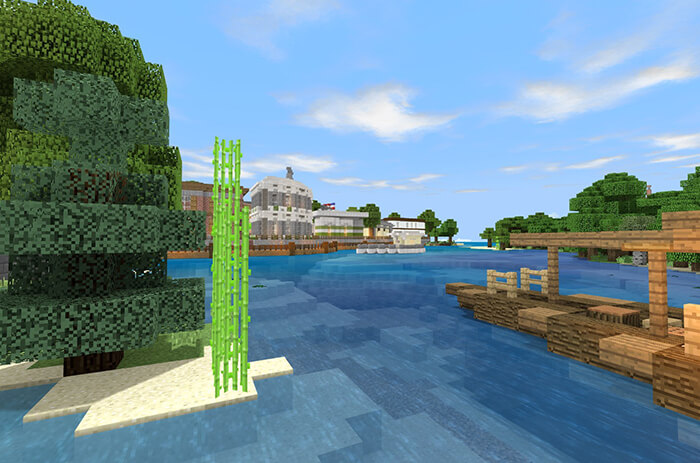
 We’re continuing to carefully explore all available areas for improvement, where there’s always something unique and interesting to find. This time, we suggest trying the SS10 shader for Minecraft 1.9, which affects every aspect of the game.
Thanks to these changes, the game’s textures now look better, and you can enjoy new improvements to lighting and many other aspects of the game.
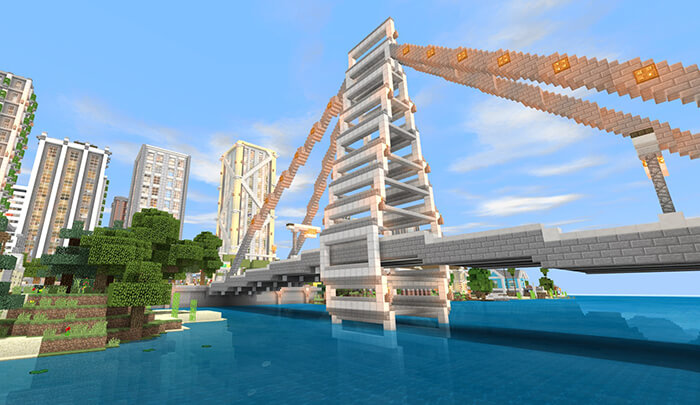
Try to make the most of all your options, and you won’t have to wait long for the results. A new world, new improvements, and a wealth of positive experiences. All this now awaits you. Enjoy the game!
How to install shaders (Android):
Step one: download the texture pack using the link below.
Step two: Unzip the downloaded archive; inside, you’ll find a folder containing the SS10 texture pack for shaders. Copy it to the following path games\com.mojang\resource_packs or use the launcher.
Comments (1)