



Majora’s Mask for Minecraft Pocket Edition 0.14
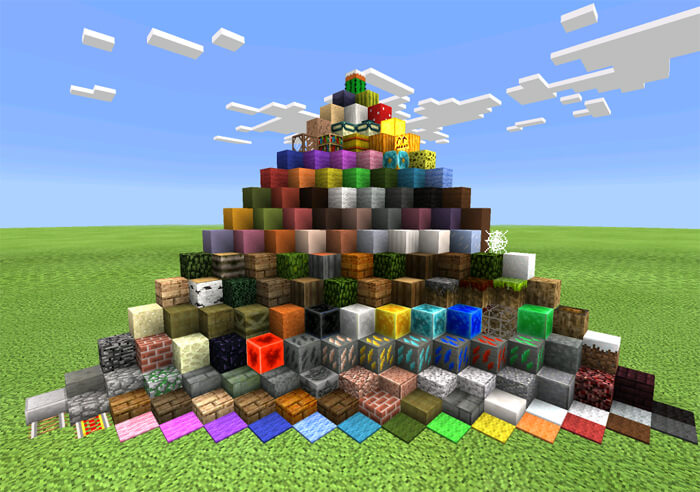
 If you’ve grown a little tired of the original Minecraft game world, we suggest you take a look at a texture pack called Majora’s Mask, which not only brings something new to the game but also lets you see just how much the environment can change with only a few small tweaks.
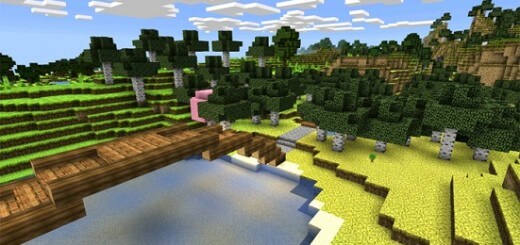
This mod completely redraws the game world, making it darker and more forbidding—just as it should be. But don’t rush into exploring this world, as it can sometimes be quite frightening and dangerous. It’s best to gear up first and prepare for the unexpected. We wish you the best of luck!
How to install the texture pack (for Android):
Step 1: Download the texture pack using the link below.
Step 2: Extract the downloaded archive and copy the Majora’s Mask folder to games\com.mojang\resource_packs (if this folder does not exist, create it yourself)
Step 3: In the game, go to Settings. Next to ‘Texture Packs’, you’ll see a ‘Manage’ button—click on it. The copied texture pack will appear in the list on the left; click on it so that it moves to the top of the list on the right.
Comments (7)