



Retro 8-bit for Minecraft Pocket Edition 0.15
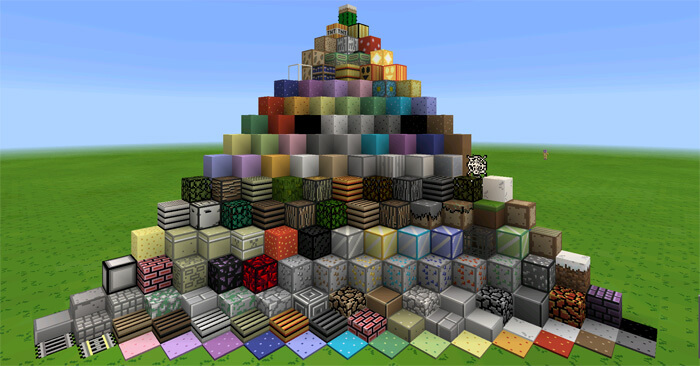
 Retro 8-bit Texture Pack — another good port of a texture pack from the PC version of Minecraft. The 8-bit style, so beloved by many players of old-school consoles, has been carefully recreated in this texture pack and brought to Minecraft PE.
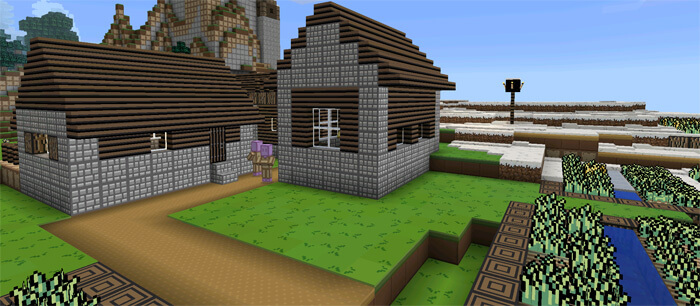
The low resolution of Retro 8-bit shouldn’t put you off; on the contrary, this resolution is just right for correctly displaying these simple yet very beautiful textures for blocks, mobs and items.
The Retro 8-bit texture pack lets you relive that sense of nostalgia for Dendi, Nintendo and those games that teenagers used to play for hours on end just 10–20 years ago.
How to install the texture pack:
Step 1: Download the texture pack using the link below.
Step 2: Extract the downloaded archive and copy the Retro 8-bit folder to games\com.mojang\resource_packs (if this folder does not exist, create it yourself)
Step 3: In the game, go to Settings; next to ‘Texture Packs’ there will be a ‘Manage’ button — click on it. The copied texture pack will appear in the list on the left; click on it so that it moves to the top of the list on the right.
Comments (2)