



Jolicraft for Minecraft 1.10
 Jolicraft for Minecraft is a comprehensive add-on that gives fans of the game access to a large number of updated textures featuring new, fresh details. They also offer pleasing colour shades and additional design elements, but most importantly, they blend together perfectly.
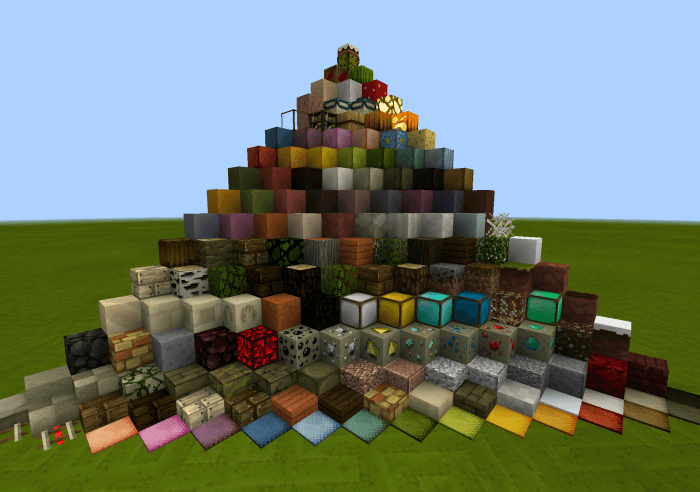
If you’ve been wanting to refresh the game and explore its vast landscapes all over again, we recommend this pack. At the very least, it’ll delight you with fresh details and put you in a good mood.
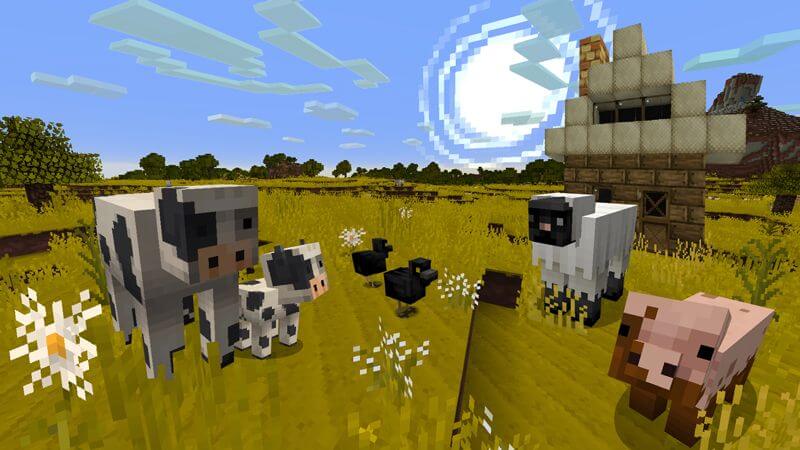
How to install the texture pack:
Step one: Download the texture pack using the link below.
Step two: Extract the downloaded archive and copy the folder Jolicraft to the path c:\Users\Пользователь\AppData\Roaming\.minecraft\resourcepacks\ (if this folder does not exist, create it yourself)(For Windows)
Step three: In the game, go to Settings, then Resource Packs. Click on the icon for the new texture pack in the left-hand list.
Comments (0)