



Real Nature for Minecraft 1.10
 Real Nature for Minecraft – another texture pack that will delight you with the game’s updated visual style. The creator of this pack has worked to refine all the textures that transform resources, grass, trees and many other environmental elements. All you need to do is install this texture pack and take a stroll through the interactive world, which will become realistic and enjoyable.
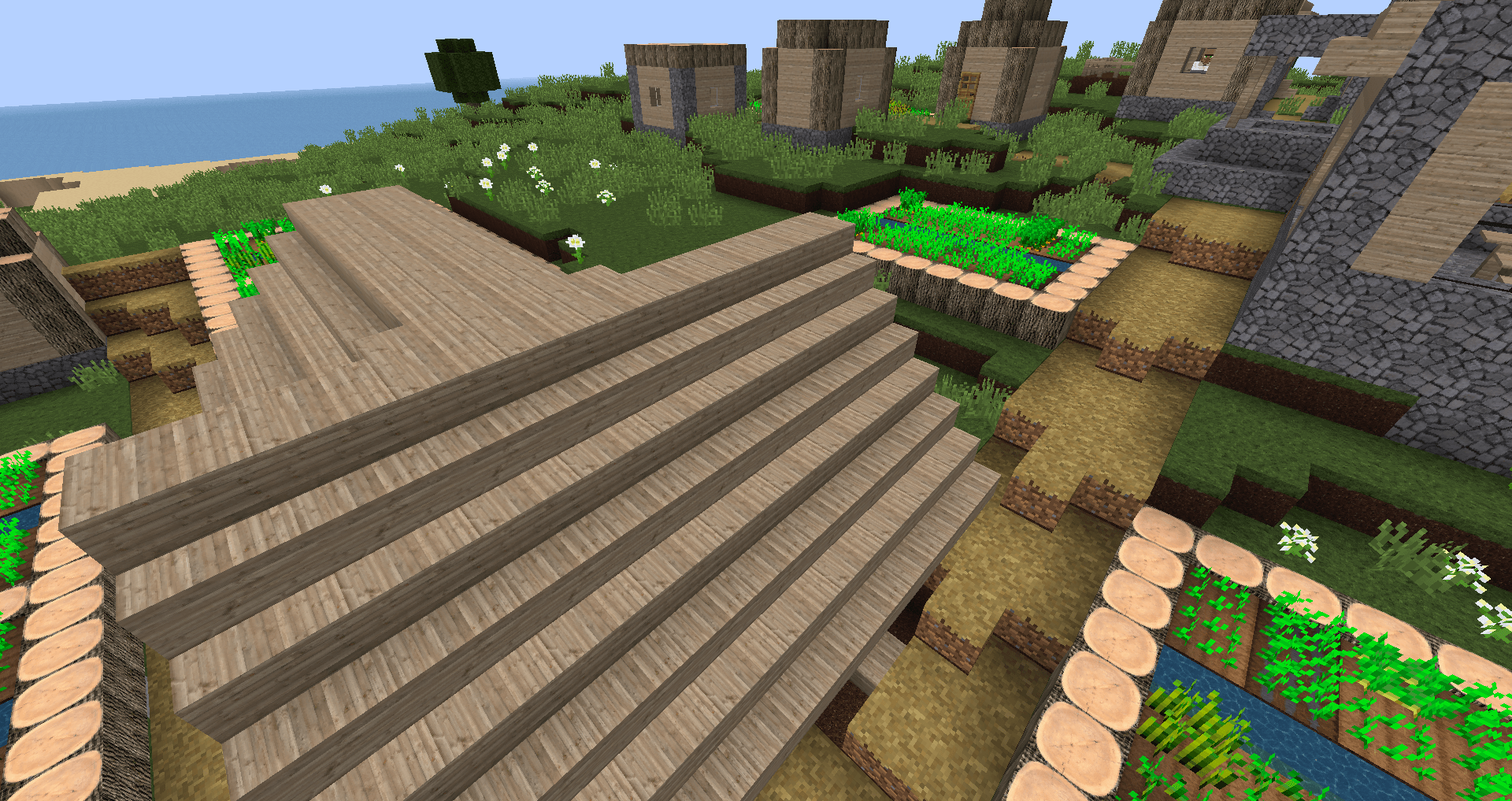
You’ll be able to examine every blade of grass and reflection, every shadow and texture detail with curiosity. The world will truly become as enjoyable and unique as possible, so it’s time to set off on a new journey. We wish you the best of luck!
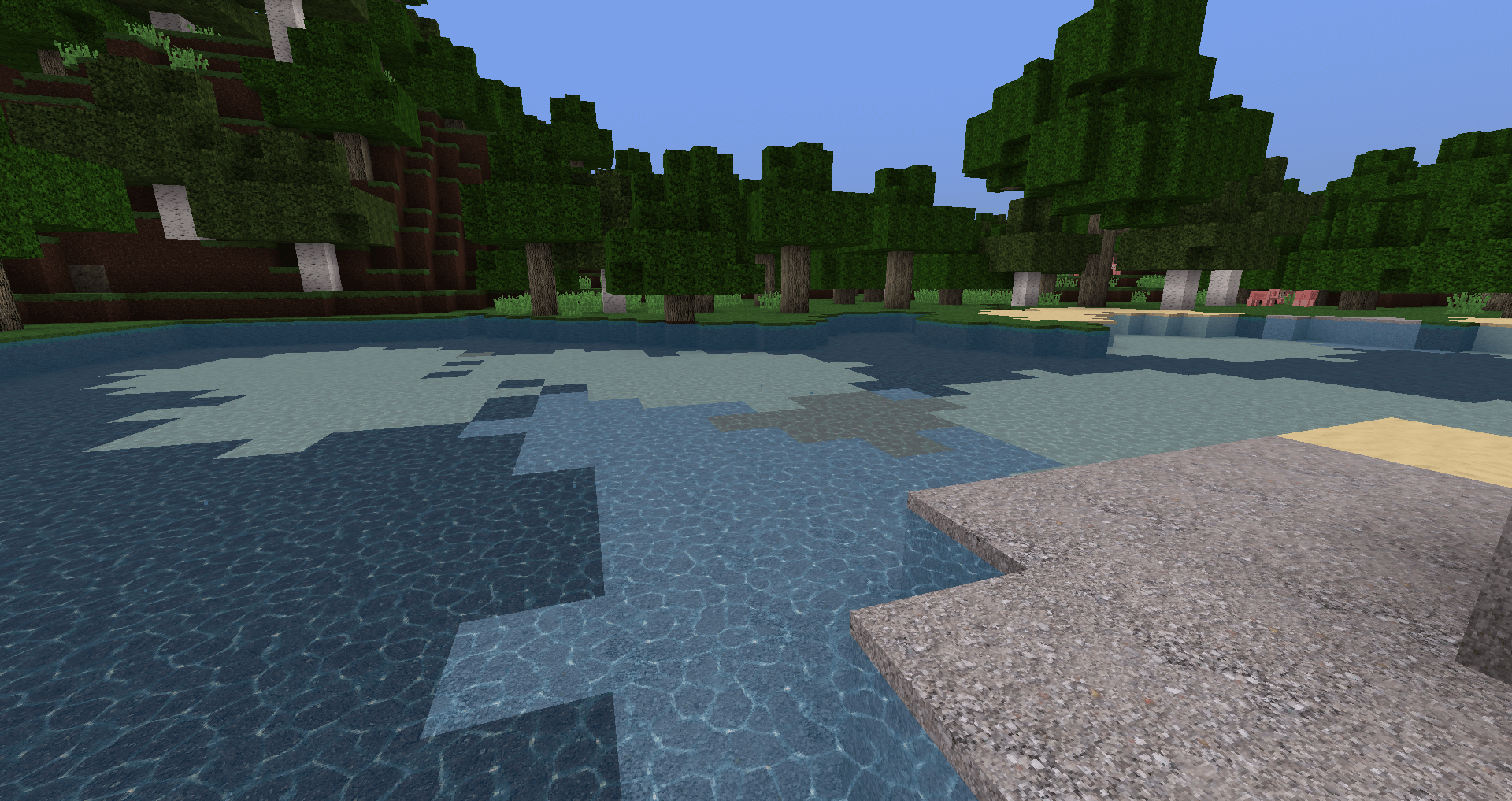
How to install the texture pack:
Step one: Download the texture pack using the link below.
Step two: Extract the downloaded archive and copy the folder Real Nature to c:\Users\Пользователь\AppData\Roaming\.minecraft\resourcepacks\ (if this folder does not exist, create it yourself)(For Windows)
Step three: In the game, go to Settings, then to Resource Packs. There, click the icon for the new texture pack in the left-hand list.
Comments (0)