



Shield Corrections for Minecraft 1.10
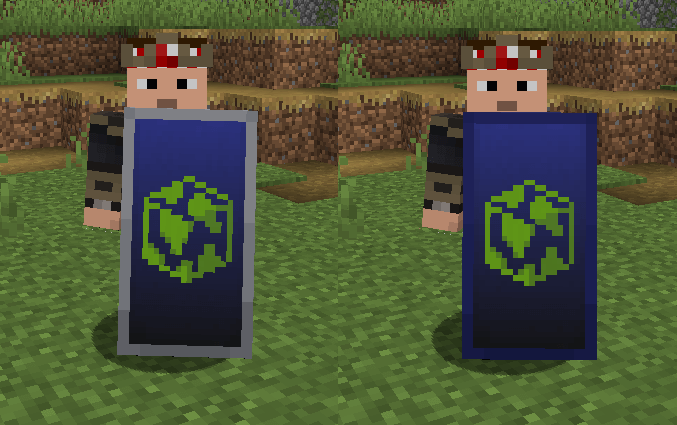
 Shield Corrections for Minecraft will be a real find for those who love using shields. If you’ve felt that there isn’t enough of this kind of content in the game, we suggest giving this pack a try. This time, the textures will be changed so much that you’ll feel as though you’re using completely new shields.
Previously, you could count them on the fingers of one hand, but once you’ve installed this enhancement, you’ll find a whole host of additional shield options. Make the most of all this content, and the game will become far more interesting. At the very least, you’ll be able to build up a whole collection of shields and use them in any battle.
How to install the texture pack:
Step one: Download the texture pack using the link below.
Step two: Extract the downloaded archive and copy the folder Shield Corrections to the path c:\Users\Пользователь\AppData\Roaming\.minecraft\resourcepacks\ (if this folder does not exist, create it yourself)(For Windows)
Step three: In the game, go to Settings, then to Resource Packs. There, click the icon for the new texture pack in the left-hand list.
Comments (0)