



Smooth Operator for Minecraft 1.10
 To make the game world look significantly better, simply keep using a variety of potentially useful enhancements. For example, this time you can use the Smooth Operator texture pack for Minecraft, which promises to be extremely interesting and engaging thanks to all the improvements to the game’s visuals.
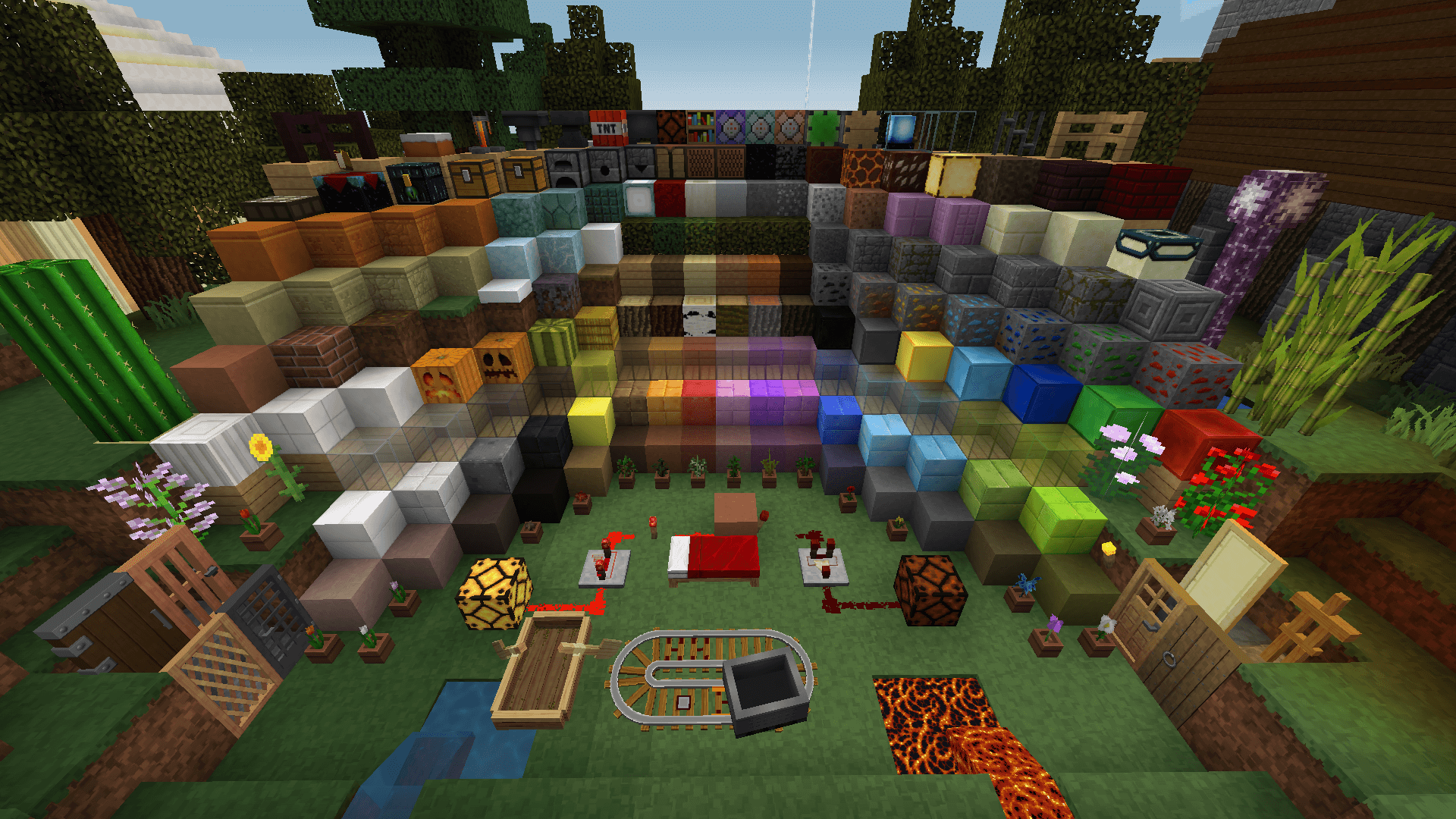
This time, the creator has worked on the textures, which will not only look significantly better but also let you enjoy the new surroundings without any issues. There will now be far more detail in the game, which will undoubtedly have a positive impact on it.

How to install the texture pack:
Step one: Download the texture pack using the link below.
Step two: Extract the downloaded archive and copy the folder Smooth Operator to c:\Users\Пользователь\AppData\Roaming\.minecraft\resourcepacks\ (if this folder does not exist, create it yourself)(For Windows)
Step three: In the game, go to Settings, then to Resource Packs. Click on the icon for the newly added texture pack in the left-hand list.
Comments (0)