



Velvet Dreams for Minecraft 1.10
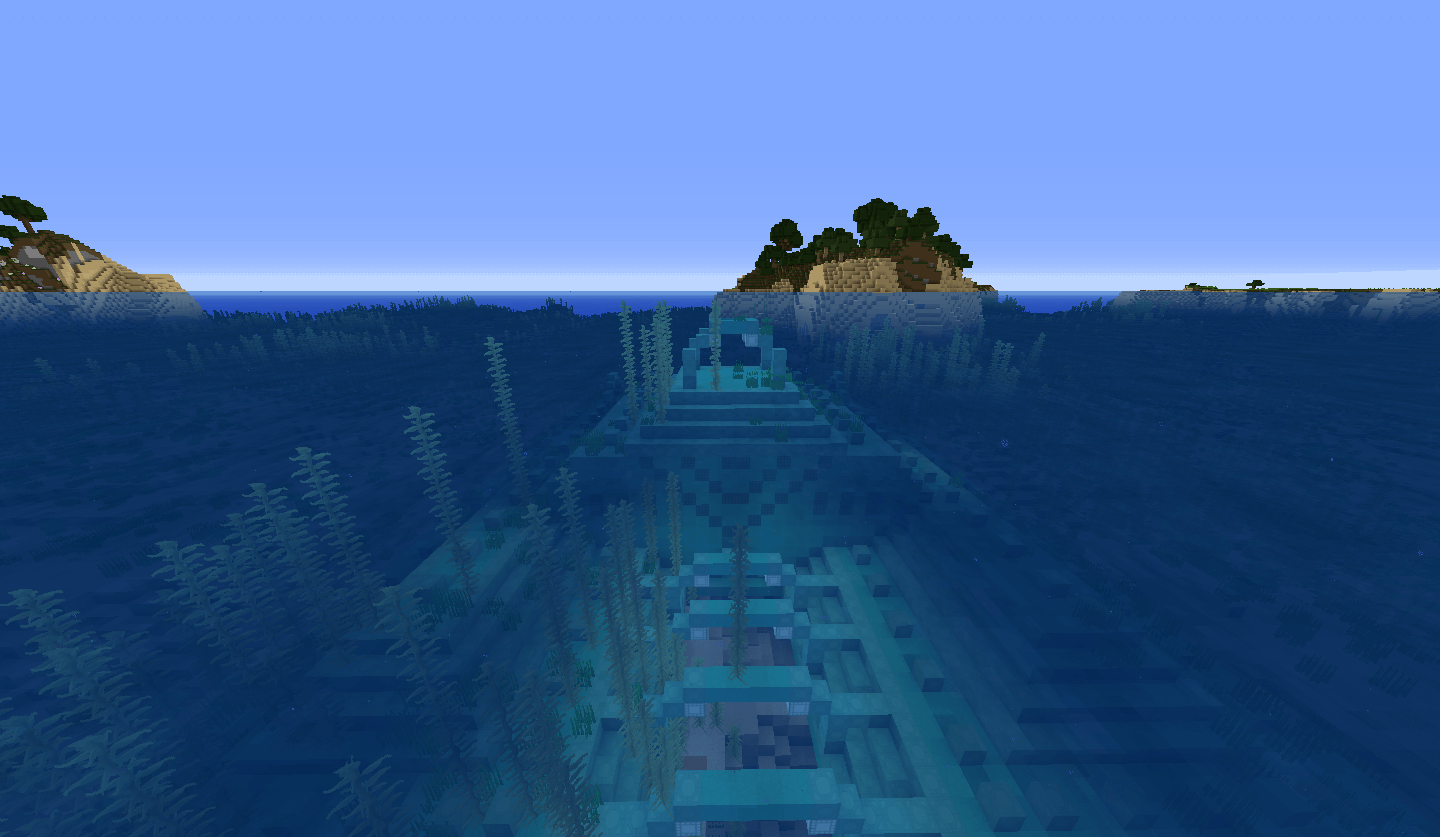
 Resolution is a key factor in the game’s visuals. That’s why many fans pay a great deal of attention to it. So, if you want to improve this aspect of the game, we recommend using the Velvet Dreams texture pack for Minecraft, which will transform the environment and make spending time on your adventures a pleasure.
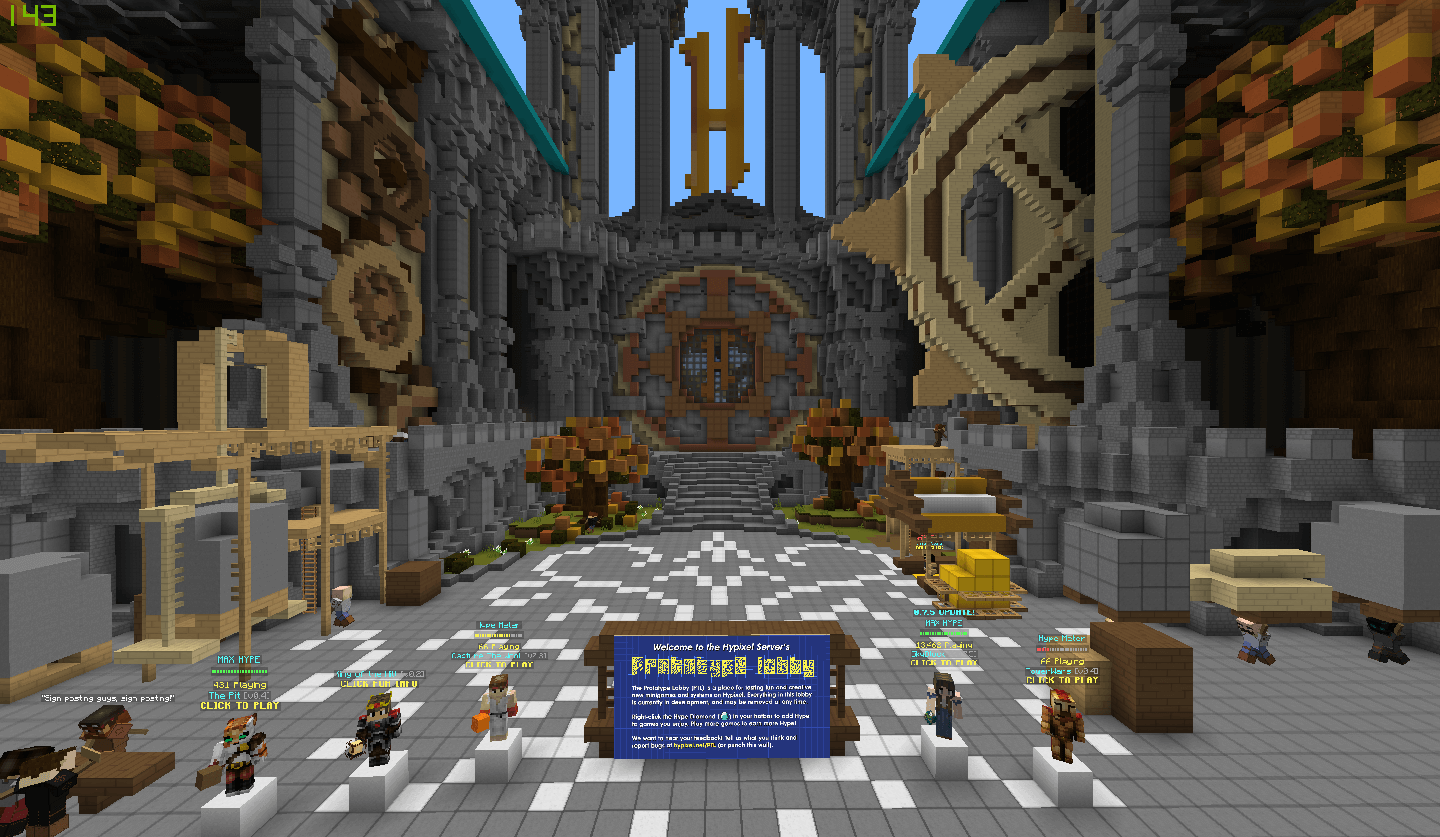
All the textures around you will now have a resolution of x64, which will improve the quality of the environment several times over. Thanks to these textures, you’ll be able to enjoy every moment of your adventure. We wish you the best of luck and hope you have a great time!
How to install the texture pack:
Step one: Download the texture pack using the link below.
Step two: Extract the downloaded archive and copy the Velvet Dreams folder to c:\Users\Пользователь\AppData\Roaming\.minecraft\resourcepacks\ (if this folder does not exist, create it yourself)(For Windows)
Step three: In the game, go to Settings, then to Resource Packs. In the list on the left, click on the icon for the newly added texture pack.
Comments (0)