



FunnyWorld for Minecraft 1.15.2
 We’re continuing to expand the game with various add-ons, and this time you’ll have the chance to use the FunnyWorld texture pack for Minecraft. This is quite a substantial add-on for the game, offering improvements to several elements at once: mobs, weapons, structures and various blocks.
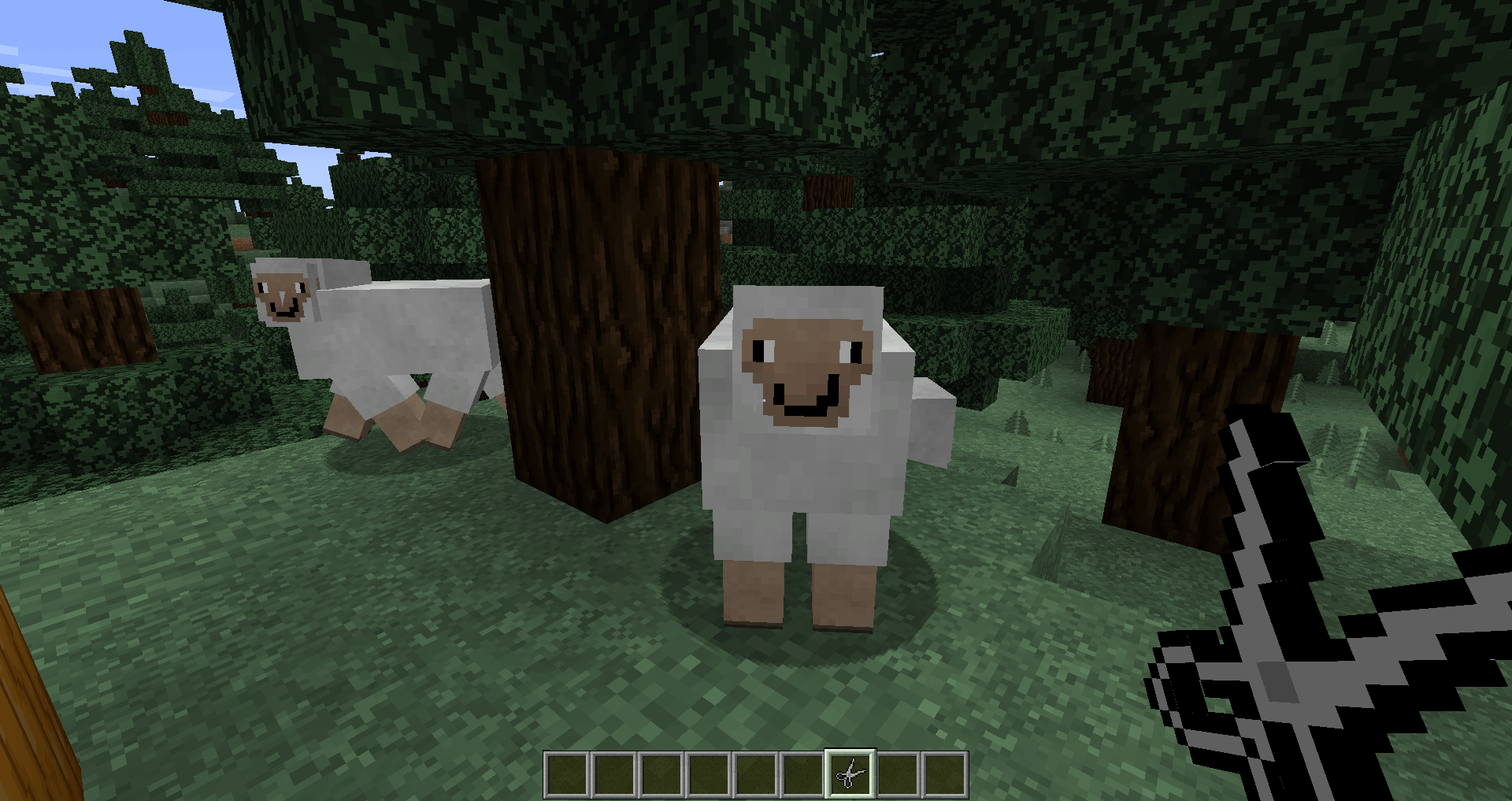
All of this will provide a great opportunity to have a good time and explore the world from scratch. The creator has done their utmost to improve the game’s quality, laying the foundation for an enjoyable experience. We’d like to encourage you not to waste any time and to start testing this whole environment for yourself.
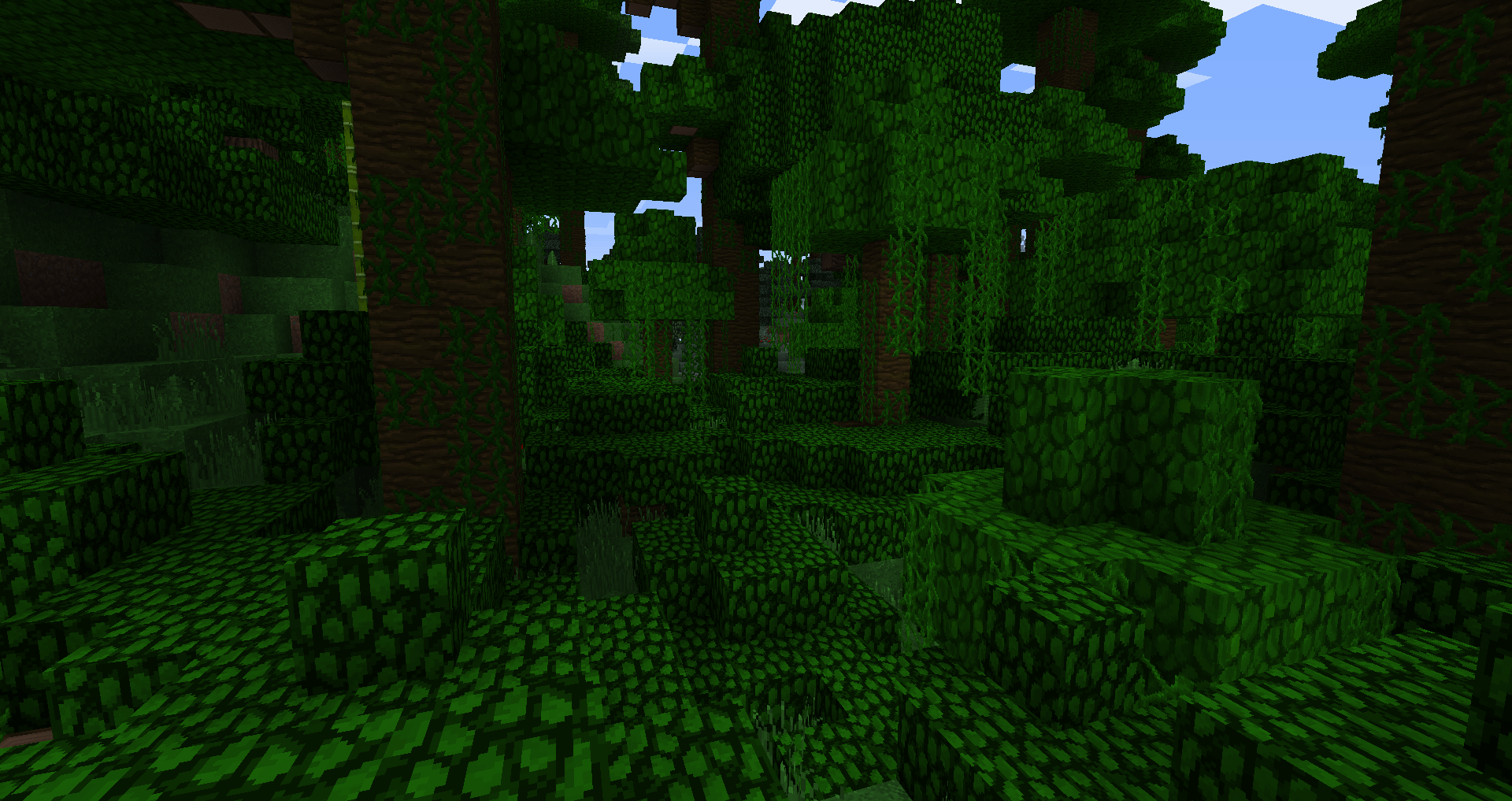
How to install the texture pack:
Step one: Download the texture pack using the link below.
Step two: Extract the downloaded archive and copy the folder FunnyWorld to the path c:\Users\Пользователь\AppData\Roaming\.minecraft\resourcepacks\ (if this folder does not exist, create it yourself)(For Windows)
Step three: In the game, go to Settings, then Resource Packs. There, click on the icon for the new texture pack in the left-hand list.
Comments (0)