



Blood Night PvP for Minecraft 26.3
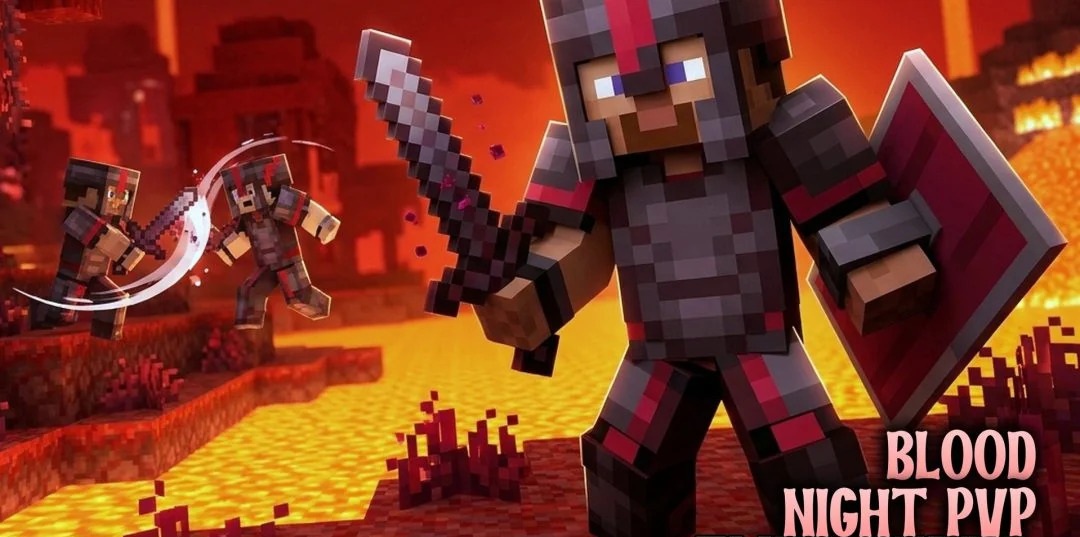
Red critical hit particles, dark netherite swords and a totem with glowing eyes — Blood Night PvP looks fairly grim even by the standards of combat resource packs. The main changes affect weapons and items that players use constantly during PvP.
Diamond swords have turned bright red, netherite swords have been given a darker colour scheme, and bows now have matching trim. Golden apples and ender pearls have been redrawn. The latter now glow red, making them easier to track when thrown during a fight. Small red stars appear instead of the usual critical hit particles. The armour also comes in shades of crimson.
How to install the texture pack:
Step one: Download the texture pack using the link below.
Step two: Unpack the downloaded archive and copy the Blood Night PvP folder to c:\Users\Пользователь\AppData\Roaming\.minecraft\resourcepacks\ (if this folder does not exist, create it yourself) (For Windows)
Step three: In the game, go to Settings, then Resource Packs. Click the icon for the newly added texture pack in the list on the left.
Comments (0)