



Galaxy Pack II Custom Skyboxes for Minecraft 26.3
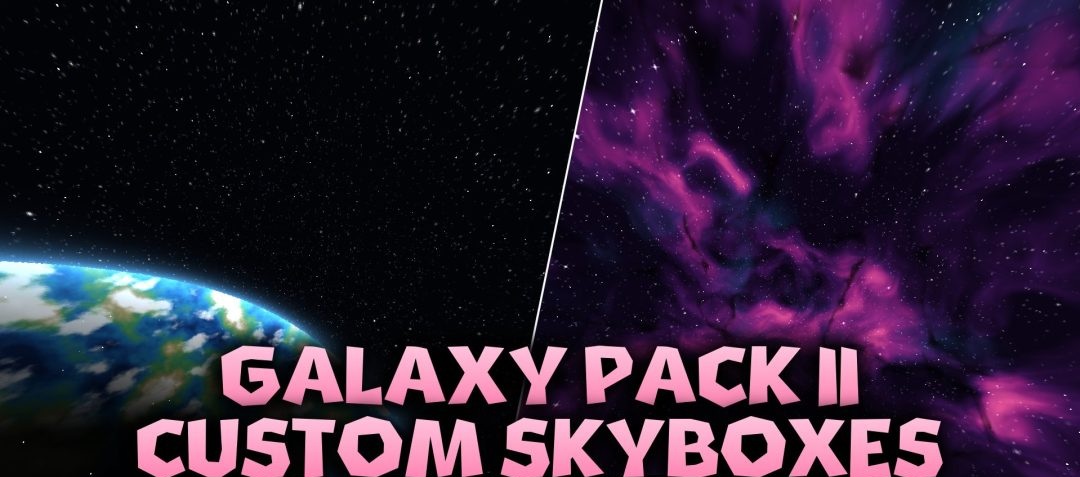
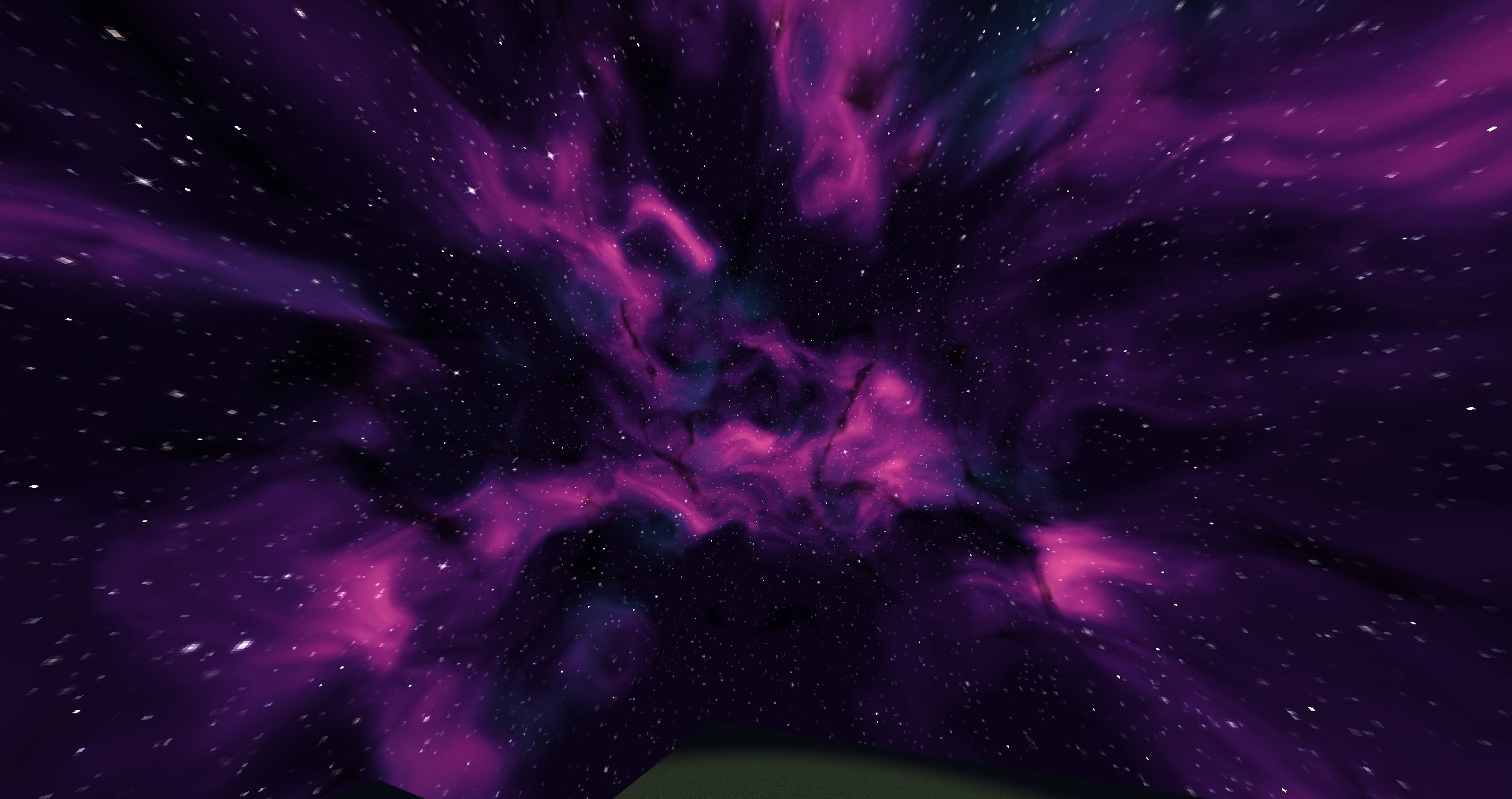
Galaxy Pack II Custom Skyboxes transforms the ordinary Minecraft sky into a true cosmic landscape. Sixteen nighttime backdrops are available, featuring distant planets, nebulae and enormous galaxies. You can choose your own sun from seven options, while eight moon designs retain the familiar cycle of phases.
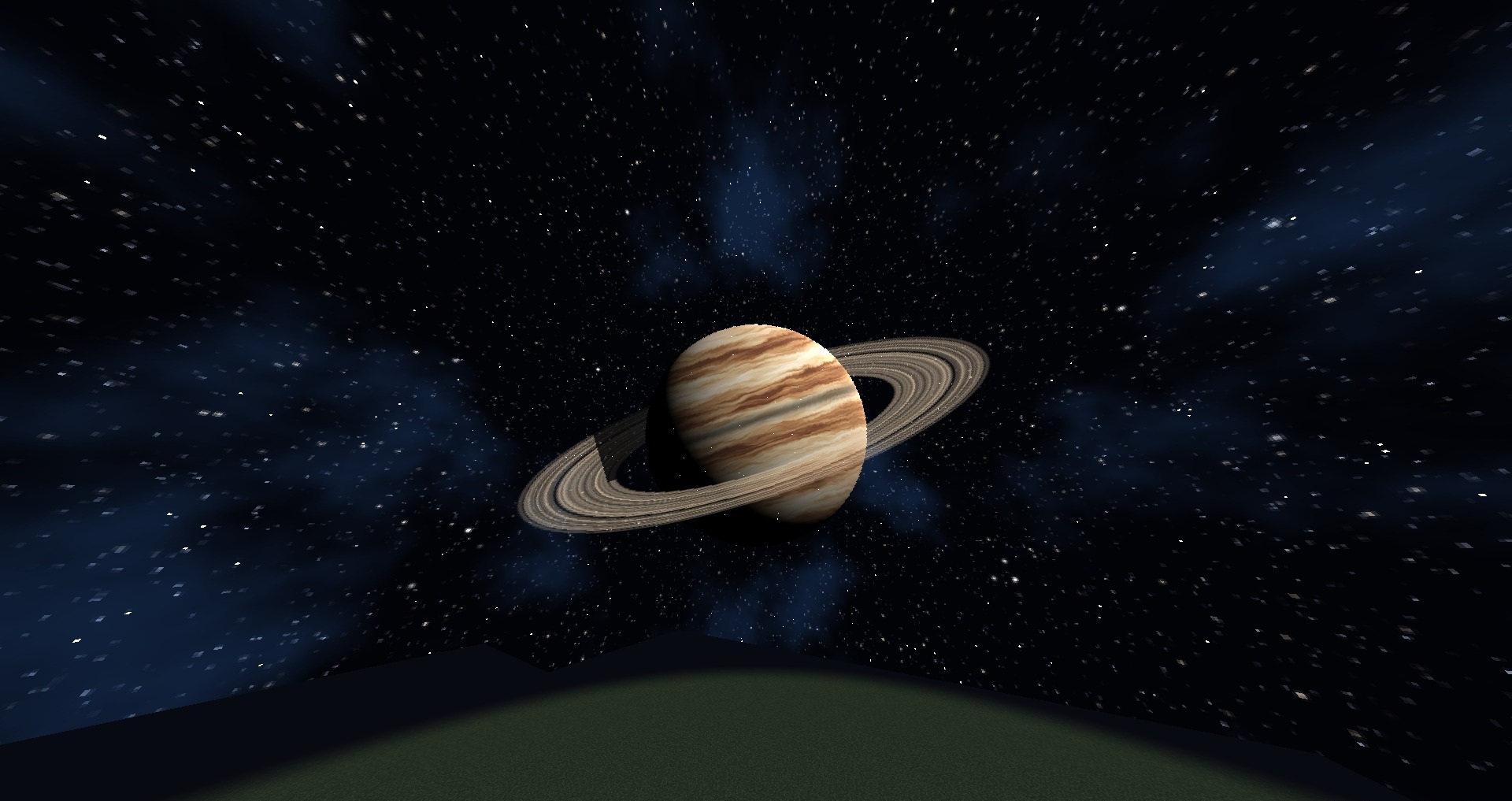
There are also more unusual images, including clouds of stars and dust and three sky variants with cosmic rifts. The author has even reworked the weather. Instead of the usual precipitation, you can see falling stars, meteors or particles of lunar dust.
How to install the texture pack:
Step one: Download the texture pack using the link below.
Step two: Unpack the downloaded archive and copy the Galaxy Pack II Custom Skyboxes folder to c:\Users\Пользователь\AppData\Roaming\.minecraft\resourcepacks\ (if this folder does not exist, create it yourself) (For Windows)
Step three: In the game, go to Settings, then to Resource Packs. In the left-hand list, click the icon for the newly added texture pack.
Comments (0)