



GH Pack for Minecraft 26.3
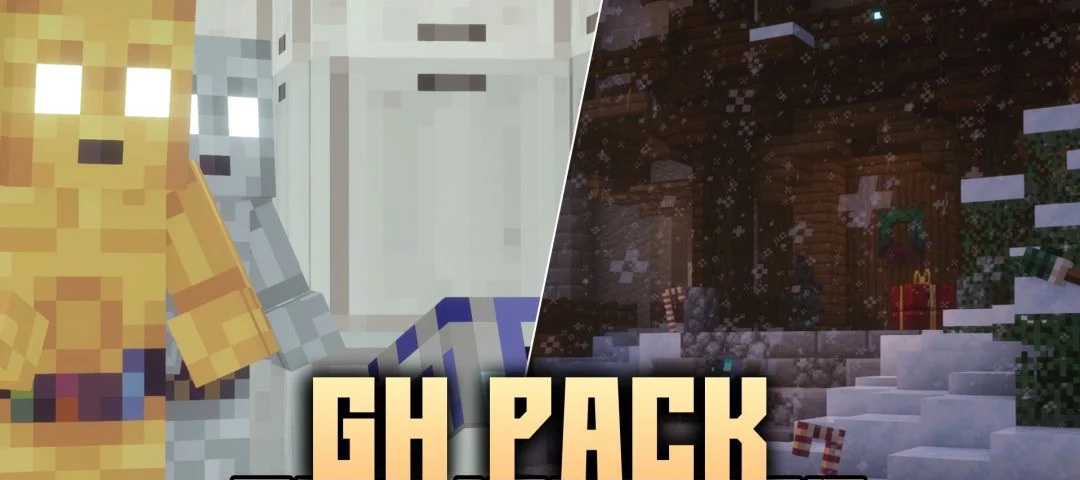
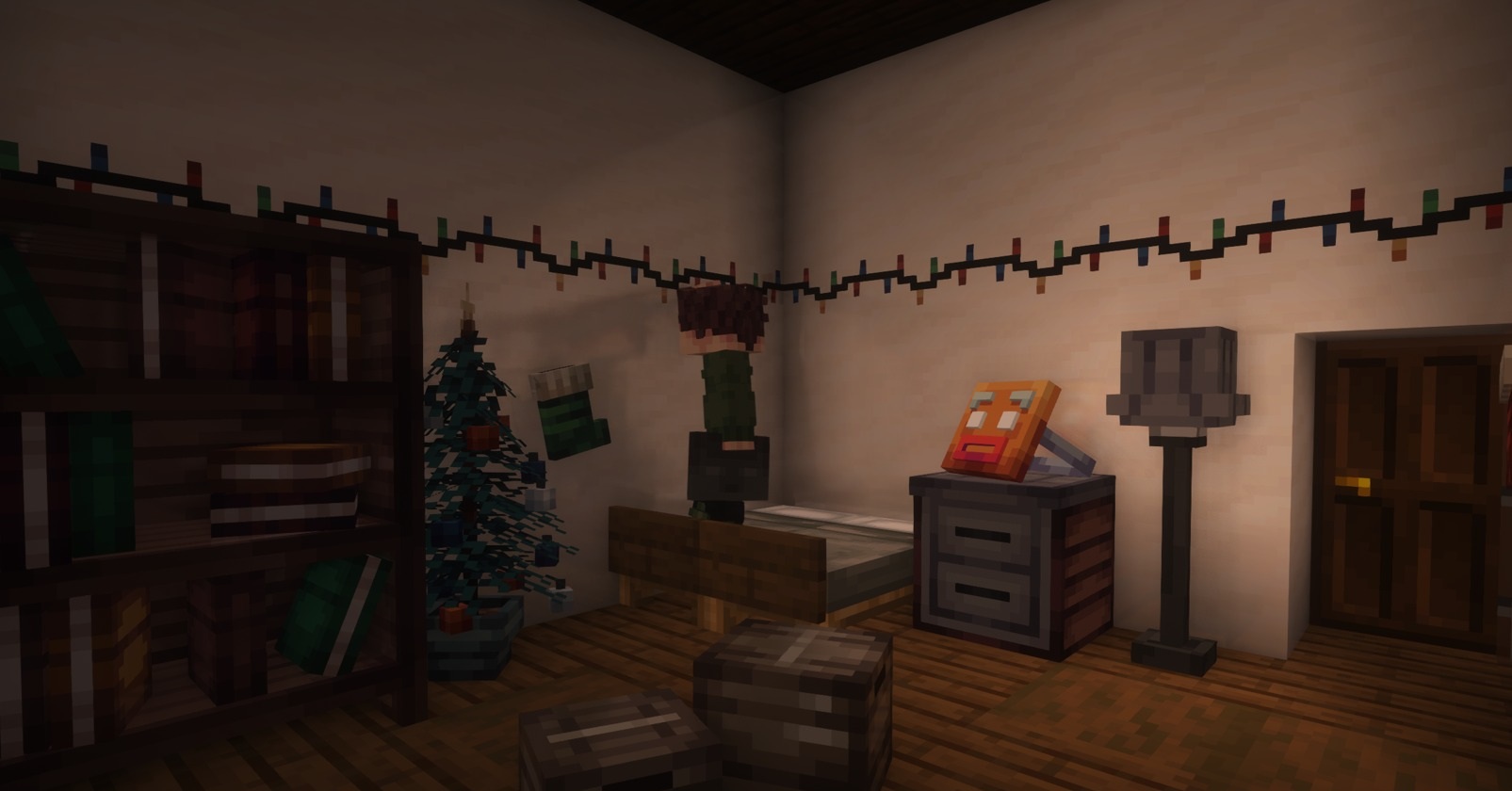
GH Pack combines over 2,500 textures, and the author did not limit himself to a single theme. The collection includes sci-fi droids, galactic items, Halloween decorations, Christmas decor and even spring elements.
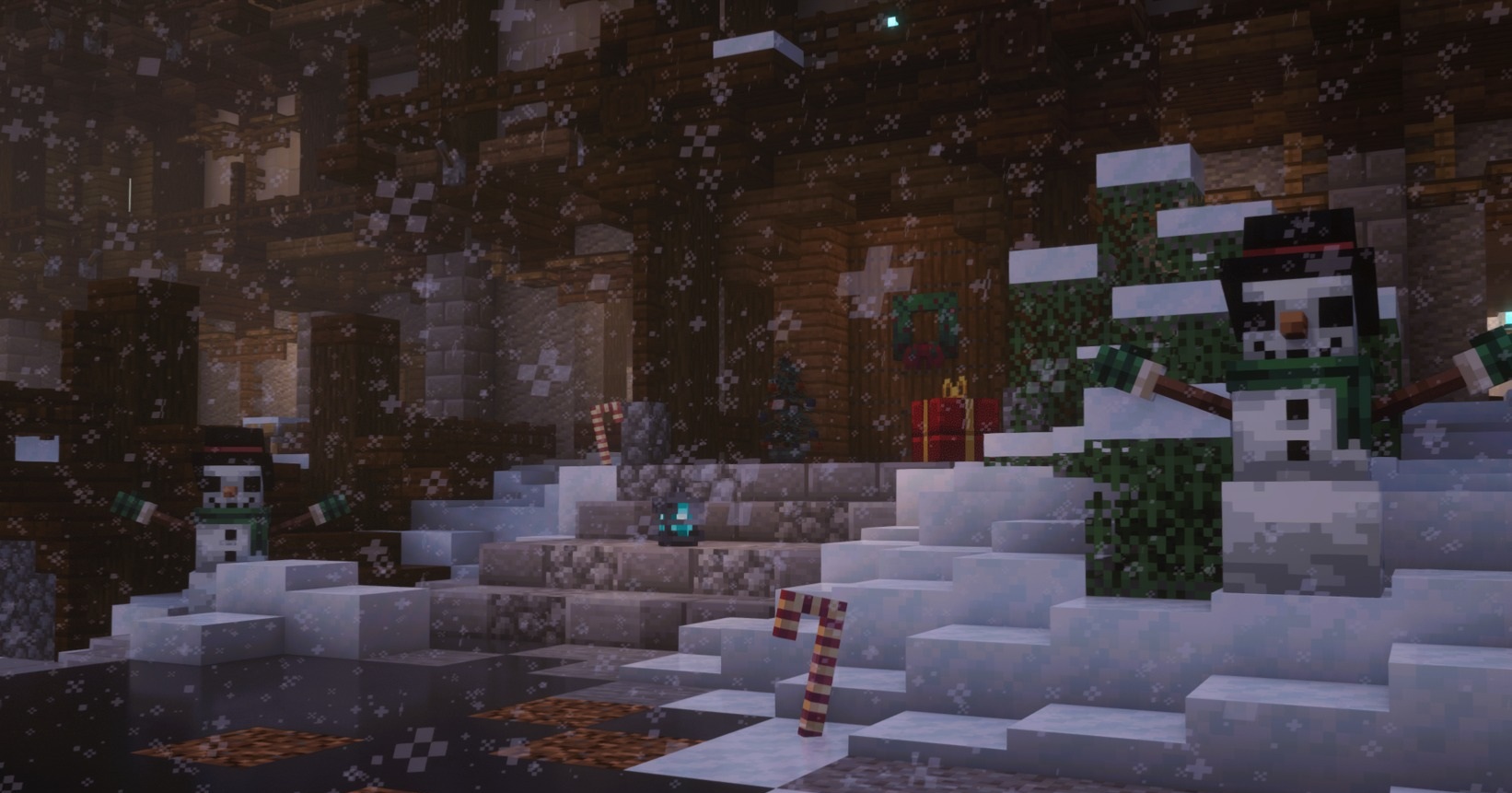
Most of the unusual models are unlocked by renaming items, so ordinary gear can be turned into themed gear using an anvil. Some armour sets also change appearance when certain names are entered. Creatures have their own models, and the interface has also been modified and given a set of emoji. This variety of themes is useful when building different decorative locations.
How to install the texture pack:
First step: Download the texture pack using the link below.
Second step: Extract the downloaded archive and copy the GH Pack folder to c:\Users\Пользователь\AppData\Roaming\.minecraft\resourcepacks\ (if this folder does not exist, create it yourself) (For Windows)
Third step: In the game, go to Settings, then to Resource Packs. In the list on the left, click the icon for the newly added texture pack.
Comments (0)