



Modern Vanilla HUD for Minecraft 26.3
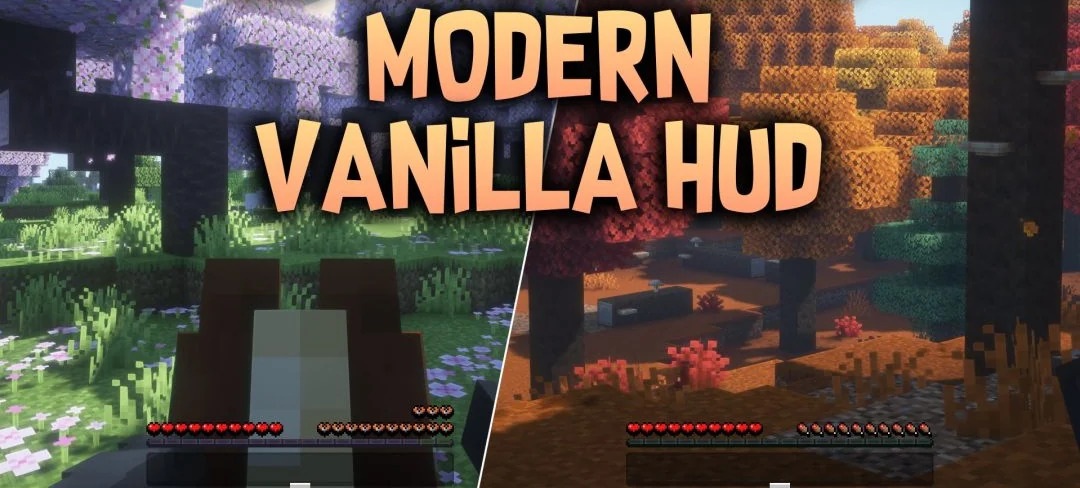
In Modern Vanilla HUD, the author did not completely rebuild the Minecraft interface. Instead, they redrew the familiar indicators, keeping the 16x resolution and their usual placement. The health hearts and the armour, hunger and air icons received subtle shading and bevelled edges, making them look slightly more three-dimensional.
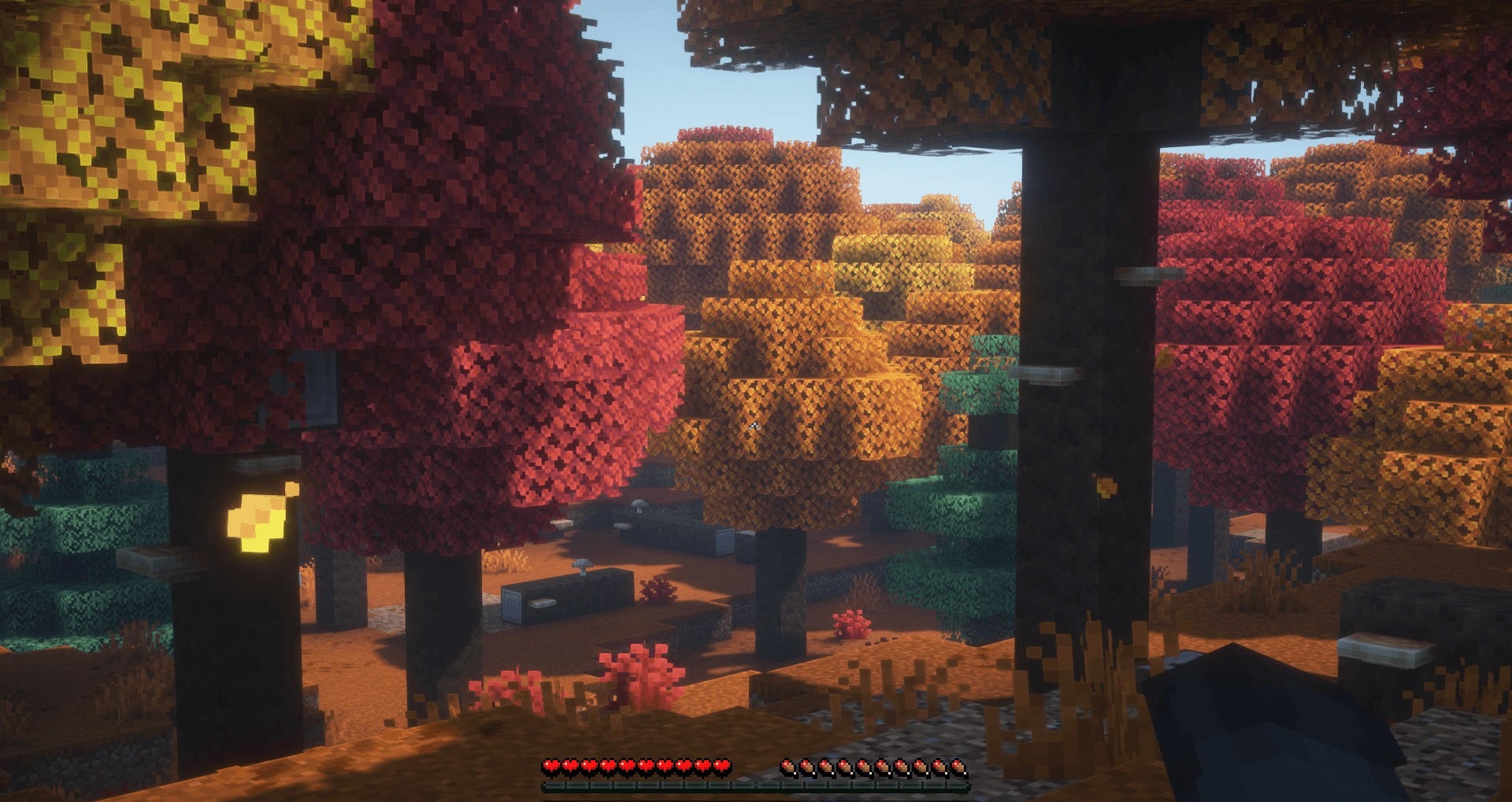
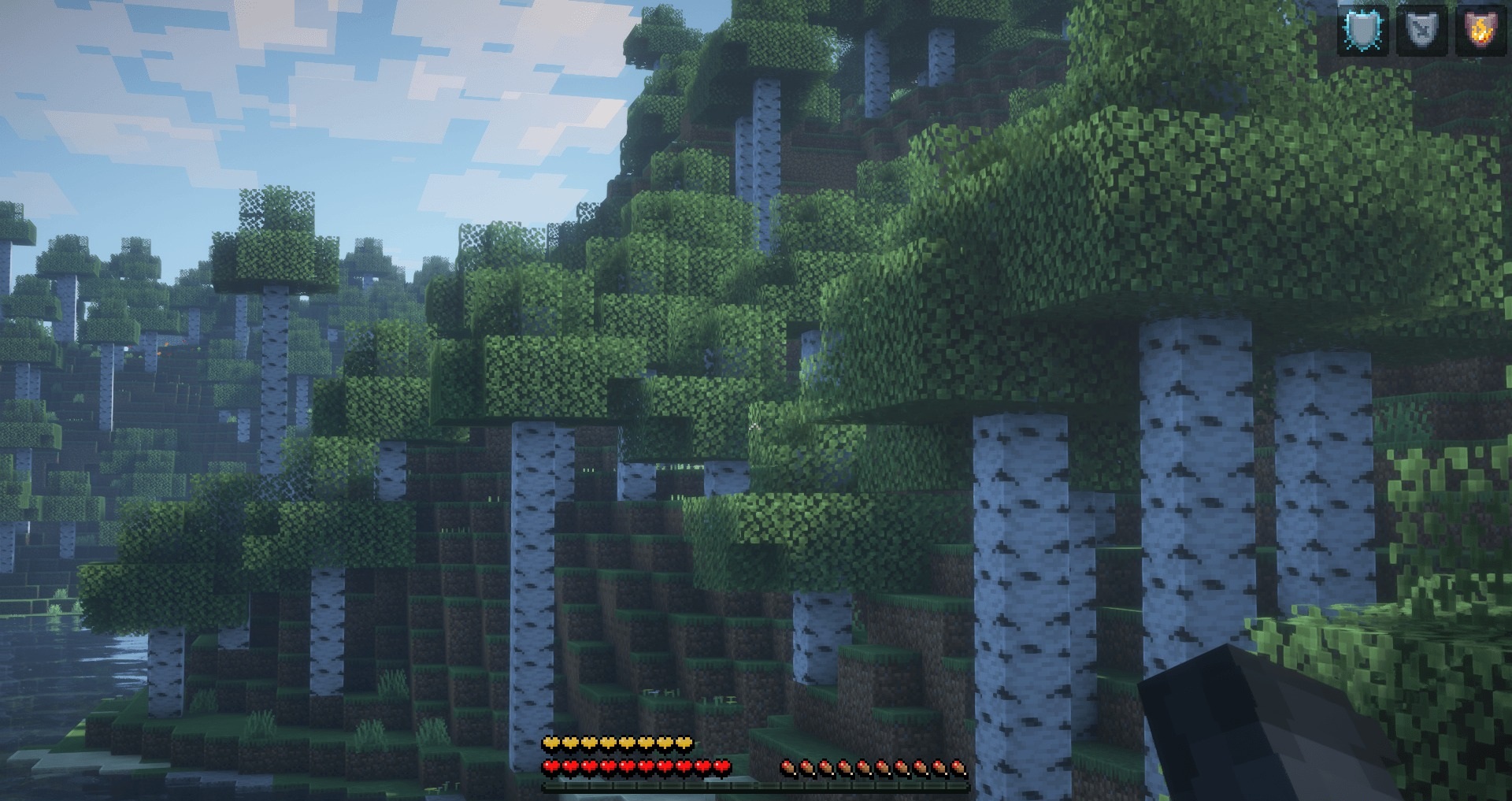
The colours used for certain character states have also changed. Poison, wither, freezing and damage absorption are now easier to distinguish by their indicator designs. The hotbar is now neater, and the crosshair is smaller to make it less distracting during gameplay. The redesign also covers the experience, boss health and horse jump strength bars.
How to install the texture pack:
First step: Download the texture pack using the link below.
Second step: Unpack the downloaded archive and copy the Modern Vanilla HUD folder to c:\Users\Пользователь\AppData\Roaming\.minecraft\resourcepacks\ (if this folder does not exist, create it yourself) (For Windows)
Third step: In the game, go to Settings, then Resource Packs. Click the icon for the new texture pack in the list on the left.
Comments (0)