



Nino Nakano PvP Anime Sky for Minecraft 26.3
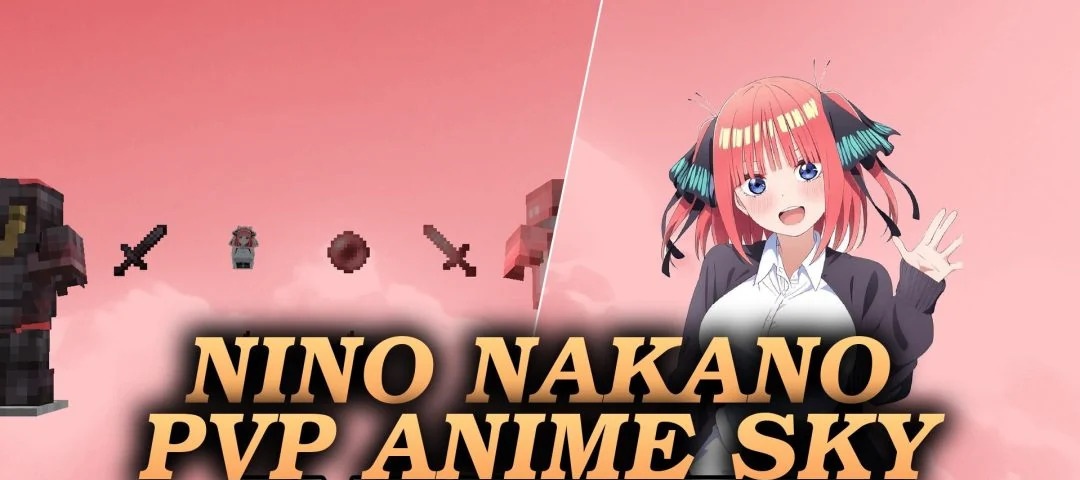
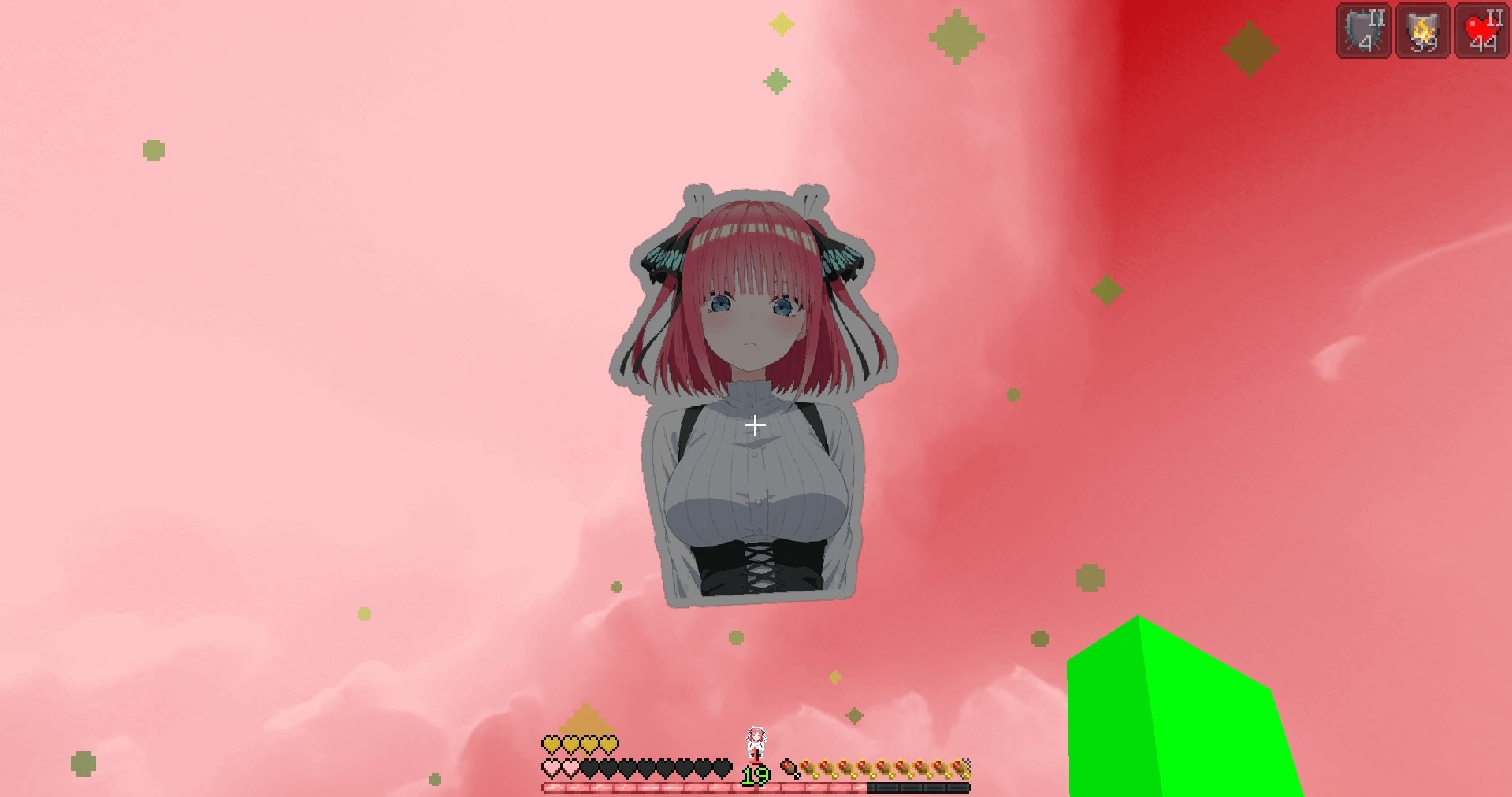
Nino Nakano PvP Anime Sky combines anime-style design with minor changes for PvP. The pack's main character is Nino Nakano, whose images appear in the menu, in the inventory and on individual items. The Totem of Undying has been reworked in a particularly interesting way: instead of the usual figure, it uses a model of the character herself.
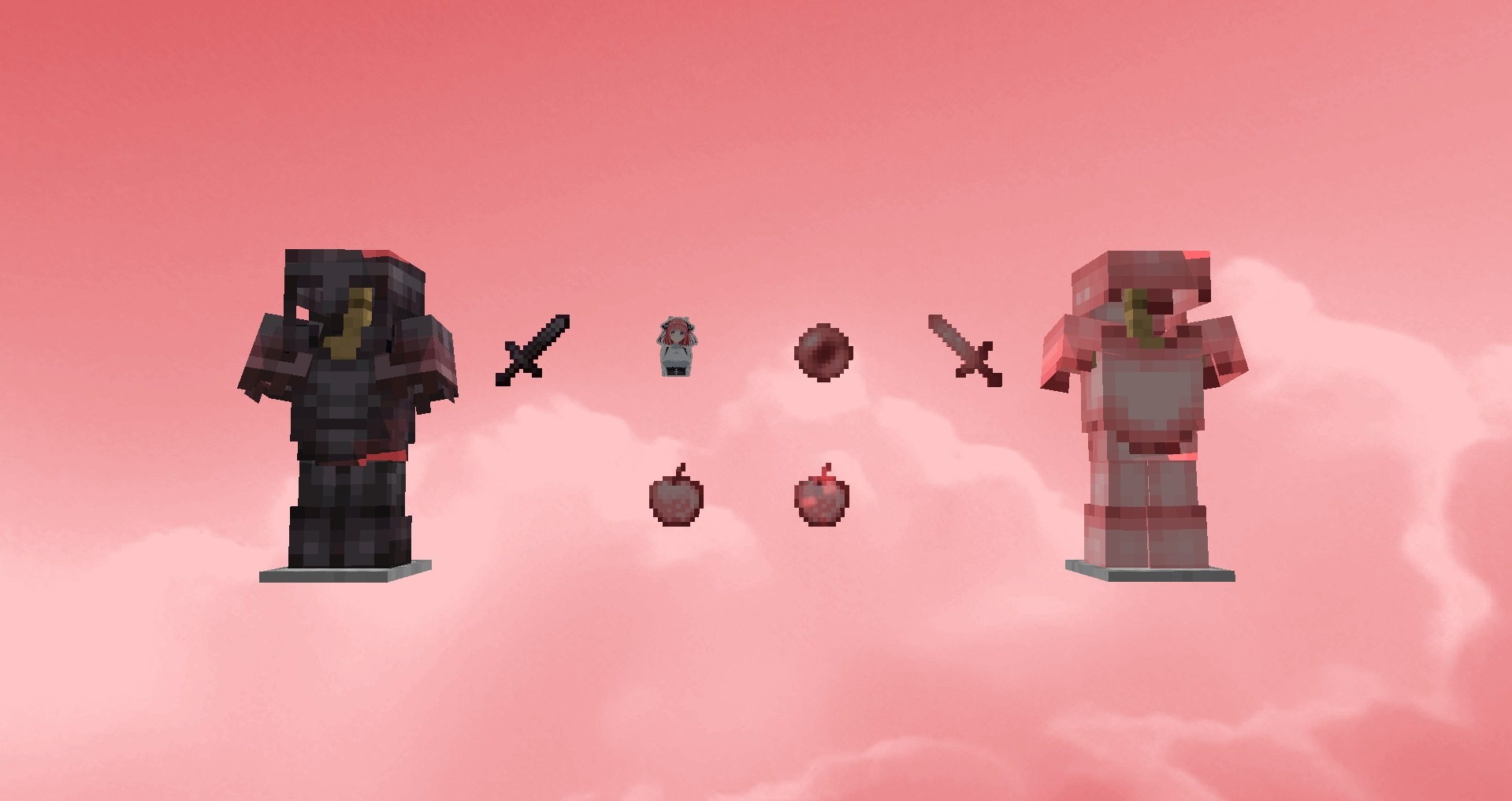
Swords and some other items have also received new textures, selected to match the overall colour scheme. At the same time, the author has tried to keep combat comfortable by ensuring that weapons do not take up too much space in front of the camera. Even the shimmer effect on enchanted items has been changed.
How to install the texture pack:
First step: Download the texture pack using the link below.
Second step: Extract the downloaded archive and copy the folder Nino Nakano PvP Anime Sky to c:\Users\Пользователь\AppData\Roaming\.minecraft\resourcepacks\ (if this folder does not exist, create it yourself) (For Windows)
Third step: In the game, go to Settings, then to Resource Packs. Click the icon for the newly added texture pack in the list on the left.
Comments (0)