



Pockster’s 3D Ores for Minecraft 26.3
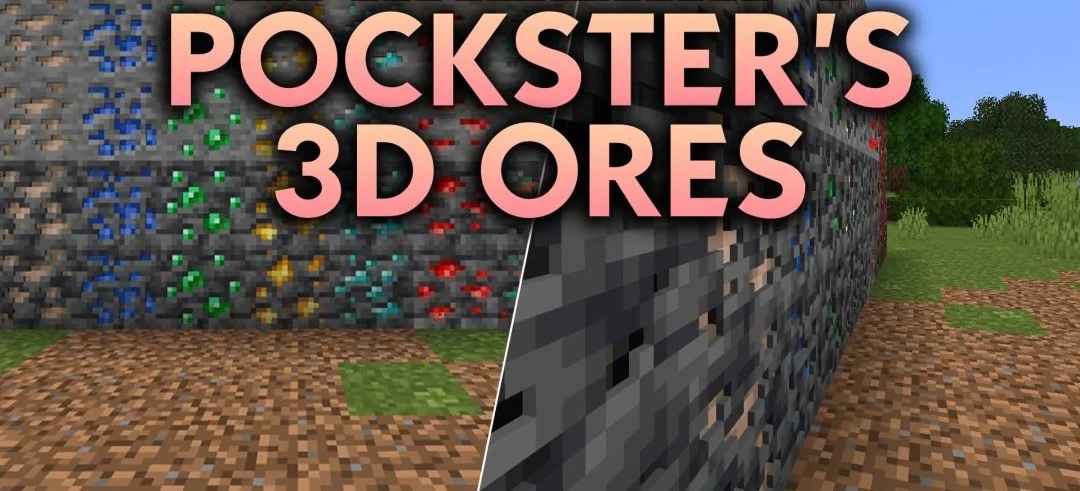
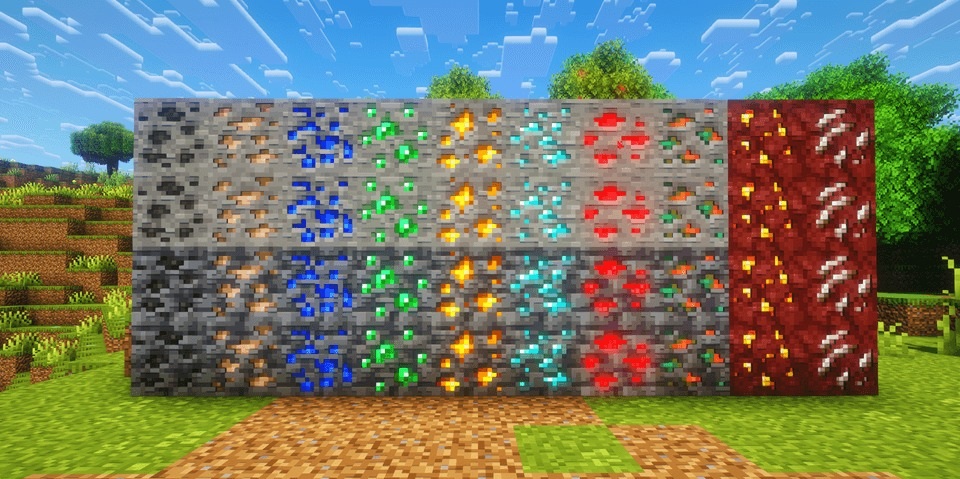
Regular diamond ore looks like a stone block with light blue speckles painted on it. But in Pockster’s 3D Ores, the minerals themselves protrude slightly from the rock, giving the deposits added depth. This treatment has been applied not only to diamonds but also to coal, iron, gold and other valuable minerals.
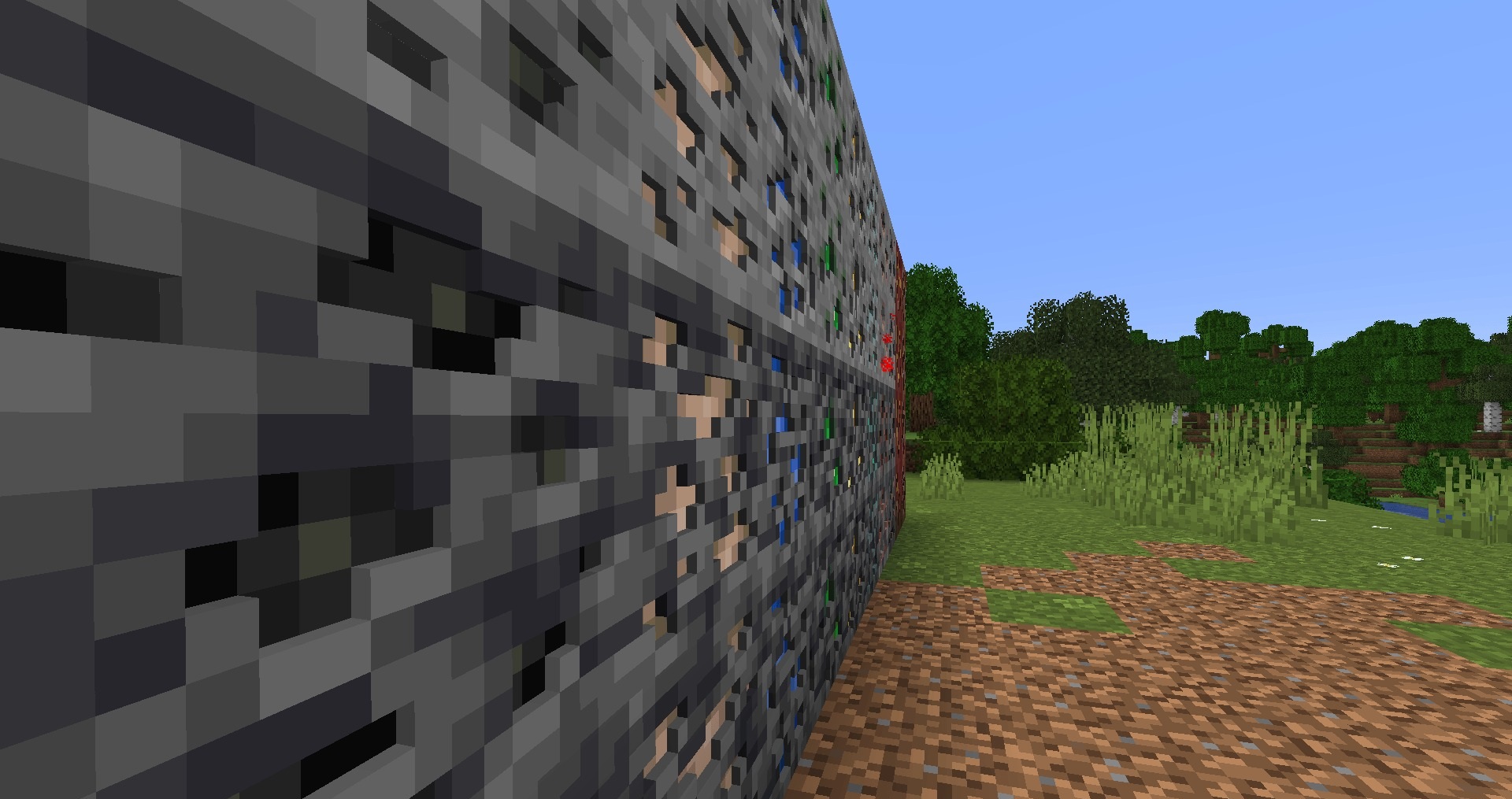
Separate variants are provided for ores found in deepslate, so these unusual models can be seen at different cave levels. The author has kept the familiar colours of the minerals. Identifying the ore you need by its appearance will be easy, even if you have only used vanilla textures before.
How to install the texture pack:
Step one: Download the texture pack using the link below.
Step two: Unpack the downloaded archive and copy the Pockster’s 3D Ores folder to c:\Users\Пользователь\AppData\Roaming\.minecraft\resourcepacks\ (if this folder does not exist, create it yourself) (For Windows)
Step three: In the game, go to Settings, then to Resource Packs. In the list on the left, click the icon for the newly added texture pack.
Comments (0)