



Vanilla Default PVP for Minecraft 26.3
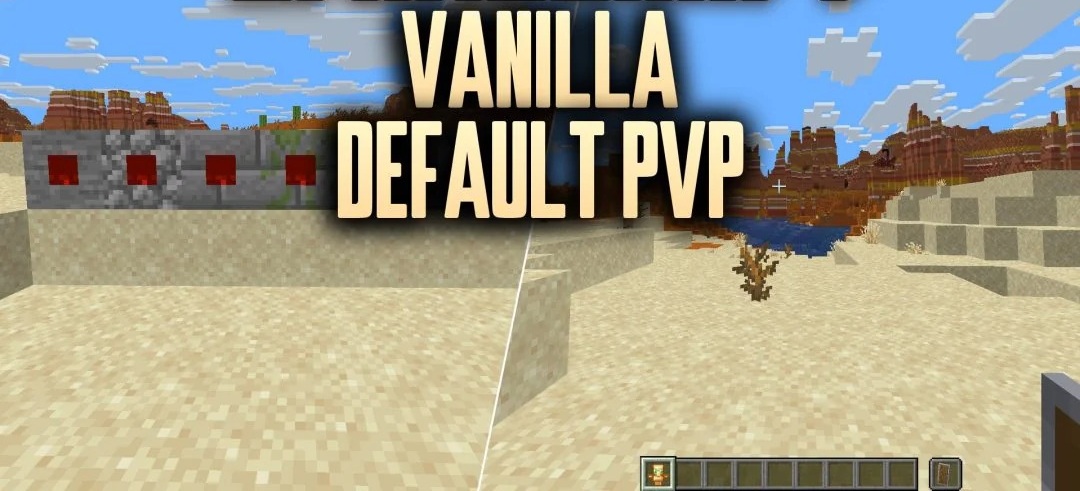
When a character catches fire during battle, the flames often cover most of the screen. If a shield is held in the other hand, keeping track of the opponent becomes even harder. Vanilla Default PVP removes these inconveniences while preserving the familiar look of Minecraft.
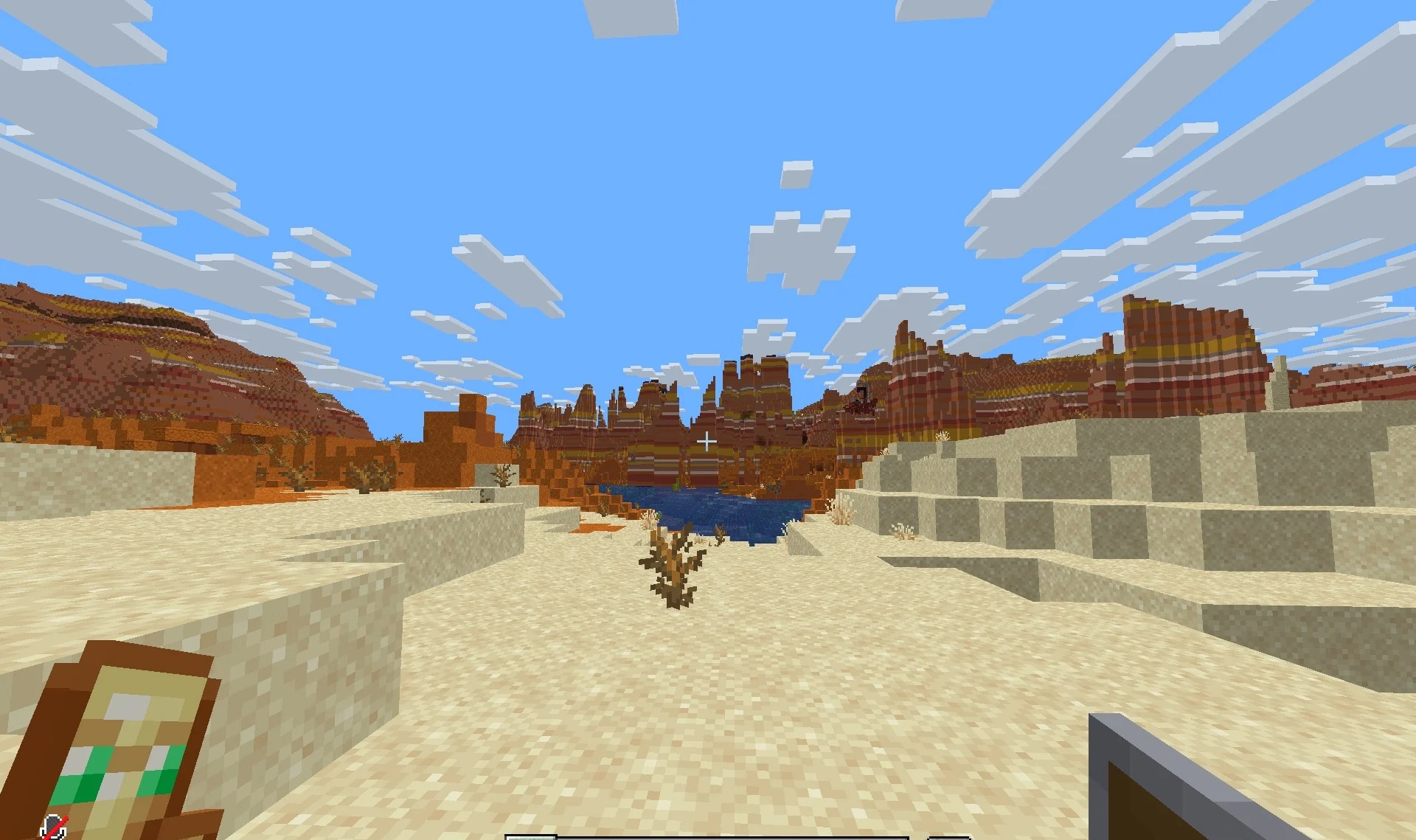
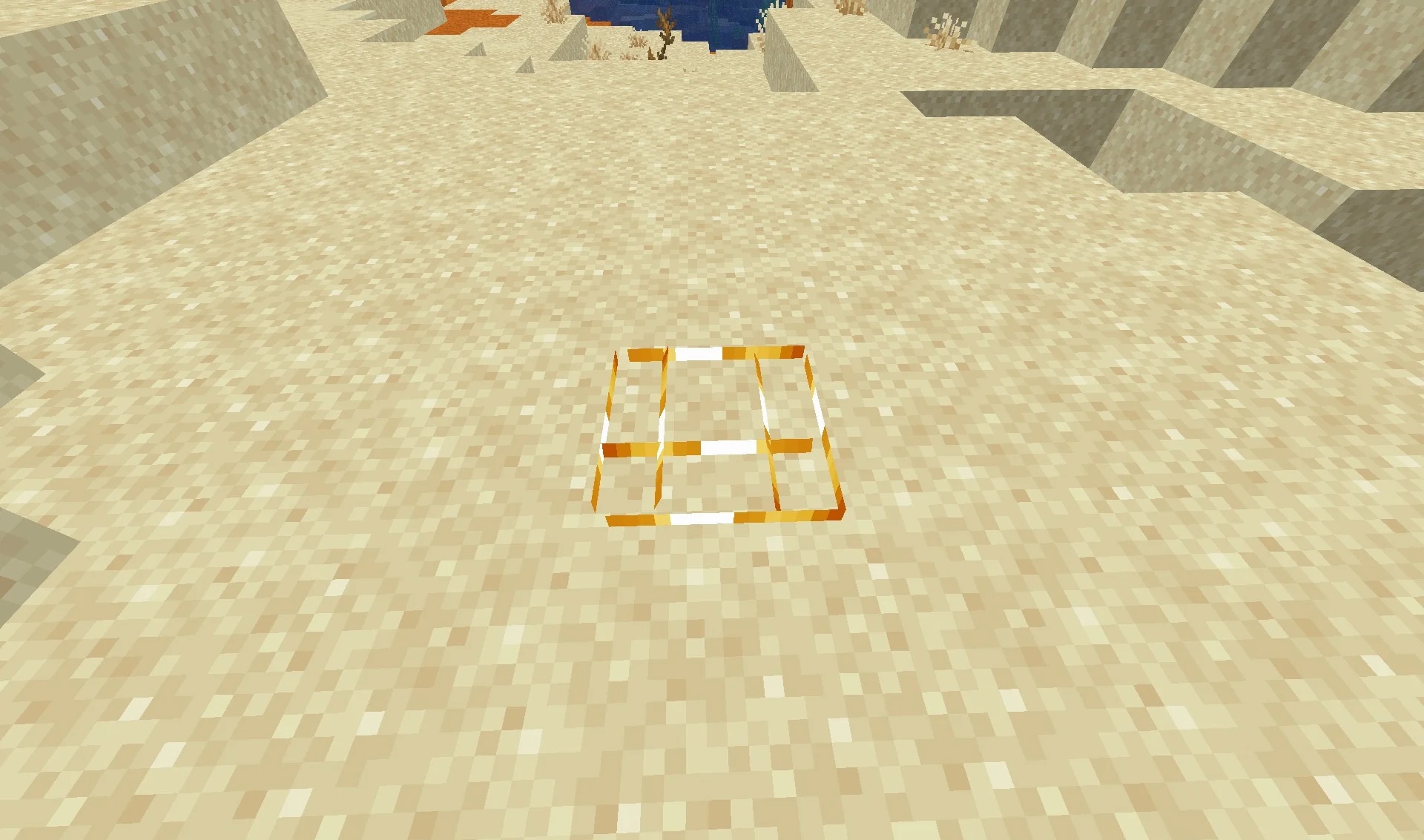
The fire's height has been reduced to one pixel, and shields, totems, buckets, golden apples and some projectiles now take up less space when held. The Totem of Undying's activation particles are also more compact. There are also changes that are useful during regular world exploration. Trapped chests can be recognised by their red details, silverfish-infested blocks have a distinctive texture, and powder snow stands out thanks to its blue colour.
How to install the texture pack:
Step one: Download the texture pack using the link below.
Step two: Unpack the downloaded archive and copy the folder Vanilla Default PVP to the path c:\Users\Пользователь\AppData\Roaming\.minecraft\resourcepacks\ (if this folder does not exist, create it yourself) (For Windows)
Step three: In the game, go to Settings, then Resource Packs. Click the icon for the newly added texture pack in the left-hand list.
Comments (0)