



NoWeather for Minecraft Pocket Edition 1.6
 As it turns out, rain in the game is a weather condition that practically nobody likes. The reason is as simple as it gets: rain creates an unpleasant, damp environment, as well as a sandy one.
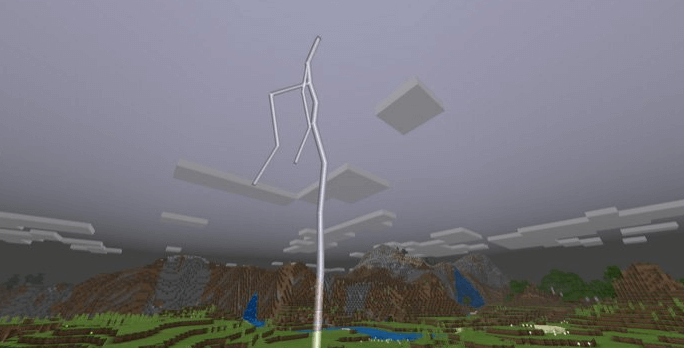
To resolve this issue, use the NoWeather texture pack for version 1.6. It’s perfect for getting rid of the rain, meaning raindrops will no longer appear on your screen. The sky will remain dark and overcast. Lightning will still be visible in the sky if it suddenly strikes. It will appear instantly. Watching lightning is more interesting than watching raindrops afterward.
How to install:
Step 1: Run the downloaded file to import the add-on/texture into Minecraft.
Step 2: Open Minecraft Pocket Edition and go to the world settings.
Step 3: Apply the imported resource packs to the world. In each section, select the imported resource packs / add-on.
Step 4: Restart Minecraft Pocket Edition, enter the Minecraft world you previously set up, and enjoy the texture pack!
Comments (3)