



Find The Button MIN | A Map for Minecraft Pocket Edition
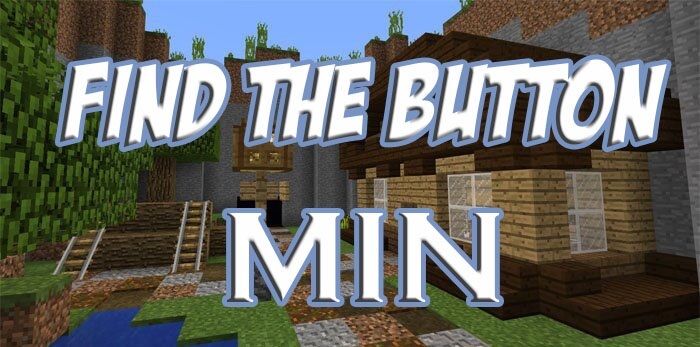 We’re continuing to expand our collection of maps that offer a wide variety of puzzles involving the search for the elusive button. This time, you’ll be venturing into the Find The Button MIN map for Minecraft.
It’ll let you explore sunken mines and secret dungeons with ease. However, don’t forget the main task – finding the button, which may be well hidden.
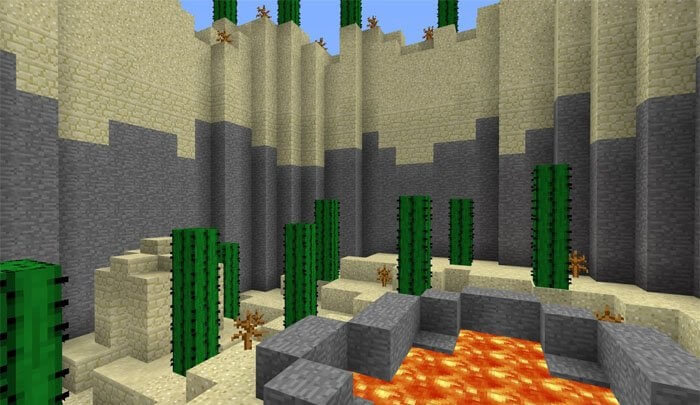
But if you look around carefully, you’ll be able to spot various interesting clues. These will form the basis of your adventure and ensure a smooth gaming experience. We wish you the best of luck!
How to install the map:
Step 1: Download the map package (extract it if the file is in an archive).
Step 2: Copy the Minecraft map folder – Find The Button MIN – to the /games/com.mojang/minecraftworlds directory (if this folder does not exist, create it yourself).
Step 3: Launch the game and select the downloaded map.
Comments (2)