



SG The Bridge | Map for Minecraft Pocket Edition
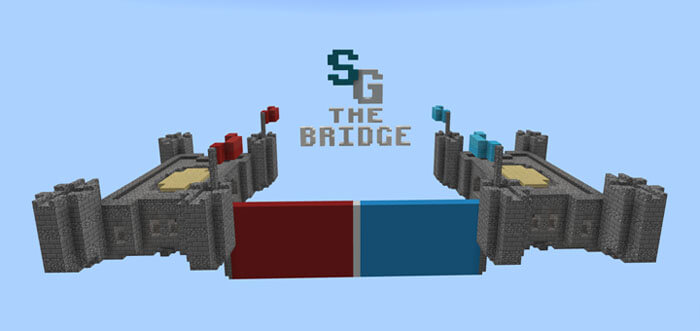 SG The Bridge for Minecraft is an engaging multiplayer map that delivers a smooth gameplay experience and invites players to compete in a fairly simple yet interesting challenge.
Teams can now be divided into two sides, each of which must cross the river and capture their opponents’ platform.
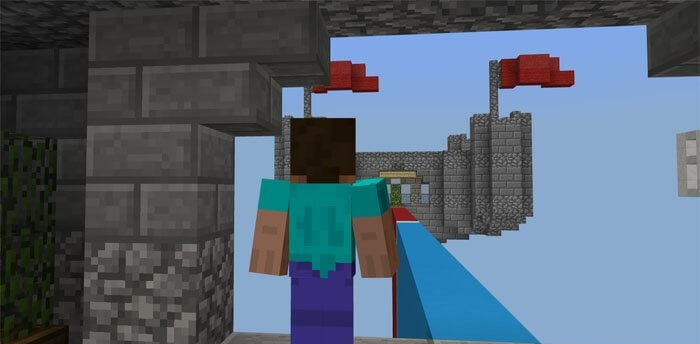
Of course, this won’t be easy, but if you give it your best, victory is guaranteed. In the meantime, you can start practising and coming up with tactics; you’re sure to enjoy them, and they’ll reveal a whole new side to this game.
How to install the map:
Step 1: Download the map package (extract it if the file is in an archive).
Step 2: Copy the Minecraft map folder – SG The Bridge – to the /games/com.mojang/minecraftworlds directory (if this folder does not exist, create it yourself).
Step 3: Launch the game and select the downloaded map.
Comments (4)