



Castle Town | Minecraft Map
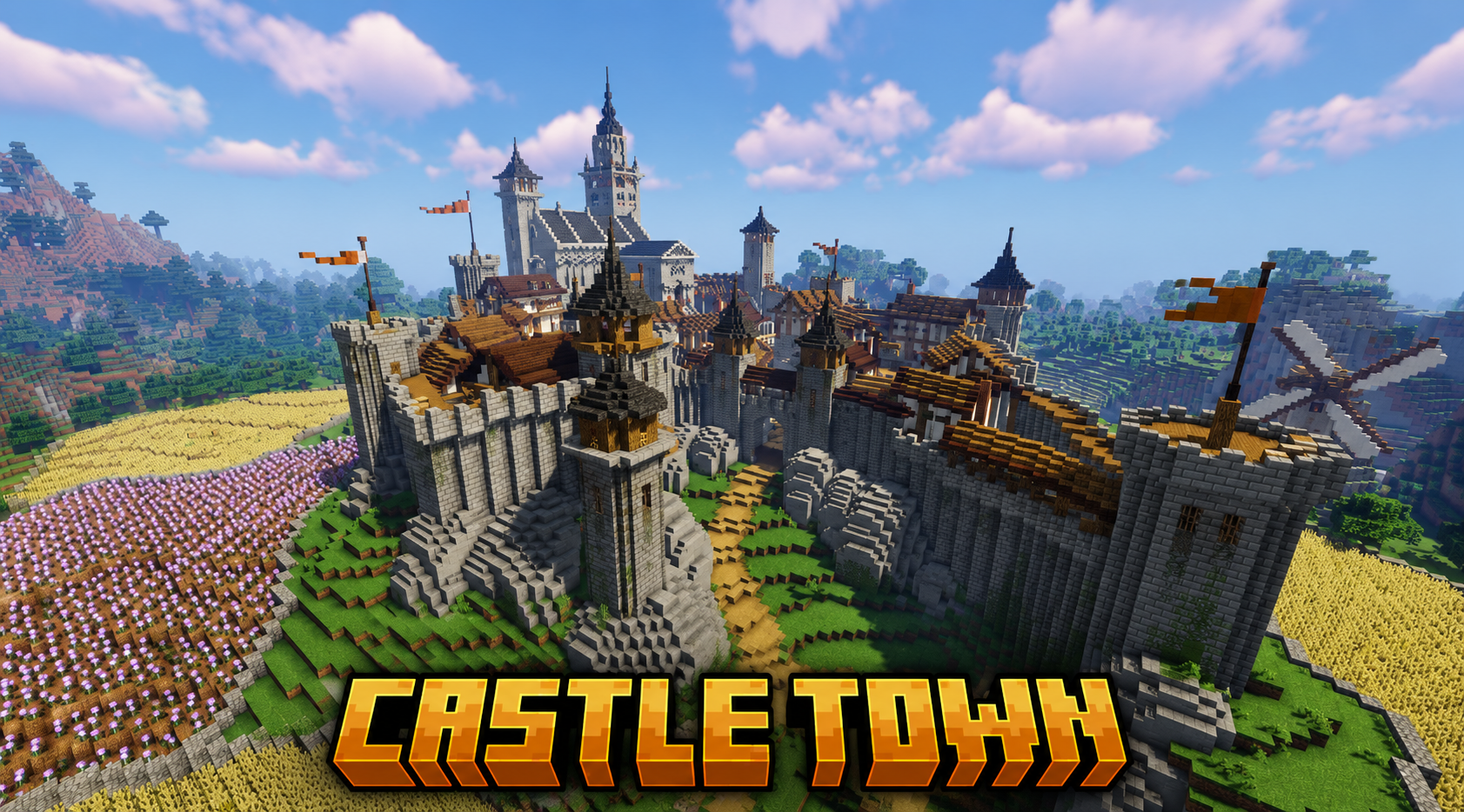
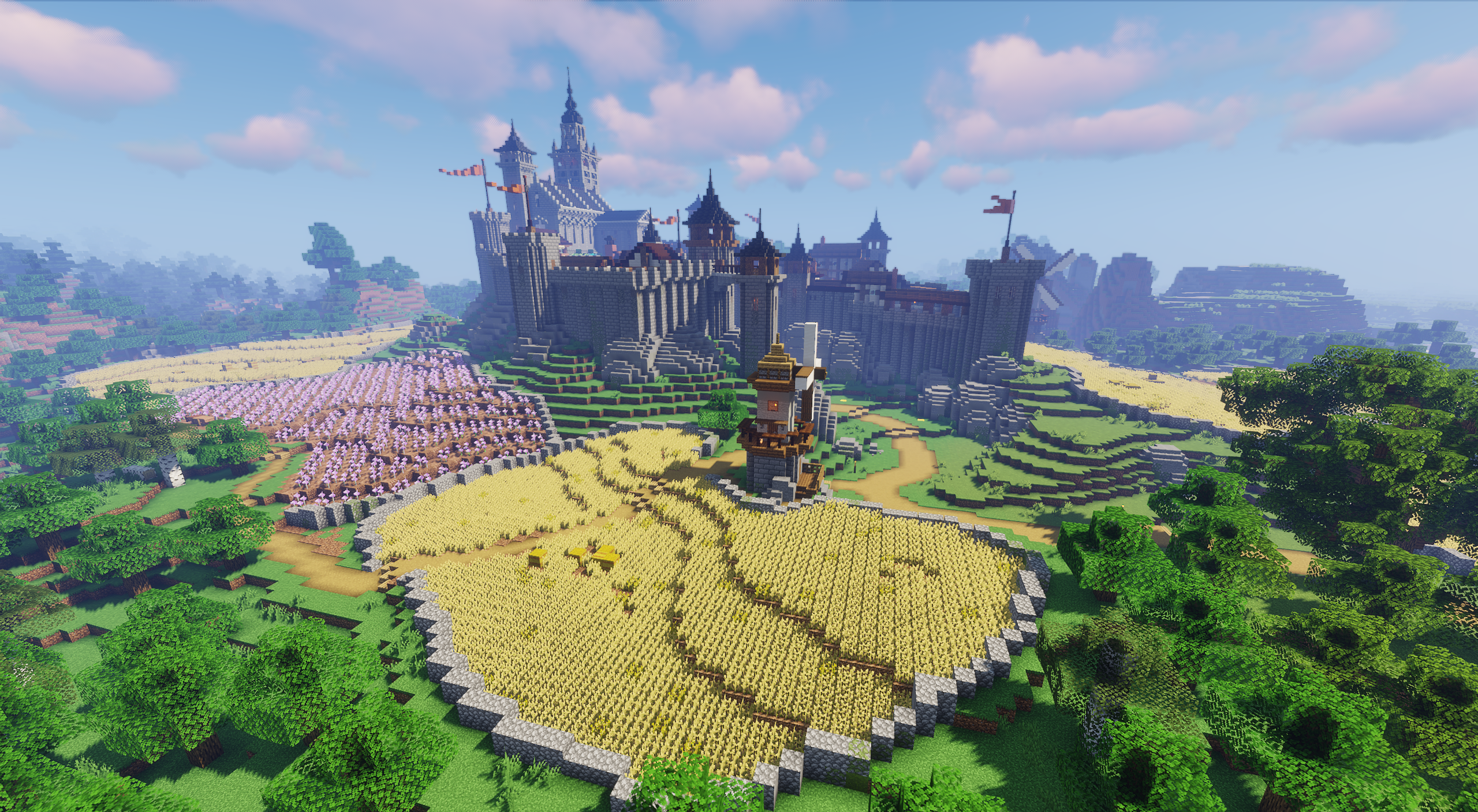
Castle Town focuses on the classic image of a medieval kingdom. The main fortress stands on a rocky cliff, protected by stone walls, towers, and a red flag. Below it lie farms: golden wheat, purple crops, even plots of land, and a tall wooden windmill outside the town.
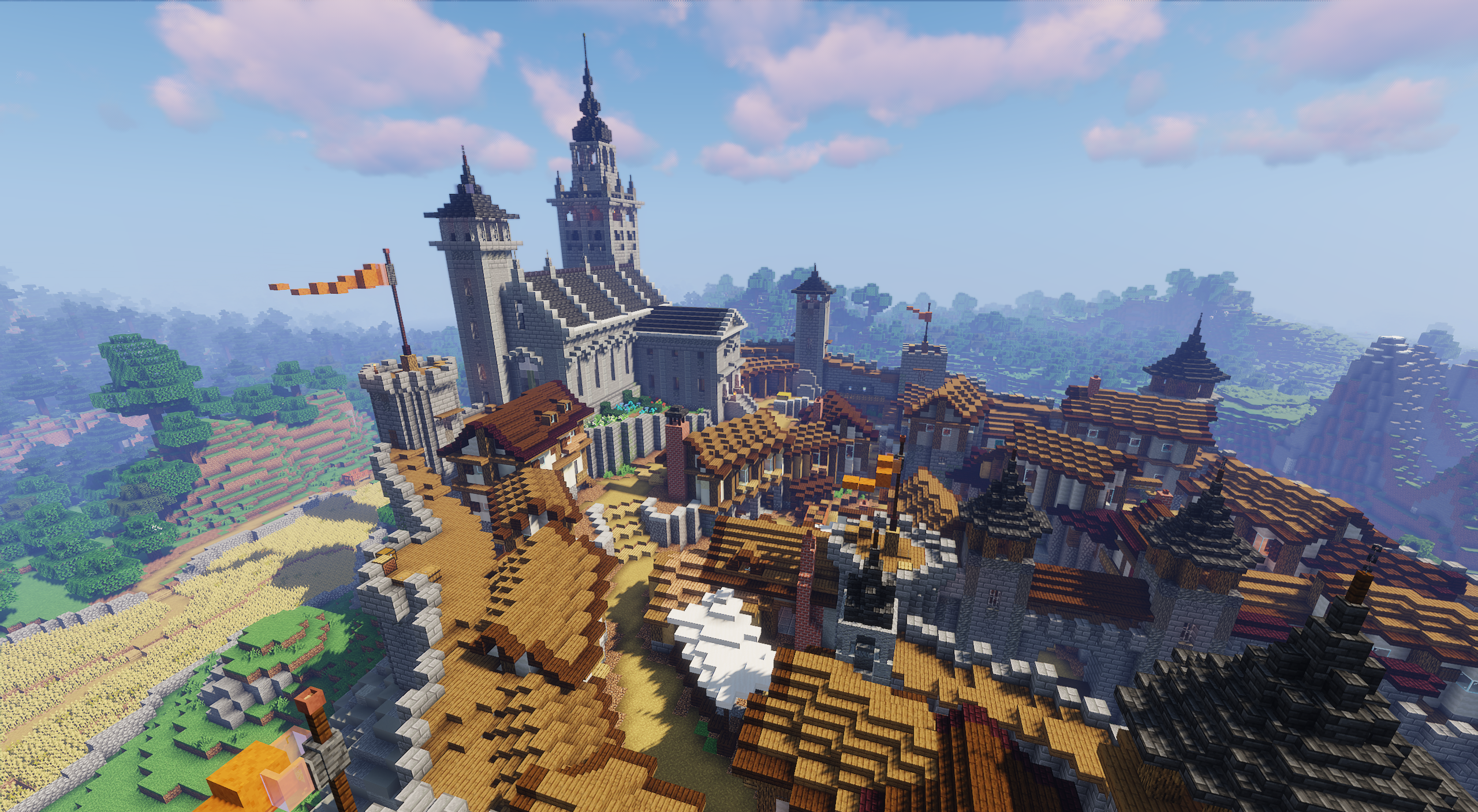
Nearby, there are dozens of houses that can be occupied, rebuilt, or used as the basis for a settlement. The map works well through the contrast between the heavy fortress above and the rural life at its foot. Stone borders and walls give the settlement a defensive character, while the fields around it leave space for expansion.
How to install a map:
1) Download the archive with a map.
2) Unpack the archive to extract a folder.
3) Copy the folder with Castle Town map to .minecraft/saves (if this folder does not exist, create it yourself).
4) Find this map in the "Singleplayer" tab of the main menu.
Comments (0)