



de_shortdust | Minecraft Map

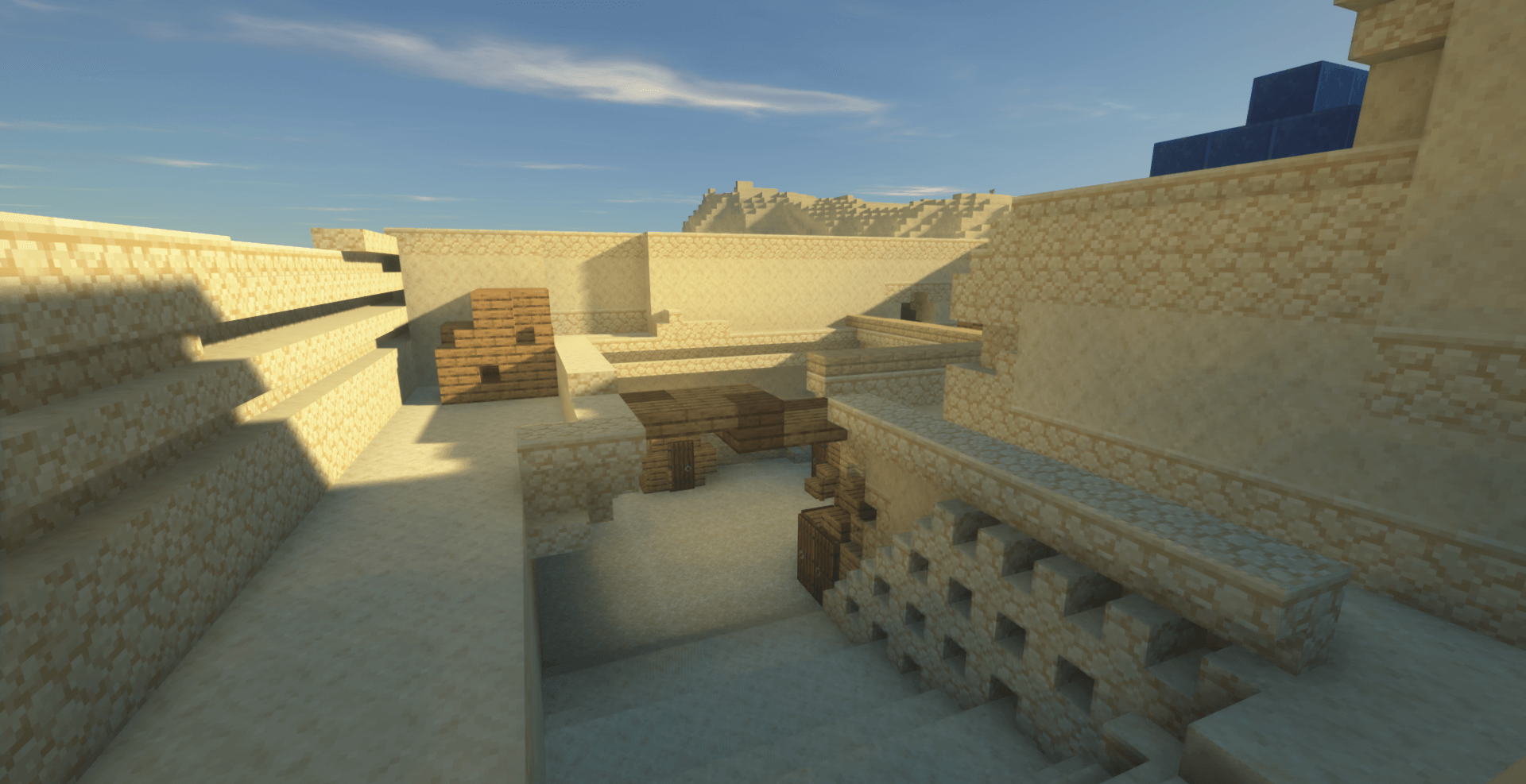
If you’re a fan not only of our vast cubic universe but also of Counter-Strike: Global Offensive, you’ll immediately recognise where the inspiration for this recreated location came from in the screenshots of de_shortdust, the next map we’re delighted to explore.
Yes, this is indeed a recreation of the map called Shortdust from Counter-Strike: Global Offensive, and you can now explore it in Minecraft 1.13.2. So go ahead and download de_shortdust to enjoy these familiar locations.
How to install the map:
Step 1: Download the map archive.
Step 2: Extract the archive to create a folder.
Step 3: Copy the folder containing the de_shortdust map to the .minecraft/saves directory (if this folder does not exist, create it yourself).
Step 4: Find this map under the "Singleplayer" tab in the menu.
Comments (0)