



Escape the Library | Minecraft Map

Any player who has downloaded the exciting Escape the Library map for version 1.16.2 can enjoy completing it with ease.
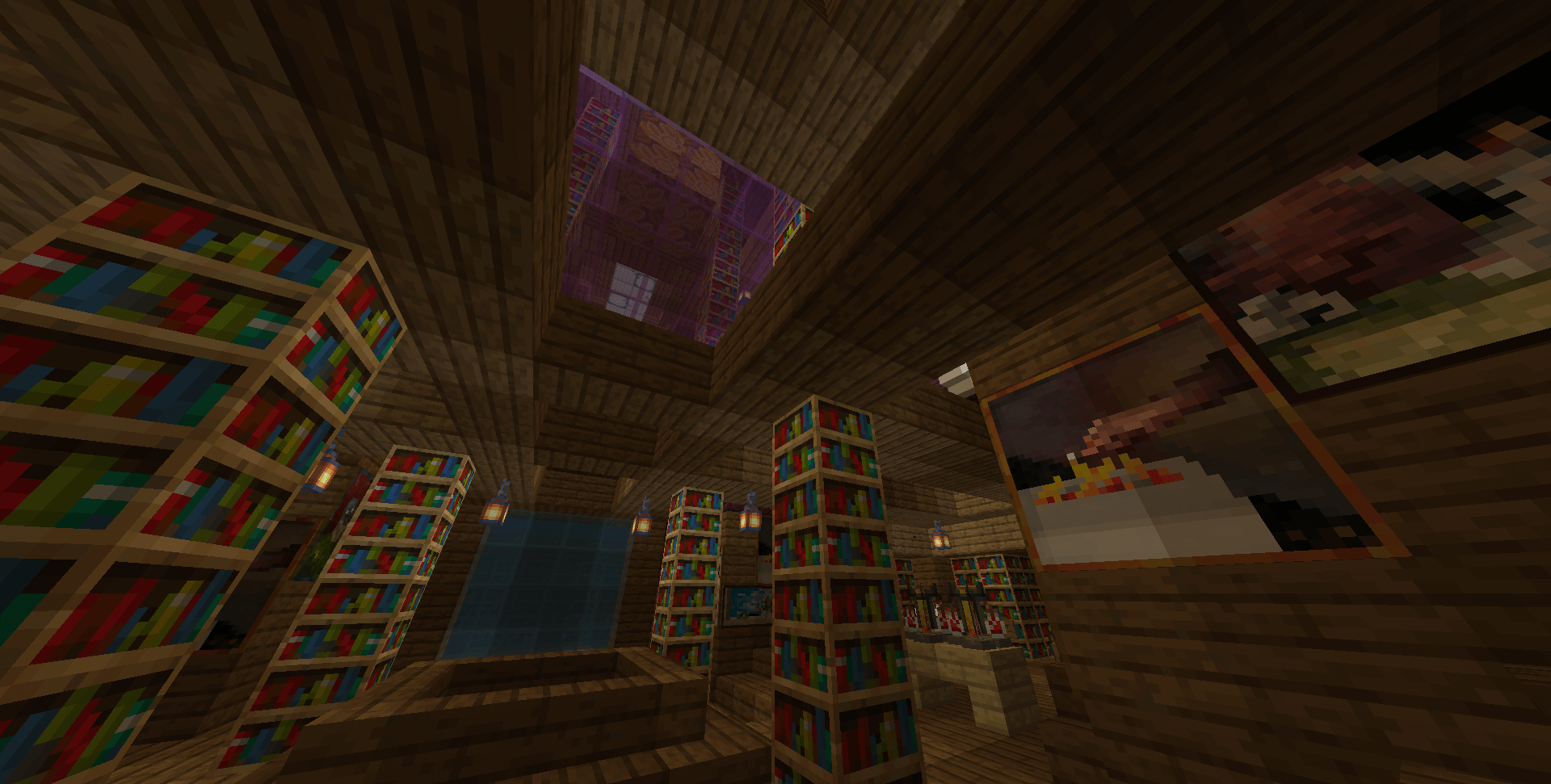
All players will be transported to a mythical library, where, as the creator intended, there is a wonderful opportunity to embark on a real quest for indescribable treasures—in other words, you automatically become a treasure hunter. You must then overcome a whole series of challenges of varying difficulty. It’s always even more exciting when you’re playing with friends.
How to install the map:
Step 1: Download the archive containing the map.
Step 2: Extract the archive to create a folder.
Step 3: Copy the folder containing the Escape the Library map to the .minecraft/saves directory (if this folder does not exist, create it yourself).
Step 4: Find this map under ‘Singleplayer’ in the menu.
Comments (0)