



Fantasy Town Beneath the Mountain | Minecraft Map

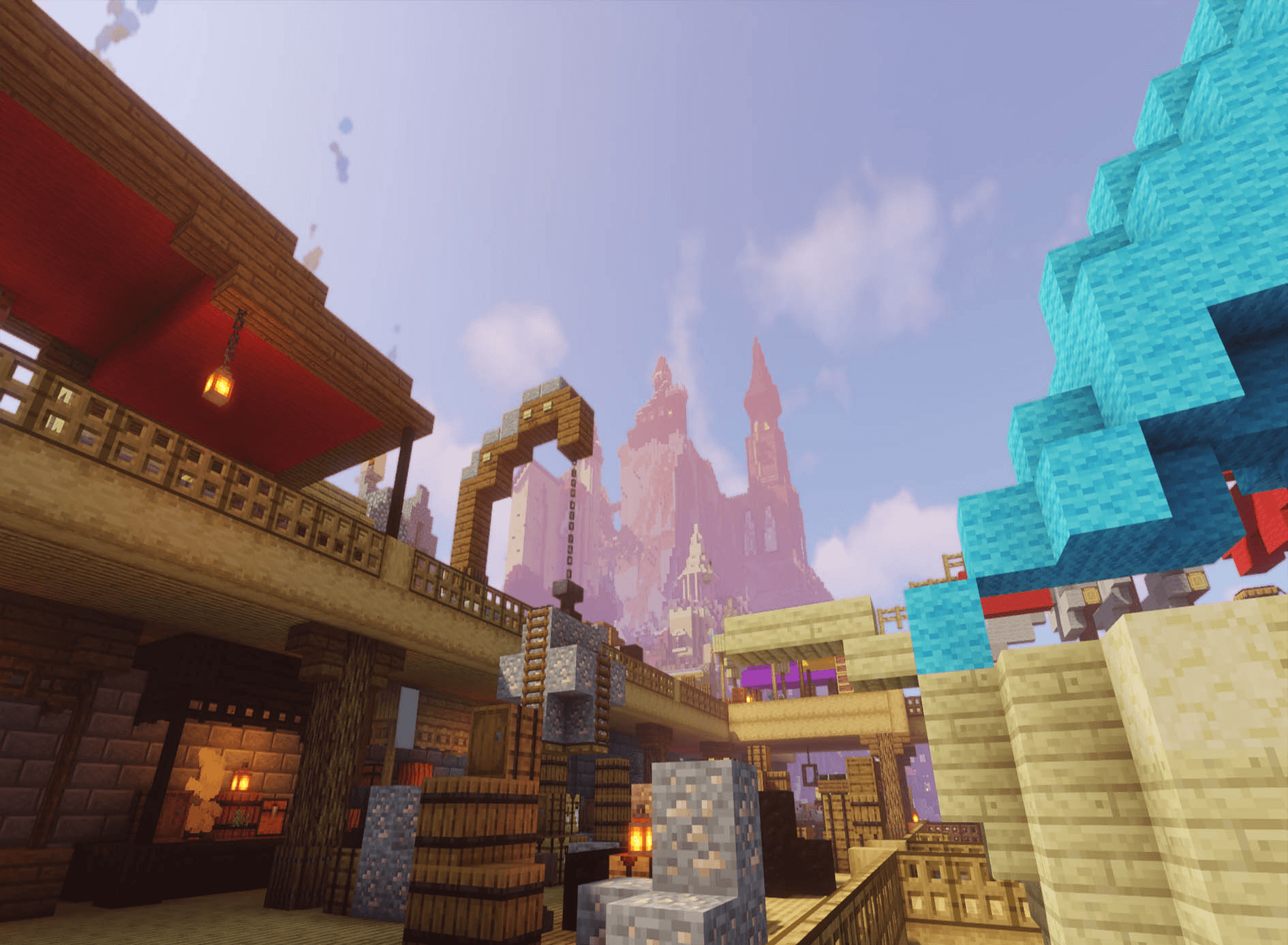
The captivating ‘Fantasy Town Beneath the Mountain’ map for version 1.16.1 offers Minecraft players a wonderful opportunity to visit a medieval fantasy town.
It is situated right next to a towering cliff. The map creator’s work is superb; they have managed to capture the beauty of each individual building, the magical castle, and the interesting, picturesque natural spots that so clearly reveal all the fine details of the town. There are also a small number of Easter eggs on this map.
How to install the map:
Step 1: Download the archive containing the map.
Step 2: Extract the archive to create a folder.
Step 3: Copy the folder containing the ‘Fantasy Town Beneath the Mountain’ map to the .minecraft/saves directory (if this folder does not exist, create it yourself).
Step 4: Find this map under the ‘Singleplayer’ tab in the menu.
Comments (4)