



Find the Button by luckygor_red | Minecraft Map
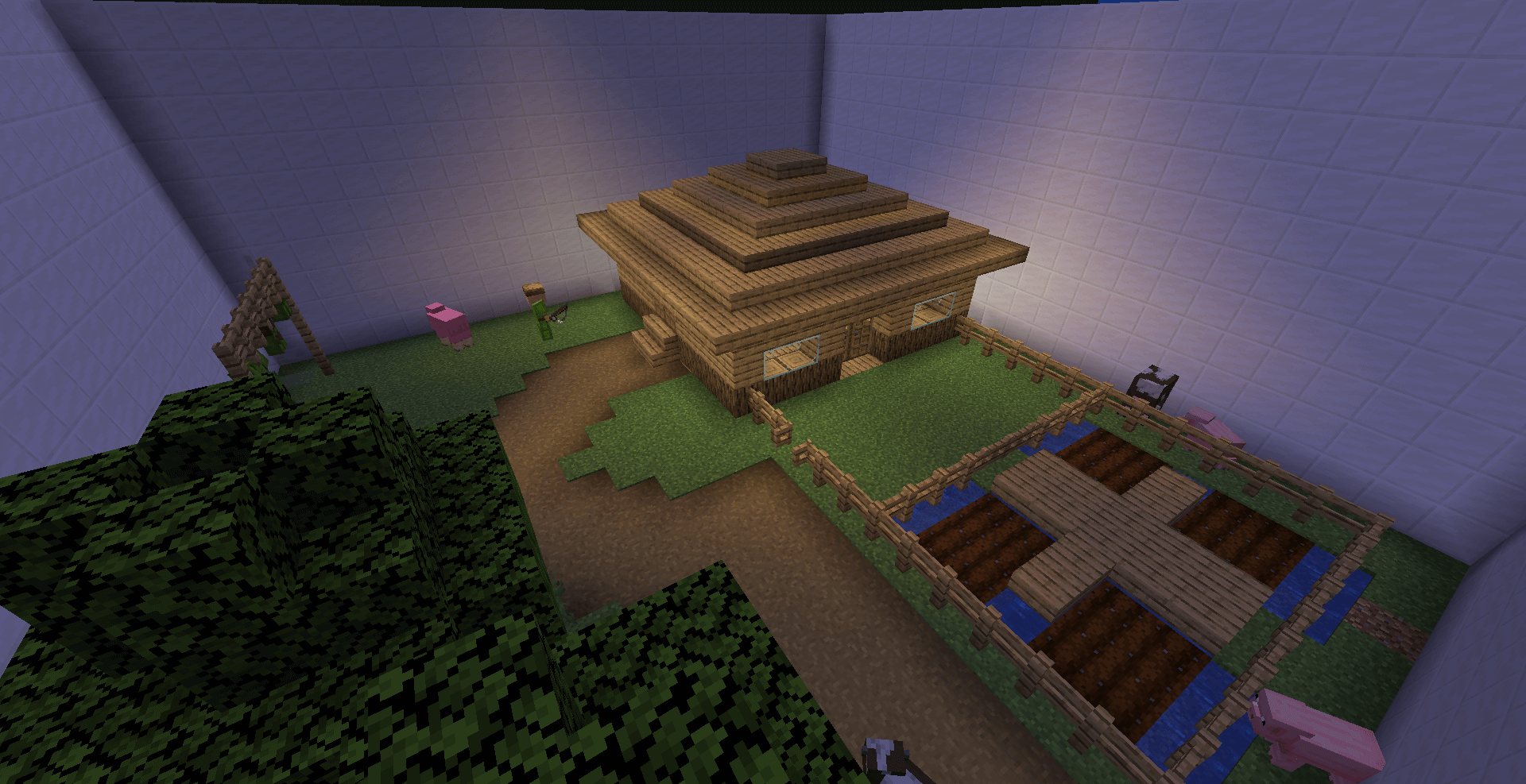
The release of the interesting ‘Find the Button’ map by luckygor_red for Minecraft version 1.14.4 comes as no surprise.
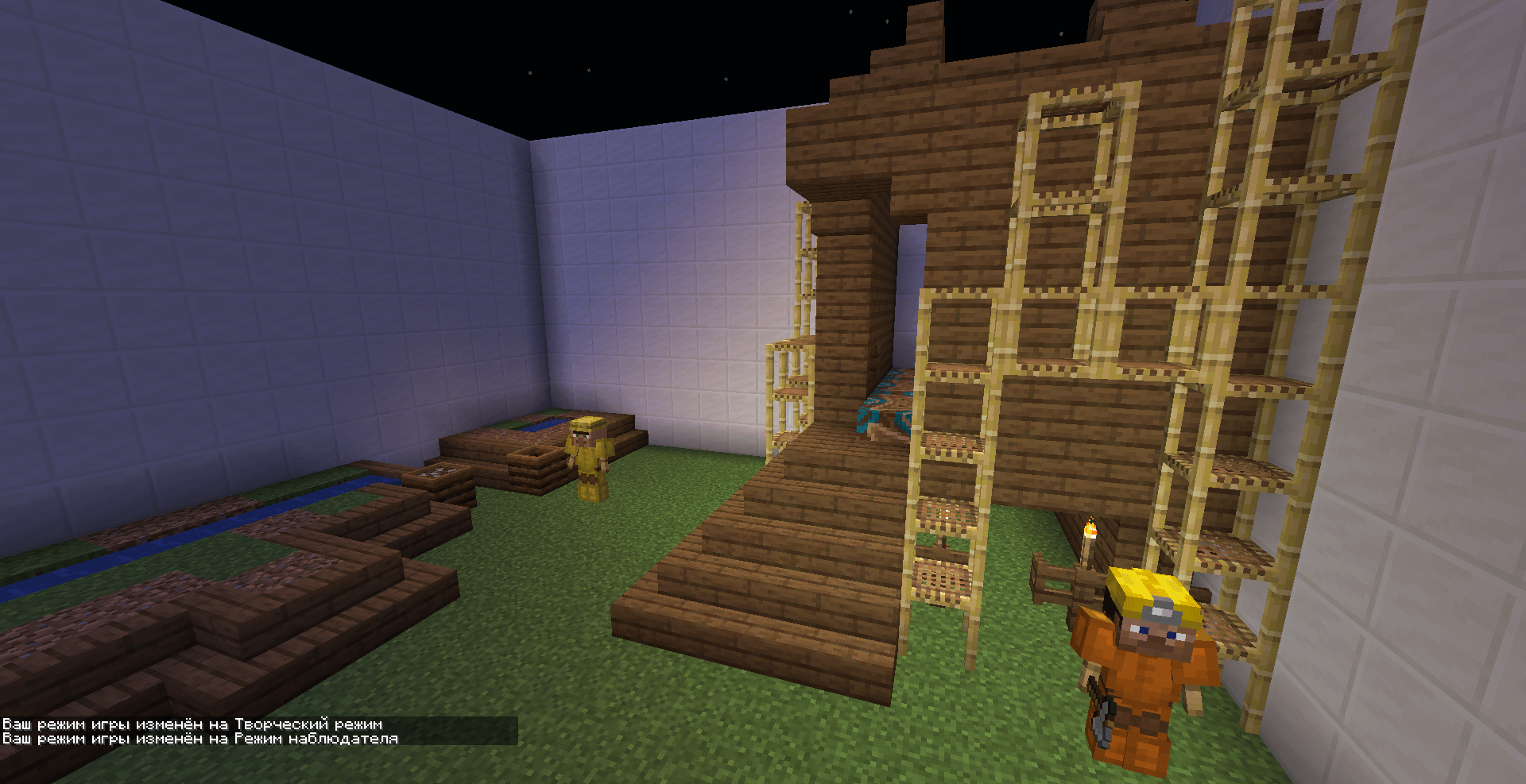
Here, all players must complete fifteen challenging levels, carefully searching for a button in each one. If at any point you find yourself struggling to locate a button, you can consult the hint book created by the author. With its help, you’re sure to find everything, but do try to find the hidden buttons on your own first.
How to install the map:
Step 1: Download the archive containing the map.
Step 2: Extract the archive to create a folder.
Step 3: Copy the folder containing the ‘Find the Button by luckygor_red’ map to the .minecraft/saves directory (if this folder does not exist, create it yourself).
Step 4: Find this map under the ‘Singleplayer’ tab in the menu.
Comments (0)