



Haven | Minecraft Map
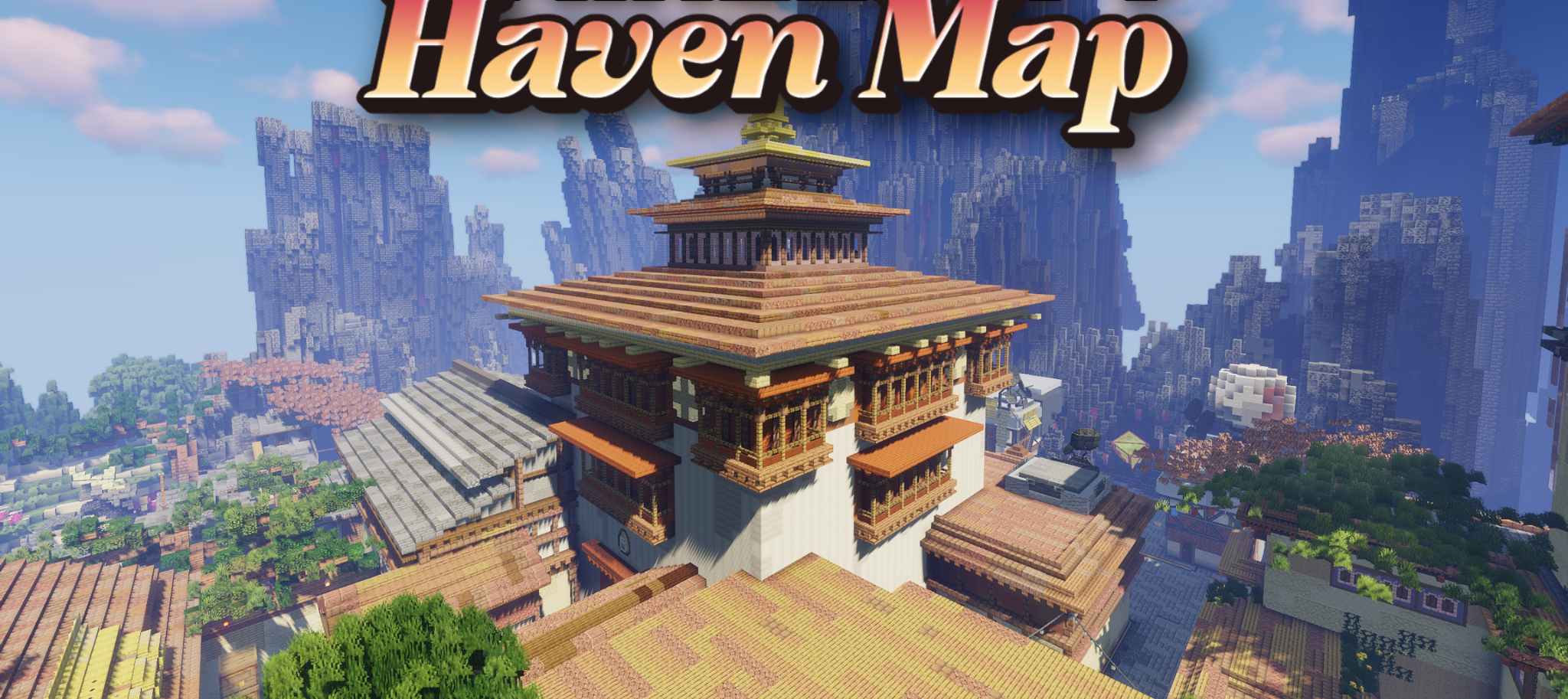
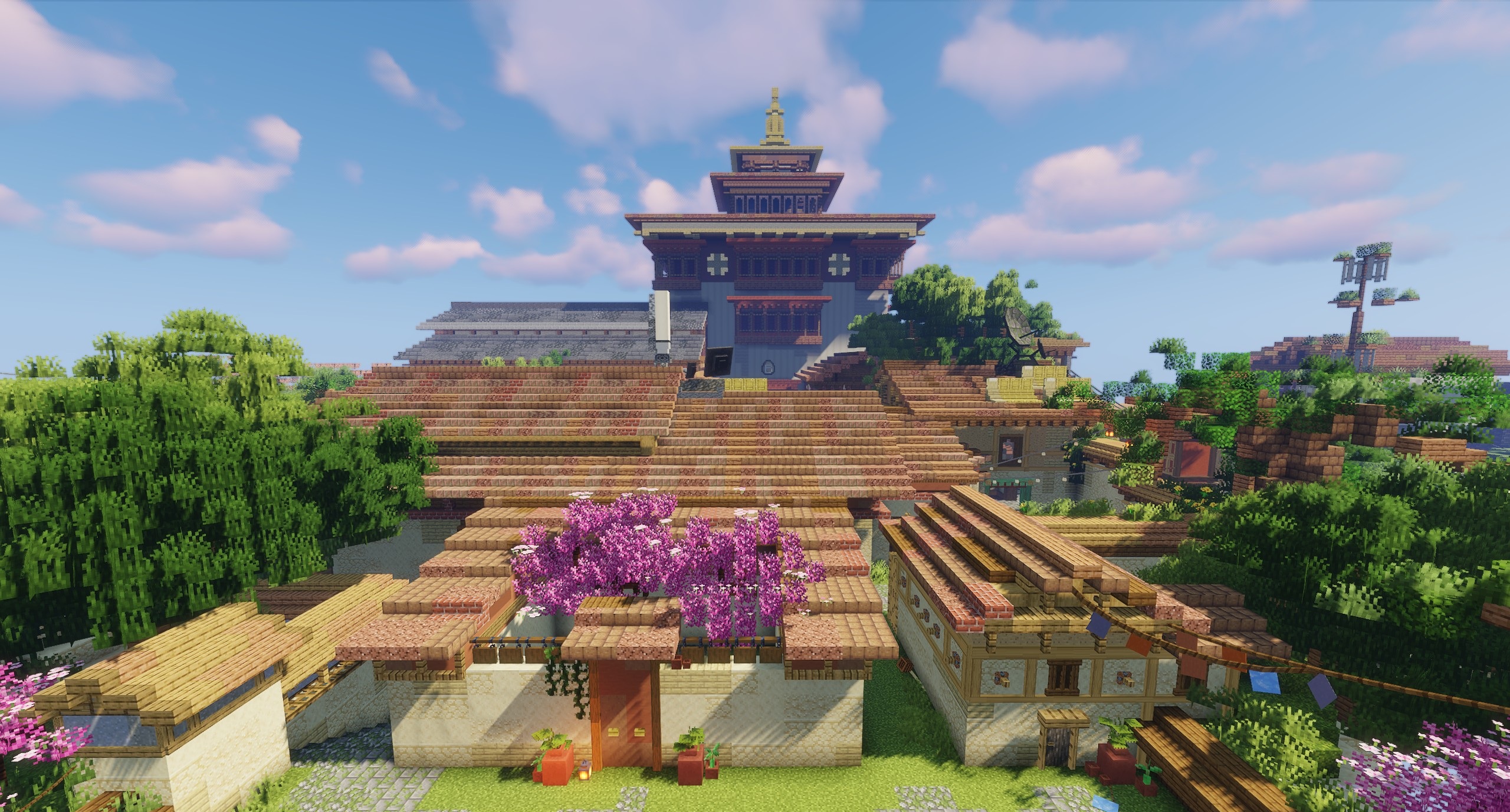
Haven takes the player to a large mountain valley filled with temples, pagodas, and tall wooden towers. The settlement is surrounded by sharp stone peaks, with a winding river flowing between them. White walls, golden spires, and bright pink flowering trees stand out clearly against the dense green forests.
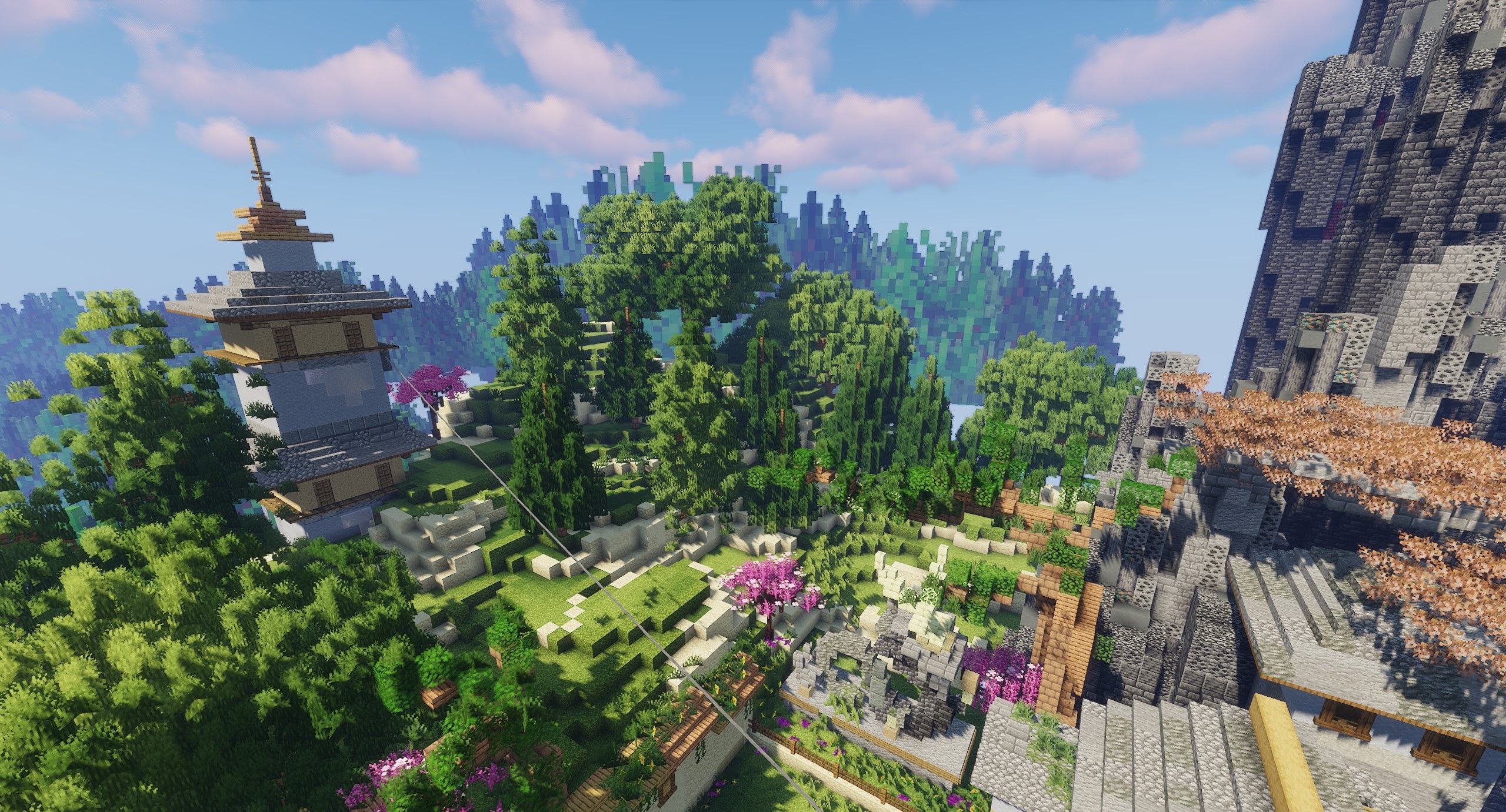
A separate stone structure floats above the valley, adding a touch of fantasy to the landscape. The map was created primarily for walking, exploring architecture, and taking beautiful screenshots, but it can also be used as a setting for role-playing. The player receives a fully prepared Asian-style world where every part of the valley is already connected by roads, water, and a unified composition.
How to install a map:
1) Download the archive with a map.
2) Unpack the archive to extract a folder.
3) Copy the folder with Haven map to .minecraft/saves (if this folder does not exist, create it yourself).
4) Find this map in the "Singleplayer" tab of the main menu.
Comments (0)