



Japanese Kingdom | Minecraft Map
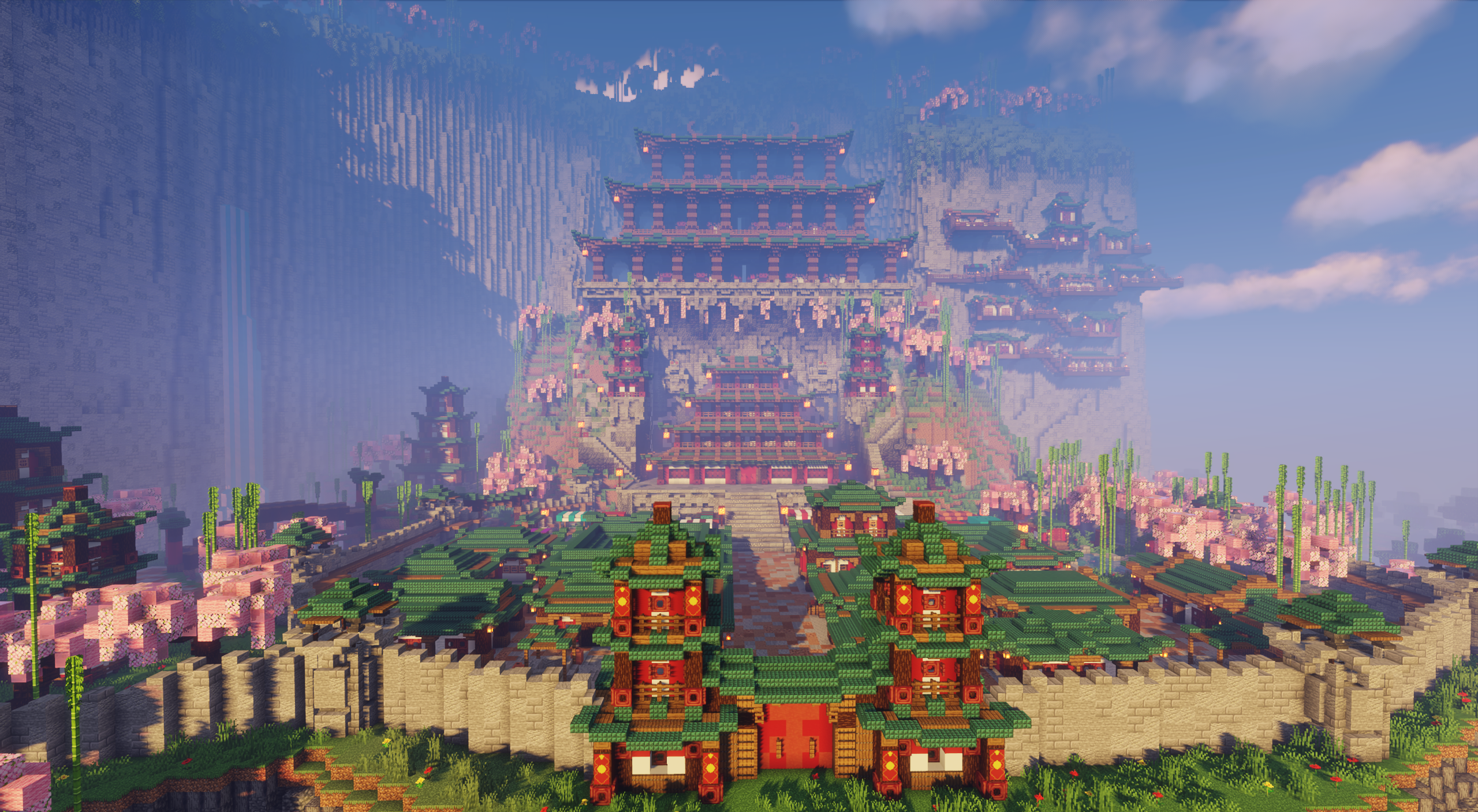
If you are a fan of interesting and well-crafted maps, then we recommend you try the Japanese Kingdom map for Minecraft. This time, you’ll go explore a completely new space that will surely please you and give you many new impressions.
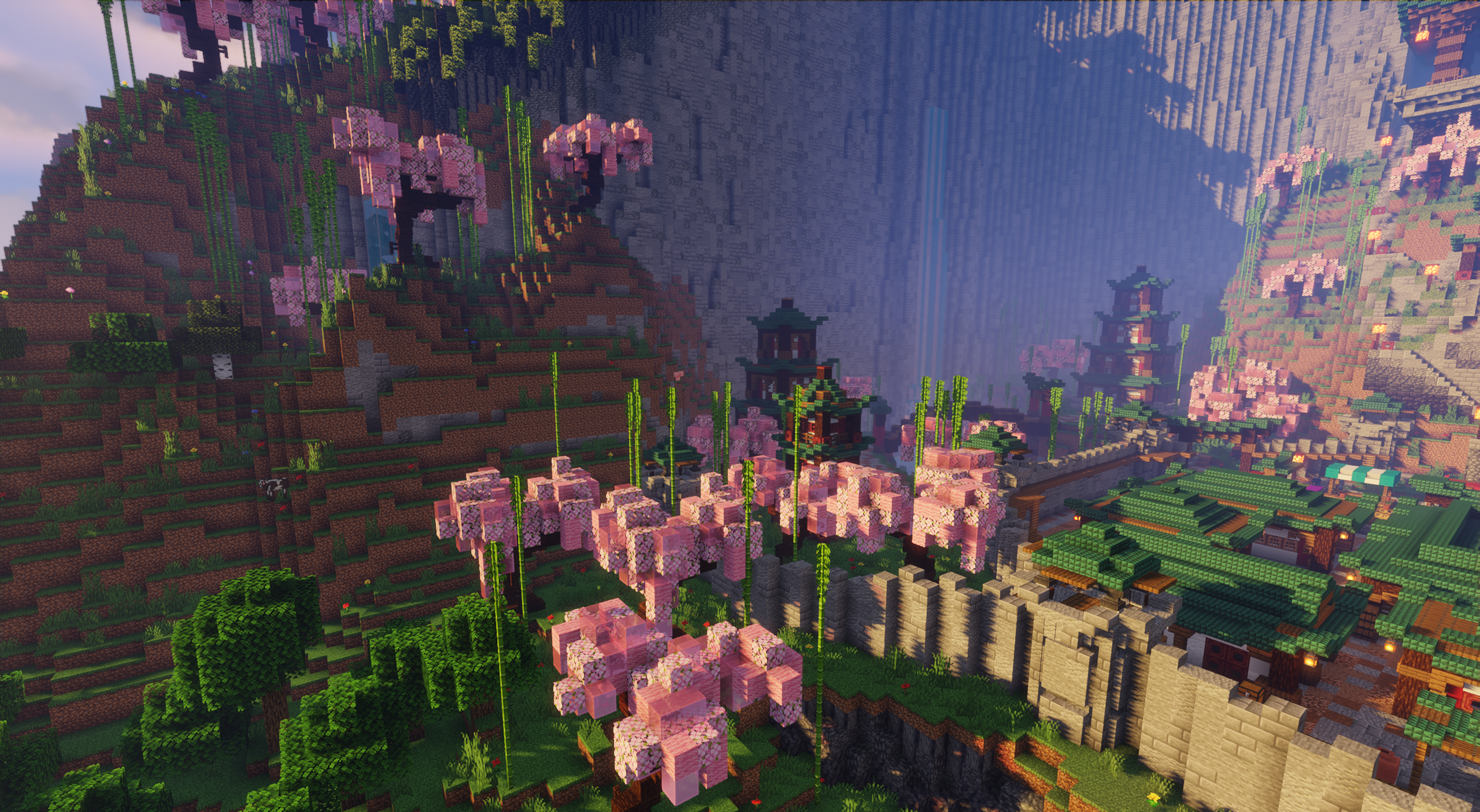
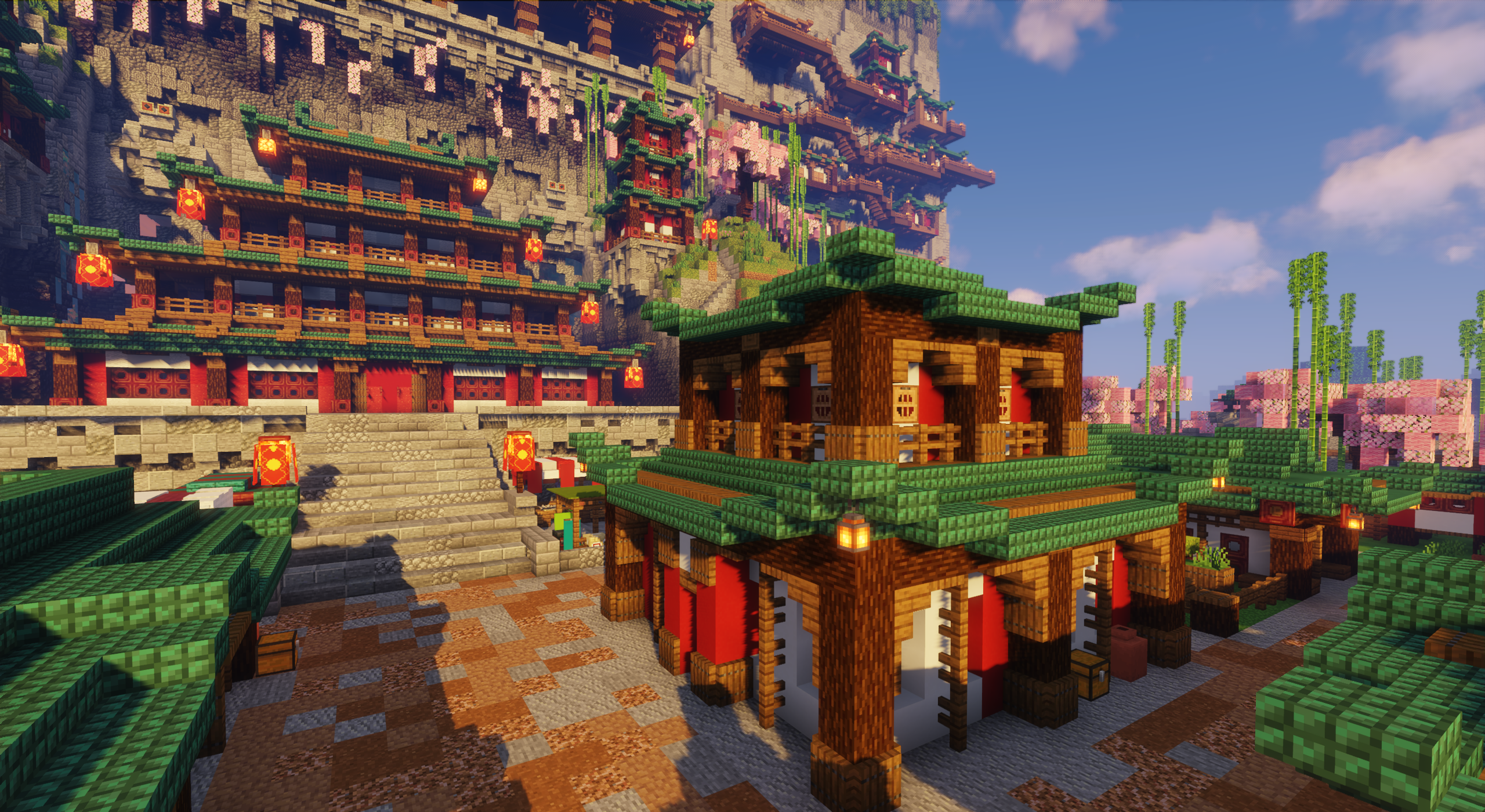
The theme of the new map is Japan, through which the author offers a chance to explore a themed kingdom. In addition to having recognizable details, all the structures are located within a cliff. In short, boldly head into the adventure and enjoy the new surroundings, which definitely won’t disappoint.
How to install a map:
1) Download the archive with a map.
2) Unpack the archive to extract a folder.
3) Copy the folder with Japanese Kingdom map to .minecraft/saves (if this folder does not exist, create it yourself).
4) Find this map in the "Singleplayer" tab of the main menu.
Comments (1)